

Whether you're a life coach, business coach, or fitness coach, your effectiveness depends on being fully present with clients. But you also need to track progress, document sessions, and follow up.
Voice AI tools let you do both.
The Tools
WisprFlow for Session Notes
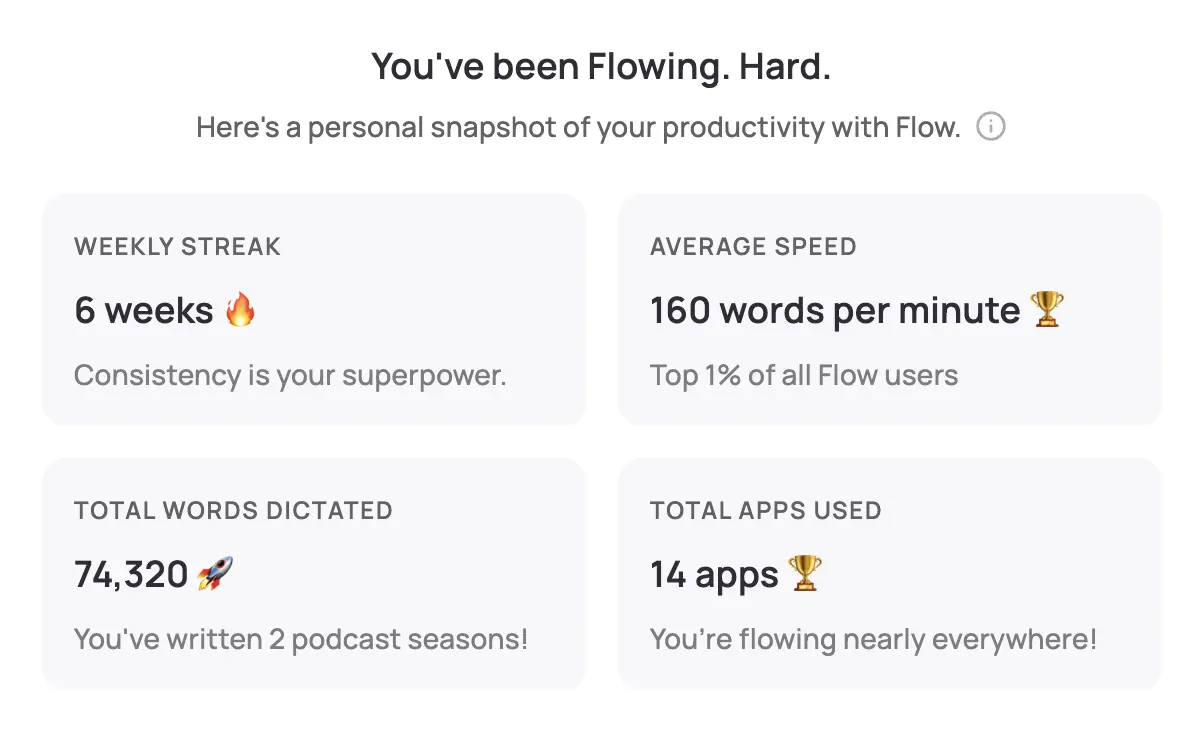
WisprFlow lets you dictate session notes immediately after coaching—while insights are fresh.
For Coaches
Post-session notes: Dictate observations, breakthroughs, and next steps in 2 minutes.
Client progress tracking: Speak updates into your coaching software or CRM.
Follow-up messages: Personalized accountability emails dictated in seconds.
Content creation: Turn your coaching insights into blog posts, newsletters, and courses.
Coaching Documentation
- Session summaries: What was discussed, what emerged
- Action items: What the client committed to
- Observations: Patterns, resistance, growth areas
- Next session prep: Topics to revisit
Granola for Session Capture (Where Appropriate)

Granola can capture coaching sessions—useful for your own review and development.
Appropriate Use Cases
Your development: Review your coaching for blind spots and patterns.
Complex client situations: Reference exactly what was said.
Group coaching: Capture dynamics and individual contributions.
Supervision prep: Have session details ready for your supervisor.
Note: Session recording should be transparent with clients. Get consent.
Coach Workflow
Per Session
- During: Be fully present (don't take notes)
- Immediately after: 2-minute voice dictation of key insights
- Later: Dictate follow-up email to client
- Weekly: Review client progress patterns
Business Operations
- Dictate program descriptions and marketing copy
- Create course content from your expertise
- Client onboarding materials by voice
Time Savings
| Task | Traditional | With Voice AI | Per-Client Savings |
|---|---|---|---|
| Session notes | 15 min | 3 min | 12 min |
| Follow-up email | 10 min | 2 min | 8 min |
| Progress tracking | 10 min | 2 min | 8 min |
| Total | 35 min | 7 min | 28 min |
At 20 clients, that's 9+ hours saved weekly.
Getting Started
- For notes and follow-ups: Try WisprFlow - dictate everything
- For session review: Try Granola - with client consent
FAQ
Should I record coaching sessions?
That's your decision and depends on your coaching philosophy, client comfort, and consent. Many coaches just dictate notes after sessions.
Does this work for group coaching?
Yes. WisprFlow for your notes and materials. Granola can capture group dynamics if you have consent.
What about fitness coaching?
Same tools work. Dictate client progress, workout notes, and program adjustments. Mobile use is helpful in gym settings.
Coaching presence can't be automated. But session documentation can—and should be.
How each tool turns speech into text
The useful difference is where the text appears and how much work remains afterward.
Traditional typing stays precise and familiar for short edits.
WisprFlow dictates into any app with AI formatting, and it is free to try.

Discussion
Giscus