

Nursing documentation consumes 25-35% of a nurse's shift time. Between patient care notes, medication administration records, shift reports, and care plan updates, paperwork often takes nurses away from direct patient care. Voice AI tools can significantly reduce this documentation burden.
This guide covers practical voice tools for nursing documentation, with considerations for healthcare privacy and workflow integration.
Granola: exclude clinical capture
Granola must not capture patient visits, therapy sessions, client assessments, case discussions, handoffs, or patient documentation on Free, Personal, or Business accounts. Granola documents HIPAA support for Enterprise customers with HIPAA enabled and a signed Business Associate Agreement (BAA). Its security FAQs limit current BAA coverage to desktop and laptop apps. Free, Personal, and Business accounts must not store or process protected health information (PHI). Consent alone does not change these account restrictions. An Enterprise deployment requires your organization’s approval of the contract, configuration, and intended workflow; this article does not recommend Granola for clinical capture.
Granola sends audio to a cloud transcription provider and uses cloud AI processing. Bot-free capture does not mean local-only processing. Removing names afterward does not undo that processing. Do not infer clinical accuracy, EHR support, or compliant documentation from general meeting summaries.
Only consider an explicitly approved non-clinical administrative meeting with no PHI or sensitive client records, such as planning public website content. Stop capture if that boundary cannot hold. For clinical work, require a purpose-built, organization-approved service and appropriate contractual protections; this guide does not verify another vendor's clinical suitability. Read the clinical documentation requirements.
The Tools
WisprFlow for Patient Care Documentation
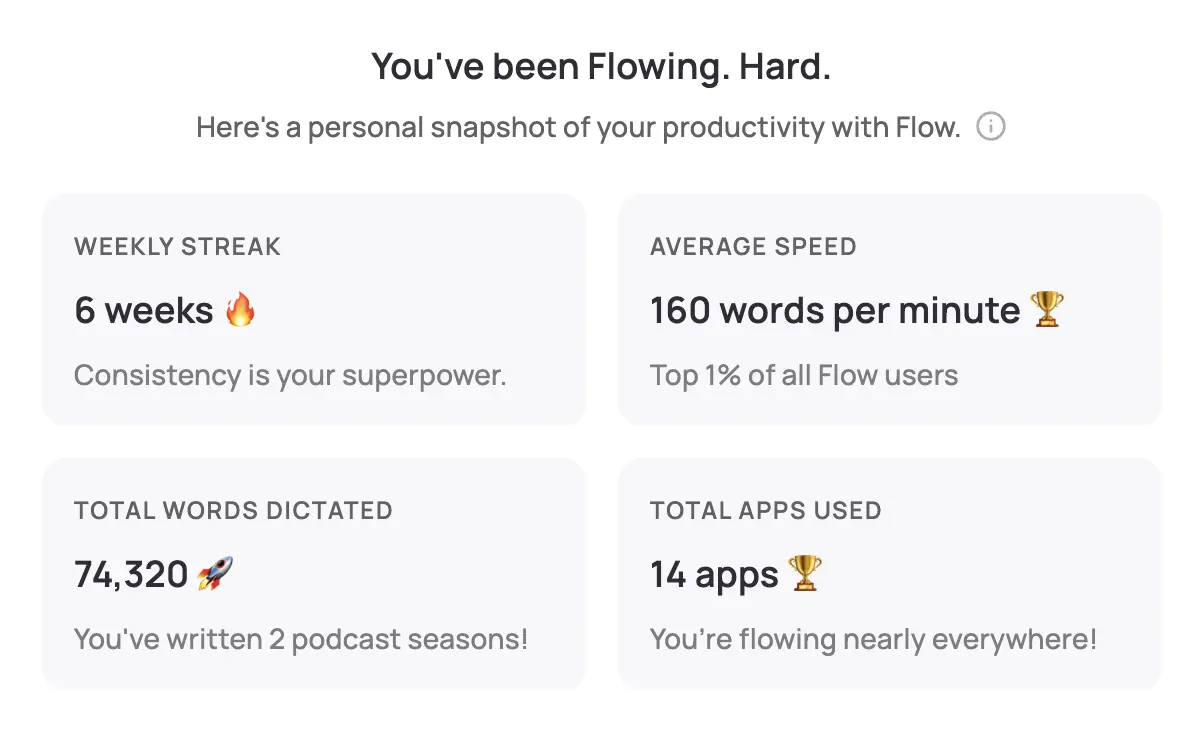
WisprFlow is a system-wide voice-to-text tool that works with any electronic health record (EHR) system. Speak naturally, and formatted text appears wherever your cursor is—Epic, Cerner, or any nursing documentation platform.
Why Nurses Choose WisprFlow
Universal EHR compatibility: WisprFlow works at the operating system level, so it integrates with any documentation system your facility uses. No special EHR integration required.
Learns nursing terminology: The personal dictionary feature adapts to nursing-specific vocabulary, medication names, medical abbreviations, and unit-specific terminology.
Faster than charting by hand: Most nurses type 25-40 WPM. WisprFlow enables 150+ WPM dictation, cutting documentation time by 60-75%.
Hands-free operation: Use hotkeys to start dictation while maintaining sterile technique or continuing patient care activities.
Nursing Documentation Use Cases
Patient care notes: Dictate assessments, interventions, and patient responses during or immediately after providing care.
Shift reports: Create comprehensive handoff reports by speaking through each patient's status, concerns, and care needs.
Medication administration records: Verbally document medication times, patient responses, and any variations from standard protocols.
Care plan updates: Quickly update patient care plans with new goals, interventions, and evaluation notes.
Incident reports: Thoroughly document safety events, patient falls, or other incidents while details are fresh.
Discharge education documentation: Record patient teaching sessions and comprehension assessments.
Time Savings by Documentation Type
| Documentation Type | Traditional | With WisprFlow | Time Saved |
|---|---|---|---|
| Patient care note | 6 minutes | 2 minutes | 4 minutes |
| Shift report (5 patients) | 20 minutes | 7 minutes | 13 minutes |
| Medication documentation | 3 minutes | 1 minute | 2 minutes |
| Care plan update | 8 minutes | 3 minutes | 5 minutes |
For a full 12-hour shift with typical documentation requirements, nurses report saving 45-90 minutes of documentation time.
Getting Started
- For nursing documentation: Try WisprFlow - Works with any EHR system
Can I use this during sterile procedures?
WisprFlow supports hands-free voice activation through hotkeys. You can start dictation without touching your computer, making it suitable for use during procedures requiring sterile technique.
Does this work with electronic medication administration records (eMAR)?
Yes, WisprFlow works system-wide and can dictate into any text field in your eMAR system, including medication administration notes and patient response documentation.
What about patient privacy during voice dictation?
Voice AI tools process audio locally or through encrypted channels. However, always check your facility's policies about voice recording in patient areas and obtain appropriate permissions.
Every minute spent on documentation is a minute not spent with patients. While these tools won't solve nursing's systemic challenges, they can give individual nurses meaningful time back for what matters most—patient care.
How each tool turns speech into text
The useful difference is where the text appears and how much work remains afterward.
Traditional typing stays precise and familiar for short edits.
WisprFlow dictates into any app with AI formatting, and it is free to try.

Discussion
Giscus