

Sales is a game of details. The rep who remembers what the prospect said on the first call closes more deals than the one scrambling to recall key points.
Voice AI tools capture every conversation and speed up follow-ups—giving you an edge in competitive deals.
The Tools
Granola for Sales Calls
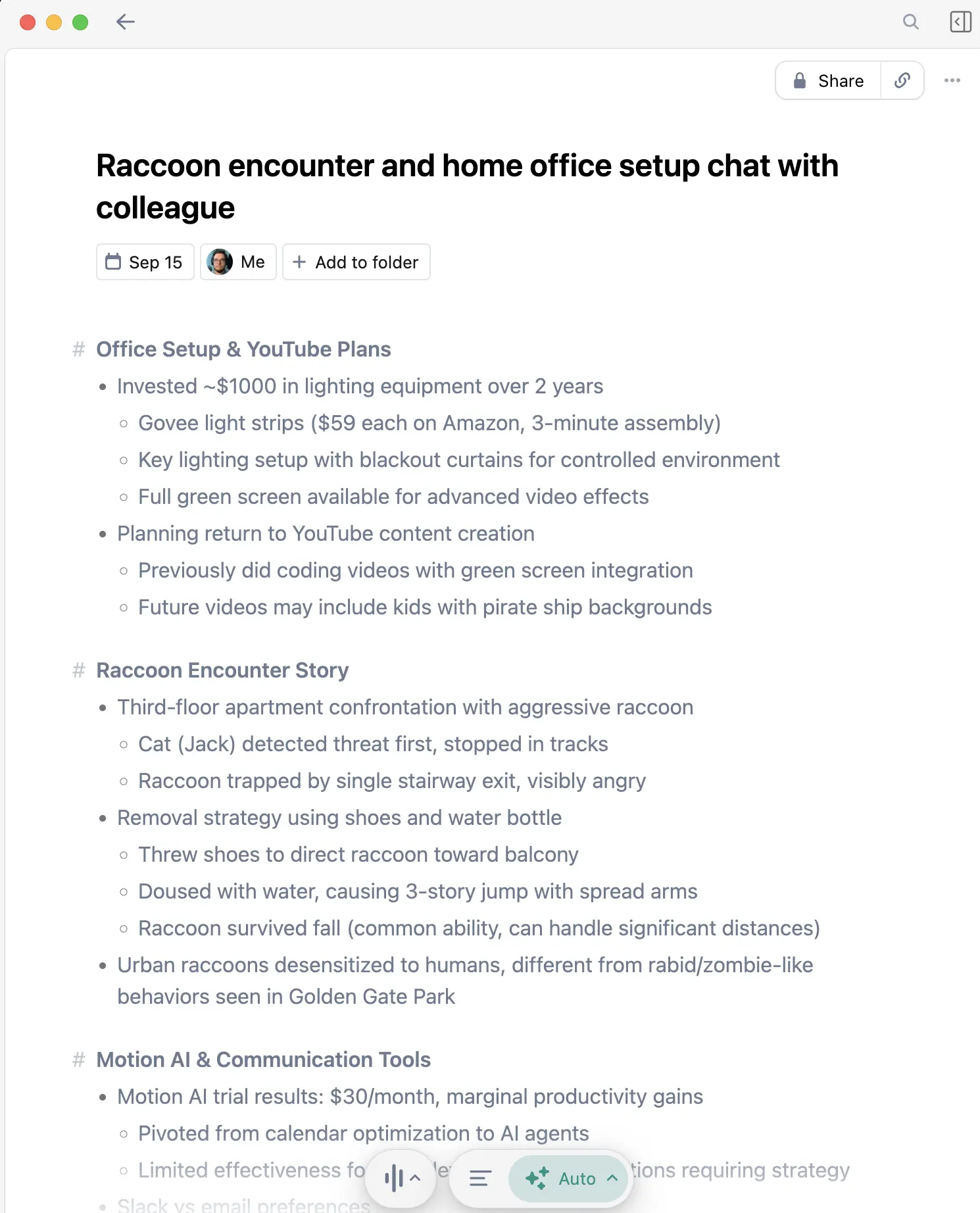
Granola captures your calls and creates structured notes with action items—without prospects knowing you're recording.
Why Sales Reps Need This
Never miss a buying signal: Prospects mention budget, timeline, and decision-makers in passing. Granola catches everything.
No distracting bot: Other tools join calls visibly. Prospects notice and sometimes get guarded. Granola runs invisibly.
Automatic follow-up list: Every call ends with clear next steps extracted automatically.
Sales Use Cases
- Discovery calls: Capture pain points, current solutions, and decision criteria
- Demo calls: Note specific features that resonated and objections raised
- Negotiation: Exact record of what was offered and discussed
- Internal handoffs: Pass complete context to AEs, SEs, or customer success
The "I'll Send a Recap" Advantage
Send detailed follow-ups within minutes of hanging up. While your competitor is still typing notes, you've already reinforced every key point.
WisprFlow for CRM and Follow-ups

WisprFlow is voice-to-text that works in Salesforce, HubSpot, Outreach—anywhere you update deals.
CRM Updates in Seconds
Speak your notes: After each call, dictate directly into the opportunity record. "Spoke with CFO, budget confirmed at $50K, need security review before..."
Email follow-ups: Dictate personalized follow-ups at 170 WPM instead of typing at 50 WPM. Send while the call is still fresh.
Proposals and quotes: Speak through custom sections instead of typing.
The Admin Time Problem
Studies show sales reps spend only 34% of their time actually selling. The rest is admin work. Voice tools attack that directly.
Sales Workflow
Every Call
- Before: Quick review of account in CRM
- During: Granola captures automatically. You focus on the conversation.
- After:
- Review Granola's summary and action items
- Dictate CRM update via WisprFlow
- Send follow-up email by voice
Deal Progression
- Discovery: Granola captures needs, pains, timeline
- Qualification: Reference transcripts when presenting to managers
- Proposal: Dictate custom sections
- Negotiation: Exact record of all discussions
- Close: Fast, complete handoff to implementation
Time Savings
| Task | Traditional | With Voice AI | Weekly Savings |
|---|---|---|---|
| Call notes | 15 min/call | 0 (auto) | 5+ hrs |
| CRM updates | 30 min/day | 10 min/day | 1.5 hrs |
| Follow-up emails | 2 hrs/day | 45 min/day | 6+ hrs |
| Total | 12+ hrs |
That's 12+ hours per week back for prospecting and selling.
Getting Started
- For call capture: Try Granola - invisible meeting notes
- For CRM and emails: Try WisprFlow - works with Salesforce, HubSpot, etc.
FAQ
Does this integrate with Gong/Chorus/Clari?
These are complementary. Gong et al. analyze calls for coaching. Granola captures your personal notes without visible recording. WisprFlow speeds up your actual work.
What about call recording consent?
Granola doesn't join calls visibly, but you're still responsible for consent laws in your jurisdiction. Know your state's requirements.
Can I dictate into Salesforce?
Yes. WisprFlow works at the system level—click in any field and dictate. Salesforce, HubSpot, Outreach, LinkedIn, all work.
Will my manager see my transcripts?
Granola is personal. You control your notes. It's not a surveillance tool—it's your productivity tool.
The best sales reps are great listeners. Voice AI lets you listen without worrying about remembering—because everything is captured.
How each tool turns speech into text
The useful difference is where the text appears and how much work remains afterward.
Traditional typing stays precise and familiar for short edits.
WisprFlow dictates into any app with AI formatting, and it is free to try.

Discussion
Giscus