
Social work is drowning in documentation requirements. Case notes, treatment plans, court reports, and compliance documentation consume 60-70% of many social workers' time. Voice AI can dramatically reduce this burden and return focus to direct client service.
This guide covers practical voice tools for social work practice, from case management through court documentation.
Granola: exclude clinical capture
Granola must not capture patient visits, therapy sessions, client assessments, case discussions, handoffs, or patient documentation on Free, Personal, or Business accounts. Granola documents HIPAA support for Enterprise customers with HIPAA enabled and a signed Business Associate Agreement (BAA). Its security FAQs limit current BAA coverage to desktop and laptop apps. Free, Personal, and Business accounts must not store or process protected health information (PHI). Consent alone does not change these account restrictions. An Enterprise deployment requires your organization’s approval of the contract, configuration, and intended workflow; this article does not recommend Granola for clinical capture.
Granola sends audio to a cloud transcription provider and uses cloud AI processing. Bot-free capture does not mean local-only processing. Removing names afterward does not undo that processing. Do not infer clinical accuracy, EHR support, or compliant documentation from general meeting summaries.
Only consider an explicitly approved non-clinical administrative meeting with no PHI or sensitive client records, such as planning public website content. Stop capture if that boundary cannot hold. For clinical work, require a purpose-built, organization-approved service and appropriate contractual protections; this guide does not verify another vendor's clinical suitability. Read the clinical documentation requirements.
The Tools
WisprFlow for Case Documentation
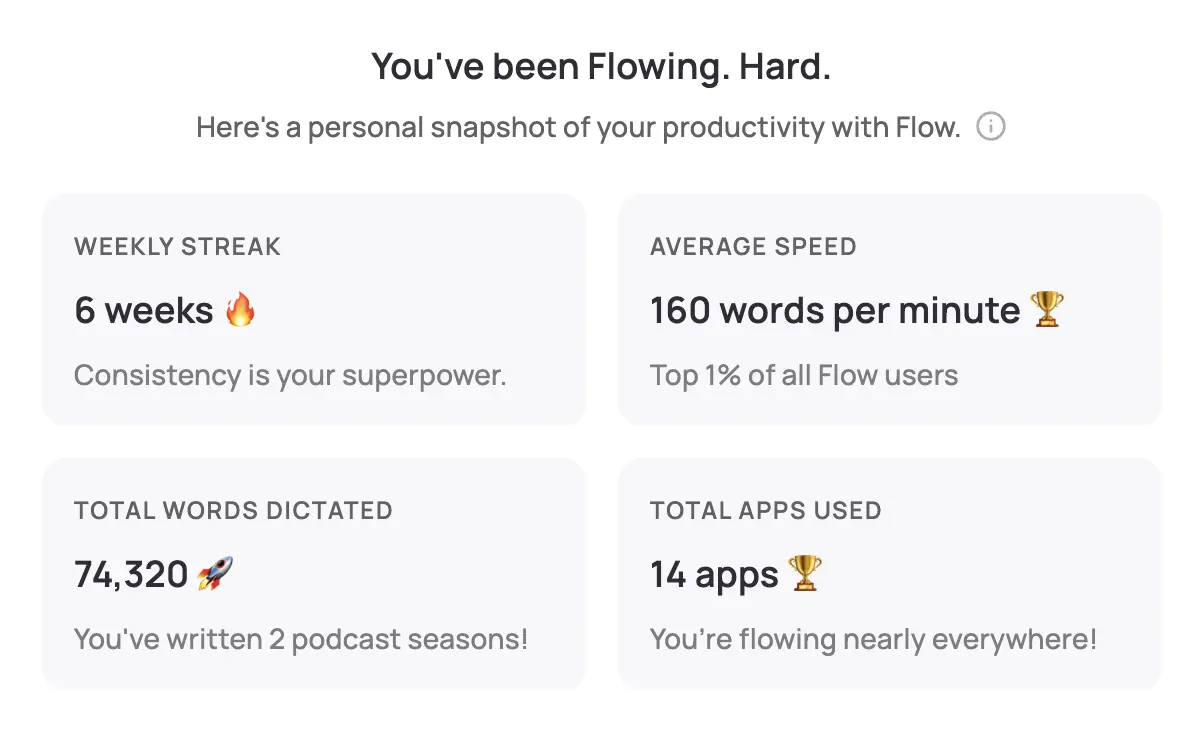
WisprFlow works with all case management systems. Whether you use Cerner CareTracker, Epic, or state-specific systems, voice dictation integrates seamlessly.
Why Social Workers Choose WisprFlow
Case management system compatibility: Works with all major social work platforms without special integration requirements.
Social work terminology: Learns DSM-5 terminology, intervention techniques, and regulatory language specific to social work practice.
Rapid case documentation: Most social workers type 35-45 WPM. WisprFlow enables 150+ WPM, cutting documentation time by 70%.
Field-friendly: Mobile compatibility for documentation during home visits and community-based services.
Social Work Documentation Use Cases
Case notes: Document client interactions, assessment findings, and intervention strategies quickly and thoroughly.
Treatment plans: Create comprehensive service plans with goals, objectives, and measurable outcomes.
Court reports: Generate detailed reports for family court, juvenile court, and other legal proceedings.
Safety assessments: Document risk factors, protective factors, and safety planning with precision.
Supervision notes: Record supervisory discussions, case consultations, and professional development planning.
Discharge summaries: Create comprehensive documentation of services provided and client progress achieved.
Time Savings Analysis
| Documentation Type | Traditional | With WisprFlow | Time Saved |
|---|---|---|---|
| Case note | 12 minutes | 4 minutes | 8 minutes |
| Treatment plan | 30 minutes | 10 minutes | 20 minutes |
| Court report | 45 minutes | 15 minutes | 30 minutes |
| Safety assessment | 20 minutes | 7 minutes | 13 minutes |
For social workers with typical caseloads, this represents 10-15 hours of documentation time saved weekly.
Child Welfare
- Child abuse investigations: Detailed documentation of interviews and assessments
- Foster care case management: Comprehensive records of placement decisions and monitoring
- Family reunification planning: Documentation of progress toward case goals
- Court dependency cases: Thorough reporting for judicial decision-making
Mental Health Services
- Clinical assessments: Detailed mental health evaluations and diagnostic impressions
- Treatment planning: Comprehensive documentation of therapeutic goals and interventions
- Crisis response: Rapid documentation of emergency mental health situations
- Group therapy notes: Documentation of group dynamics and individual progress
Healthcare Social Work
- Discharge planning: Documentation of post-acute care arrangements and coordination
- Ethics consultations: Records of complex ethical discussions and decision-making
- Family conferences: Documentation of medical decision-making and care planning
- Psychosocial assessments: Comprehensive evaluation of social and emotional factors
Documentation Standards
Voice AI supports compliance with:
- HIPAA privacy and security requirements
- State licensing board documentation standards
- Court-mandated reporting requirements
- Accreditation body documentation standards
Confidentiality and Privacy
- Client consent: Always obtain appropriate consent for recording or transcription
- Secure data handling: Verify voice tools meet HIPAA and organizational security requirements
- Access controls: Ensure only authorized personnel can access client information
- Audit trails: Maintain records of documentation access and modifications
Getting Started
- For case documentation: Try WisprFlow - Works with all case management systems
Can I use this for client sessions?
Clinical suitability must be verified for the intended vendor and workflow. Granola is excluded from clinical use.
What about HIPAA compliance?
Clinical suitability must be verified for the intended vendor and workflow. Granola is excluded from clinical use.
Does this work in the field?
WisprFlow works on mobile devices, making it excellent for home visits and community-based services. Documentation can be completed immediately after client contact.
How does this help with court reports?
Voice dictation dramatically speeds up court report preparation. You can dictate comprehensive reports that include all required elements for judicial decision-making.
Social work is fundamentally about human relationships and helping people in need. Voice AI tools can't solve systemic issues facing social services, but they can give individual practitioners meaningful time back for what matters most—direct service to clients and families.
How each tool turns speech into text
The useful difference is where the text appears and how much work remains afterward.
Traditional typing stays precise and familiar for short edits.
WisprFlow dictates into any app with AI formatting, and it is free to try.

Discussion
Giscus