

Tax season is a sprint. During peak months, tax preparers often work 12-16 hour days, handling dozens of client interviews, return preparations, and follow-up communications. Voice AI tools can significantly accelerate documentation and client management processes.
This guide covers practical voice tools for tax preparation workflows, with focus on client intake, return documentation, and compliance requirements.
The Tools
WisprFlow for Tax Documentation and Client Notes
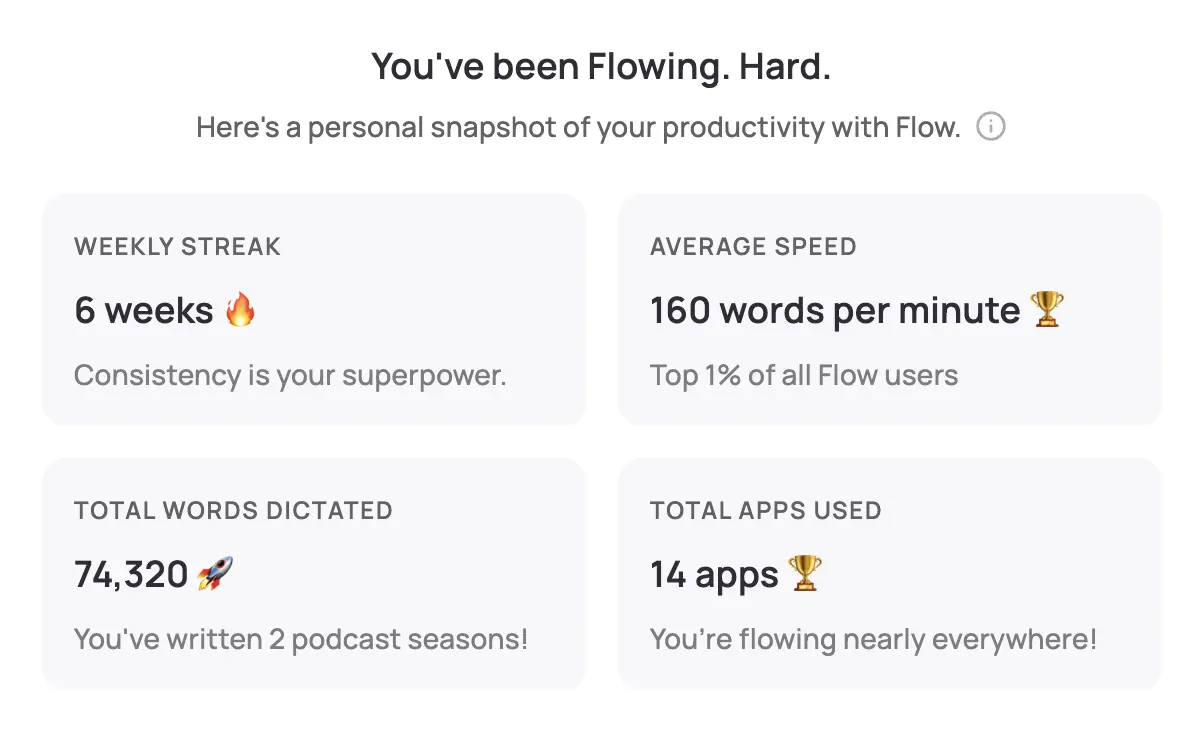
WisprFlow is a system-wide voice-to-text tool that works with all tax preparation software. Speak naturally, and professional text appears in your tax software—whether you use ProSeries, Lacerte, Drake, TaxWise, or any other platform.
Why Tax Preparers Choose WisprFlow
Universal software compatibility: Works with all major tax preparation platforms. No special integration required—if you can type there, you can dictate there.
Tax terminology mastery: The personal dictionary learns tax-specific vocabulary including form numbers, deductions, credits, and technical tax terms.
Speed during busy season: Most tax preparers type 40-60 WPM. WisprFlow enables 150+ WPM dictation, cutting documentation time by 60-75%.
Client-facing efficiency: Take notes while maintaining eye contact and engagement during client interviews.
Tax Preparation Use Cases
Client intake interviews: Document income sources, deductions, life changes, and tax situations while speaking with clients.
Return review notes: Create detailed documentation of review findings, adjustments made, and rationale for tax positions.
Client correspondence: Draft emails, letters, and follow-up communications quickly and professionally.
IRS notices and responses: Document notice analysis and prepare detailed response letters.
Organizer notes: Add detailed instructions and clarifications to tax organizers for following year.
File documentation: Create comprehensive workpapers explaining calculations, elections, and tax planning strategies.
Time Savings by Task Type
| Documentation Type | Traditional | With WisprFlow | Time Saved |
|---|---|---|---|
| Client intake notes | 8 minutes | 3 minutes | 5 minutes |
| Return review documentation | 6 minutes | 2 minutes | 4 minutes |
| Client email response | 5 minutes | 2 minutes | 3 minutes |
| IRS notice response letter | 15 minutes | 6 minutes | 9 minutes |
During peak season with 8-10 clients daily, tax preparers report saving 2-3 hours of documentation time per day.
Granola for Client Consultations and Tax Planning

Granola captures and summarizes conversations automatically, making it ideal for client consultations, tax planning meetings, and complex case discussions.
Applications in Tax Practice
New client consultations: Granola runs in the background during initial meetings, capturing all tax situation details, goals, and concerns.
Tax planning sessions: Document year-end planning discussions, strategy recommendations, and client decisions automatically.
Complex case conferences: Capture discussions about unusual tax situations, research findings, and strategy development.
Client education sessions: Record explanations of tax concepts, planning strategies, and compliance requirements.
IRS representation meetings: Document client discussions about audits, appeals, and resolution strategies.
Virtual consultations: Automatically capture remote client meetings and phone consultations.
Professional Benefits
Complete consultation records: Never miss important client details or concerns during busy season Accurate planning documentation: Clear records of strategies discussed and client decisions made Follow-up clarity: Detailed notes on what was explained to clients and what they understood Professional liability protection: Comprehensive records of all client advice and communications
Tax Software Integration
Popular Platform Compatibility
Intuit ProSeries/Lacerte: WisprFlow works in all modules (data entry, notes, diagnostics). Voice input compatible with client organizers and letters.
Thomson Reuters UltraTax CS: Full compatibility with workpaper documentation. Voice dictation in client letters and planning notes.
Drake Tax: System-wide voice input across all Drake modules. Compatible with client management and document storage.
TaxWise: Voice dictation in all data entry screens. Compatible with client interview worksheets and forms generation.
Compliance and Professional Standards
IRS Documentation Requirements: Voice AI tools help maintain comprehensive records required for tax practice—detailed client consultation documentation, clear records of tax positions taken, complete correspondence logs, and thorough workpaper documentation.
Professional Liability Protection: Better documentation reduces professional liability exposure with complete records of client advice given, clear documentation of client decisions, detailed notes on research performed, and comprehensive logs of communications.
Getting Started
- For tax documentation: Try WisprFlow - Works with all tax software platforms
- For client consultations: Try Granola - Captures meetings automatically
WisprFlow has a free trial, while Granola gives new users three months free to evaluate before the busy season begins.
Frequently Asked Questions
Does this work with my tax software?
WisprFlow works system-wide with any software that accepts text input, including all major tax preparation platforms like ProSeries, Lacerte, Drake, UltraTax CS, and TaxWise.
Can I use this during client meetings?
Yes, both tools are designed for client-facing use. Granola captures conversations in the background, while WisprFlow allows you to take notes without breaking eye contact with clients.
What about client confidentiality?
Both tools process data securely with encryption. However, always inform clients about any recording or transcription tools and ensure compliance with your state's professional conduct rules.
How does this help during busy season?
Voice tools can save 2-3 hours daily during peak season by accelerating client interviews, return documentation, and communication drafting. This typically allows handling 20-30% more clients.
Tax season doesn't have to mean sacrificing thoroughness for speed. Voice AI tools enable comprehensive client service while maintaining the efficiency needed to serve more clients profitably.
How each tool turns speech into text
The useful difference is where the text appears and how much work remains afterward.
Traditional typing stays precise and familiar for short edits.
WisprFlow dictates into any app with AI formatting, and it is free to try.

Discussion
Giscus