

Teachers spend an estimated 10+ hours per week on administrative tasks—lesson plans, grading feedback, parent communications, IEP documentation. That's time stolen from actual teaching.
Voice AI tools can cut that admin time significantly.
The Tools
WisprFlow for Grading and Documentation
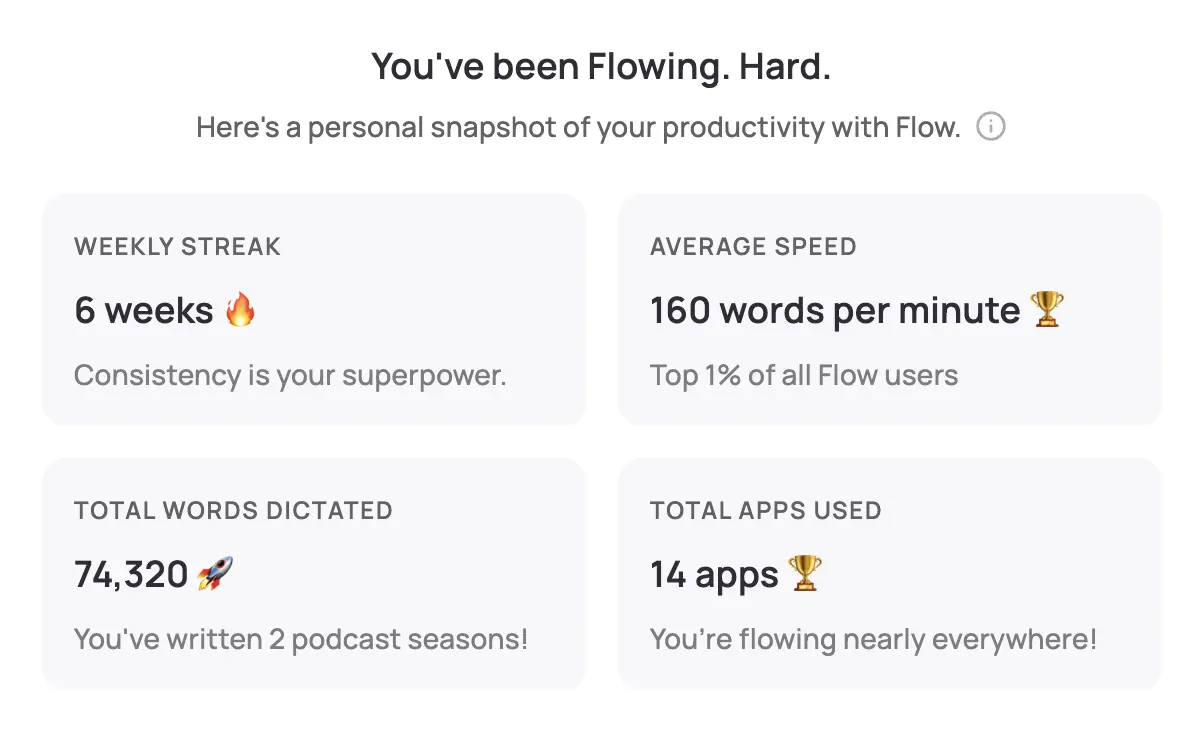
WisprFlow is voice-to-text that works in Google Classroom, Canvas, PowerSchool—anywhere teachers work.
Why Teachers Love This
Grading feedback in seconds: Dictate comments on student work instead of typing. "Great thesis statement. Consider adding more evidence in paragraph two. Watch your comma splices."
Lesson plans on the go: Speak your lesson ideas while commuting or during prep. Capture inspiration when it hits.
Parent emails: Professional correspondence in 30 seconds. "Thank you for reaching out about Marcus's progress. I've noticed improvement in his participation this week..."
Teacher Use Cases
- Essay feedback: Speak thoughtful comments at 3x typing speed
- IEP documentation: Required reports become manageable
- Lesson plans: Outline a week's lessons in one voice session
- Sub plans: Emergency coverage notes in minutes
Granola for Meetings and Conferences

Granola captures meetings invisibly—useful for parent conferences, team meetings, and professional development.
Meeting Use Cases
Parent-teacher conferences: Focus on the conversation, not note-taking. Capture concerns and commitments accurately.
IEP meetings: Complex discussions with multiple stakeholders, fully documented.
Department meetings: Capture curriculum decisions and action items.
PD sessions: Record professional development for later reference.
Teacher Workflow
During Planning Period
- Dictate lesson plans via WisprFlow
- Grade assignments with voice feedback
- Handle parent emails
After School
- Review Granola transcripts from any meetings
- Dictate end-of-day documentation
- Prep tomorrow's materials
Time Savings
| Task | Traditional | With Voice AI | Weekly Savings |
|---|---|---|---|
| Grading feedback | 4 hrs | 1.5 hrs | 2.5 hrs |
| Lesson planning | 3 hrs | 1 hr | 2 hrs |
| Parent communication | 2 hrs | 0.5 hrs | 1.5 hrs |
| Meeting documentation | 2 hrs | 0 (auto) | 2 hrs |
| Total | 11 hrs | 3 hrs | 8 hrs |
That's a full day back every week.
Getting Started
- For grading and docs: Try WisprFlow - works with any LMS
- For meetings: Try Granola - invisible capture
FAQ
Does this work with Google Classroom?
Yes. WisprFlow works with Google Classroom, Canvas, Schoology, PowerSchool—any web-based or desktop system.
Is dictated feedback as good as typed?
Often better. Teachers report giving more detailed, personal feedback because speaking is faster. Students get more guidance, not less.
What about classroom recordings?
These tools are for YOUR documentation efficiency. Recording students requires different considerations (consent, policies, etc.).
Teaching is about connection, not paperwork. Voice AI handles the admin so you can focus on students.
How each tool turns speech into text
The useful difference is where the text appears and how much work remains afterward.
Traditional typing stays precise and familiar for short edits.
WisprFlow dictates into any app with AI formatting, and it is free to try.

Discussion
Giscus