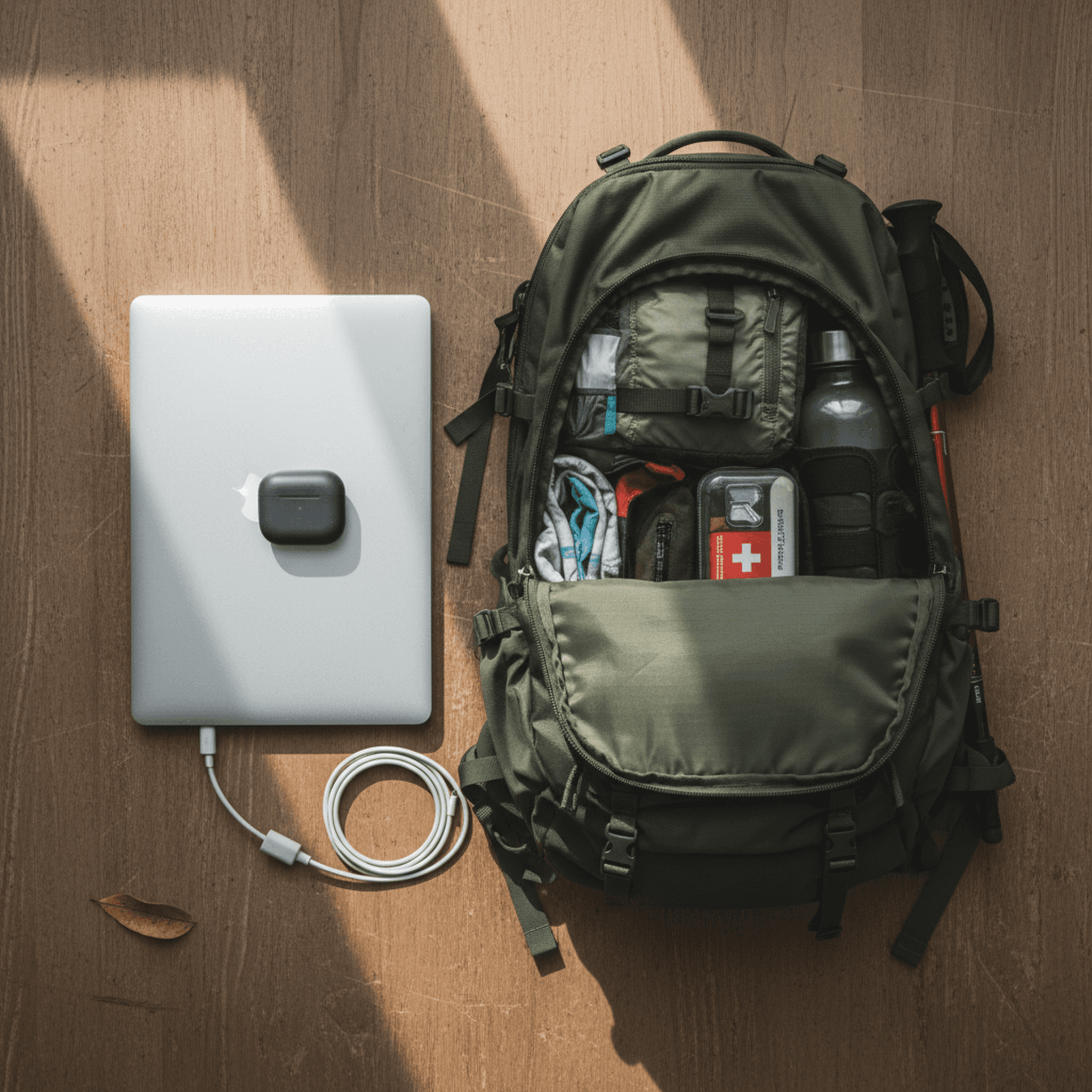
Last year I wrote about going from a multi-monitor battlestation to a single MacBook. That was the right call. This year the setup got quieter again.
The short version: Claude Code replaced Cursor. Granola replaced manual meeting notes. WisprFlow still runs everything. The MacBook is still the launchpad — but more of the actual work happens while I'm away from it.
The Hardware (unchanged, on purpose)
- 14-inch MacBook Pro (M3 Pro, 36GB RAM)
- AirPods Pro 3
- iPhone
That's the whole list. The AirPods aren't optional — they're how I drive the setup. Voice input through WisprFlow at 175+ WPM into whatever's on screen. The iPhone is the remote control when I step away from the desk.
What Actually Changed in 2026
Claude Code replaced Cursor
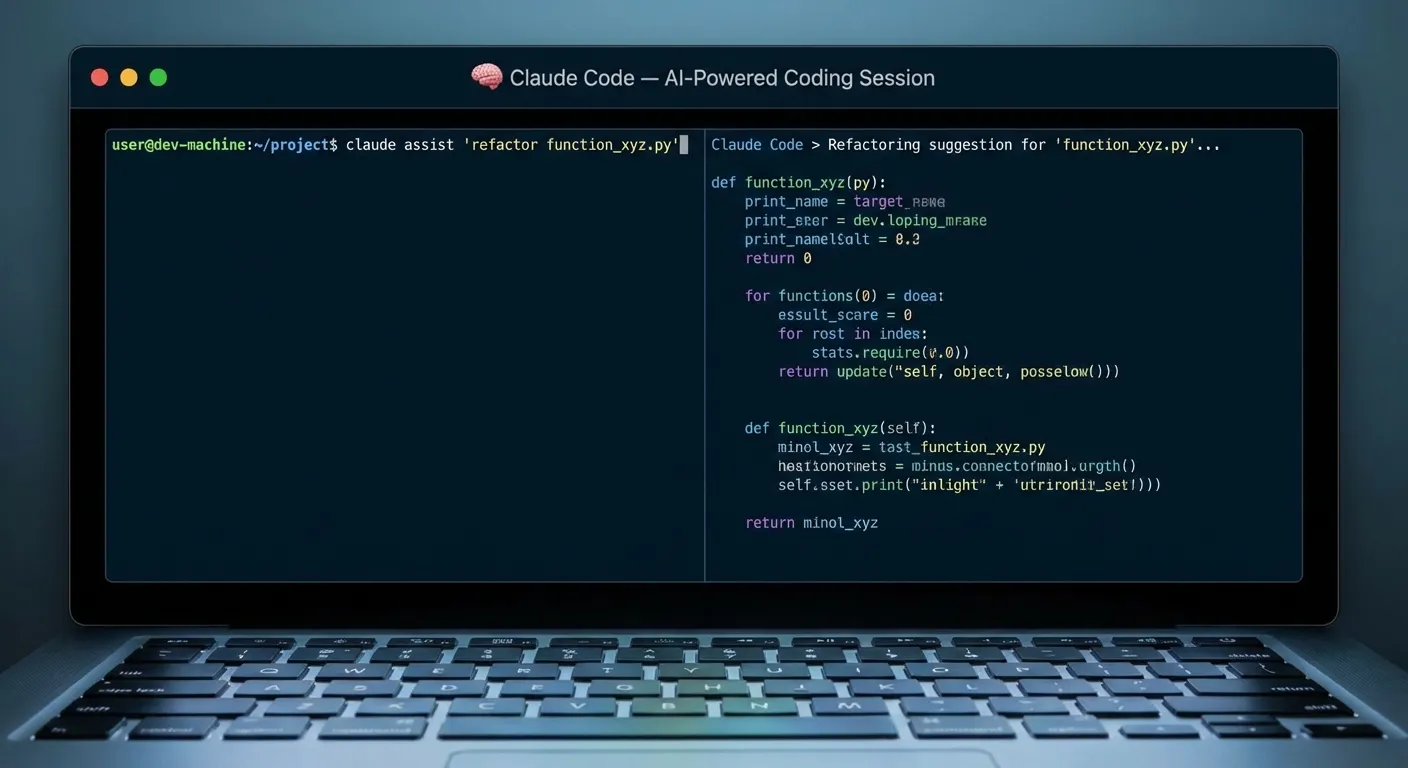
Claude Code runs in the terminal and does what Cursor did, but with one difference that matters: I stay in the shell. No separate editor window, no context switching. I describe what I want, Claude Code does it, I review the diff.
Background agents are where it gets useful. I'll spin up a task — refactor this module, add tests to this file, fix this failing build — and then I leave. The agents run. I check back in from my phone. This is the part that took some getting used to: work happening without me watching it happen.
WisprFlow runs everything I type

WisprFlow is system-level voice-to-text for macOS. It works in every app — Claude Code's terminal, Slack, email, the browser. I hit a hotkey, speak, and it types. Clean, formatted, ready.
My typing speed is 90 WPM on a good day. With WisprFlow I consistently hit 175+. But the speed is a side effect. The real change is that I stopped getting stuck on how to say something and started just saying it. First drafts come out better because spoken language is naturally more direct than typed language.
Detailed WisprFlow review here →
Granola handles all meeting notes
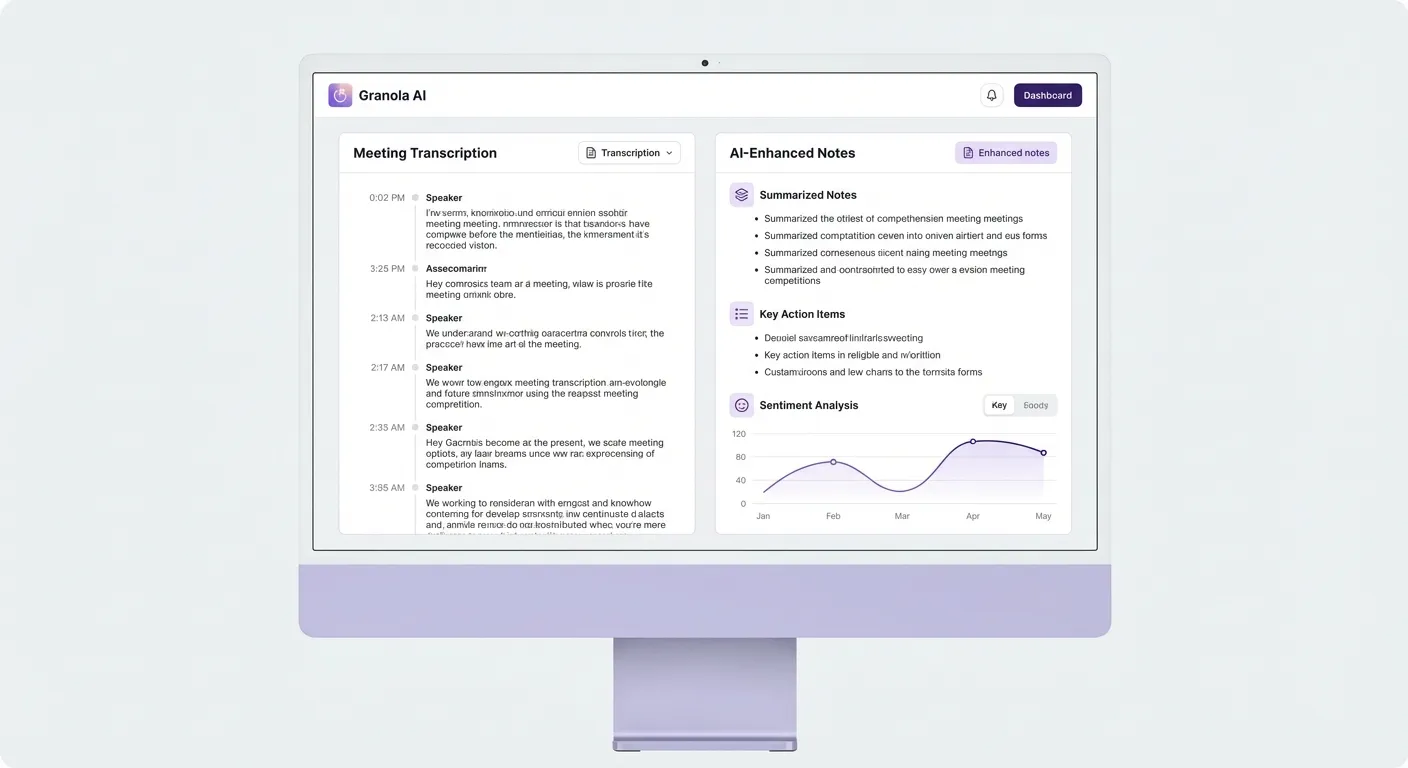
Granola records calls invisibly — no bot joins, no notification goes out, no one knows it's running. After the call ends, it produces structured notes with action items.
I stopped taking meeting notes in 2025. The manual version was: join call, type while listening, miss things, clean up afterwards. The Granola version is: join call, be present, read the summary after.
The summary is good. Not "good for AI" — actually good. I've been using it for client calls, internal standups, and 1:1s and I haven't needed to correct a summary in months.
The Walking Part
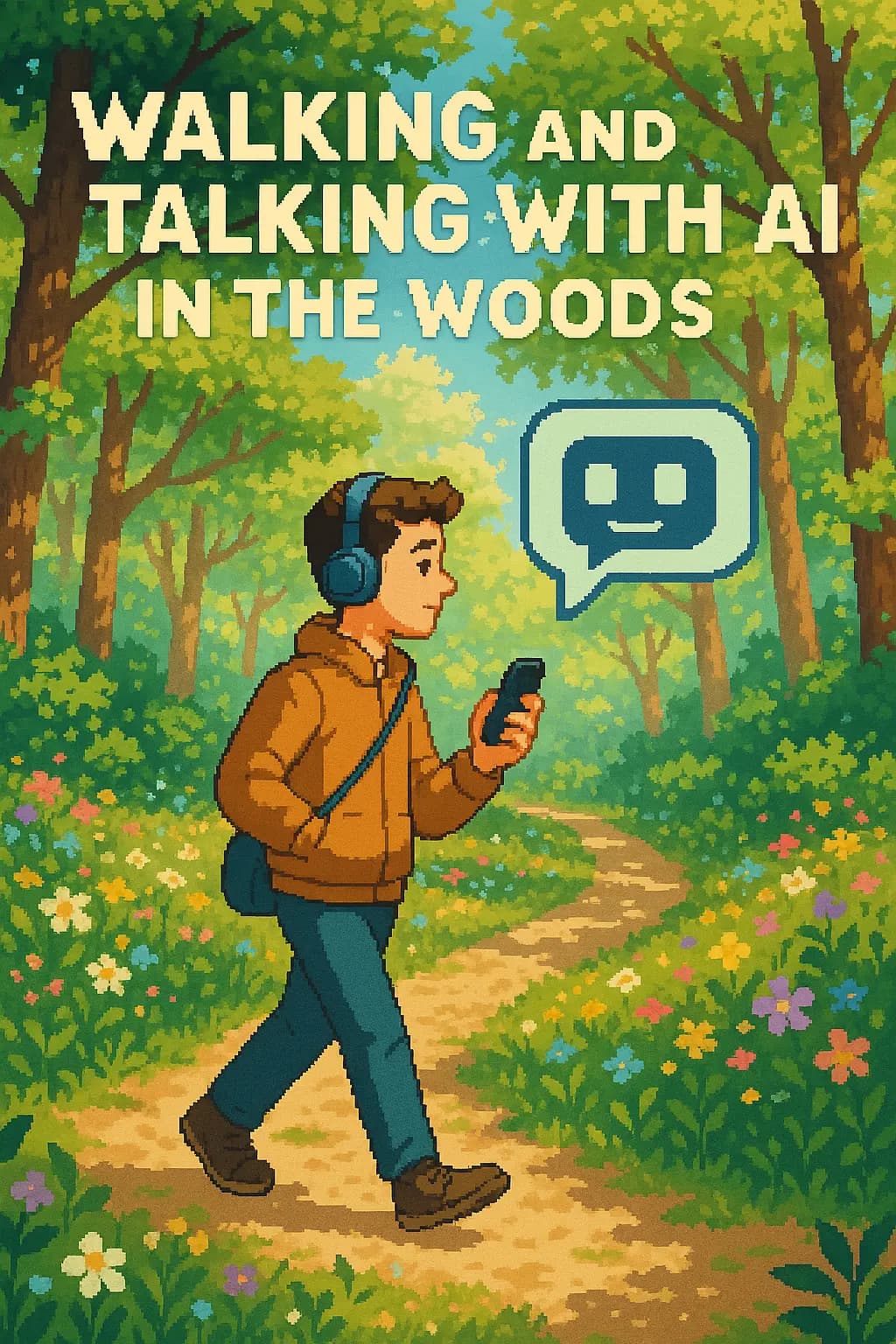
I gave a keynote at DevSecCon 2025 about this. The talk was called "Walking and Talking in the Woods with AI." The premise was that with the right setup, you can do real engineering work while physically away from your desk — and I demonstrated it live.
The workflow is: launch Claude Code agents on a task before leaving my desk, step outside, check agent progress on my phone, redirect via voice note if something needs adjusting, come back to completed or near-completed work.
The agents don't need me to watch them. I don't need to be at my desk for work to proceed. This took actual adjustment — the instinct is to sit there and watch the terminal. Once I stopped doing that, I started getting 2-hour hikes in on days I would have previously described as "too busy."
I wrote more about the walking and talking workflow here.
What I Dropped
Cursor — Claude Code does everything I used it for, minus the GUI. If you like the editor interface, Cursor is still solid. I just stopped needing it.
Manual meeting notes — Granola made them redundant.
Multiple terminal windows for context — Claude Code agents handle parallel work. I don't need to manage multiple tmux sessions to feel like things are moving.
The Setup in One Sentence
MacBook + headphones + voice input to drive agents, phone to monitor them when I'm not at the desk.
Get Started
The two tools that make this possible:
How each tool turns speech into text
The useful difference is where the text appears and how much work remains afterward.
Traditional typing stays precise and familiar for short edits.
WisprFlow dictates into any app with AI formatting, and it is free to try.

Discussion
Giscus