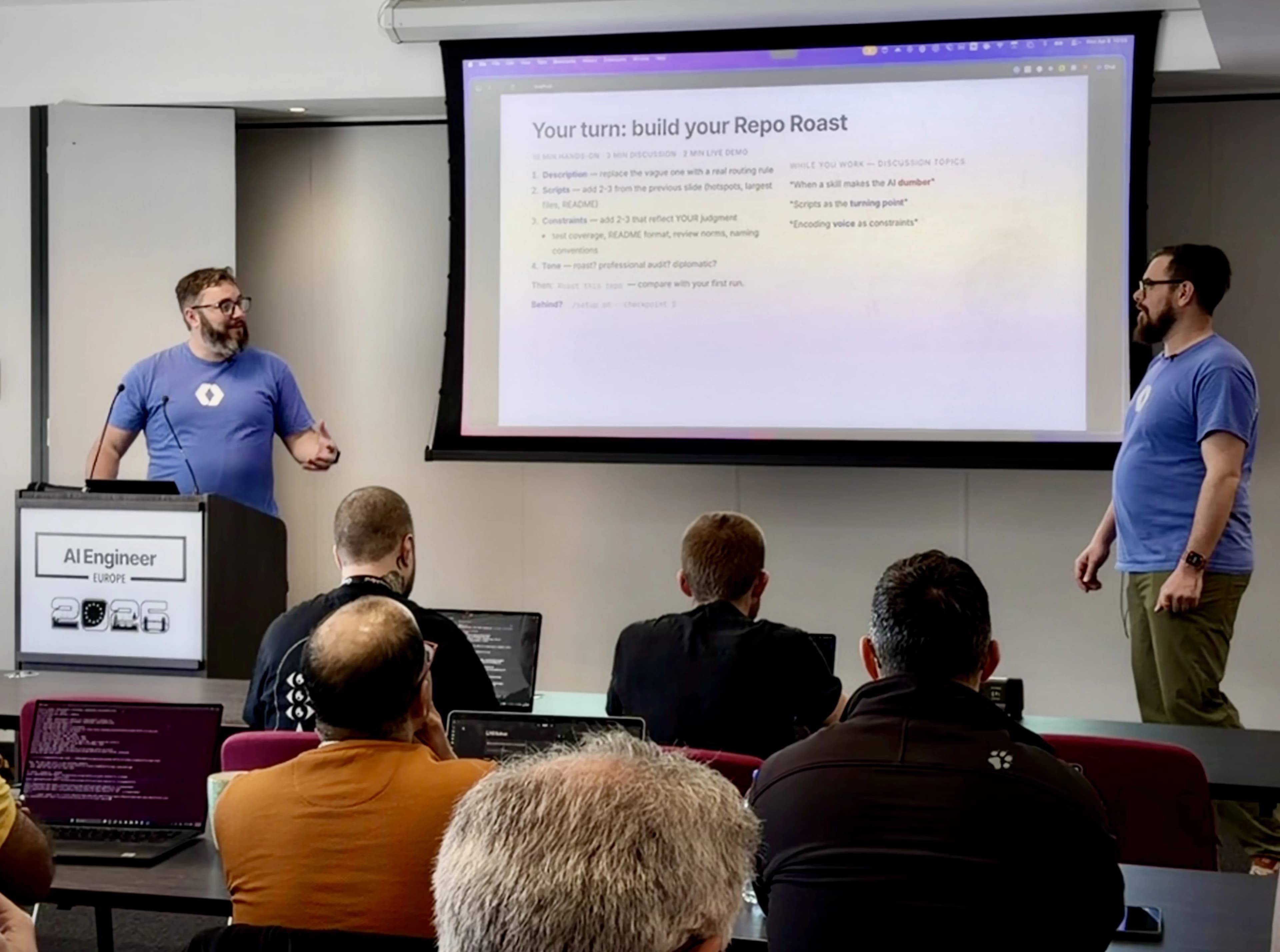
Nick Nisi and I delivered an 80-minute workshop at AI Engineering London called "Skills at Scale: Leveraging Skills Across Workflows, Agents, and Teams." The room was packed. We opened with a show of hands: "Raise your hand if you've used an AI coding tool in the last week." Nearly every hand went up. "Keep it up if the first thing you did was re-explain your tech stack." Groans. That was the problem we spent the next eighty minutes solving.
The recording is now live on the AI Engineer channel — embedded below.
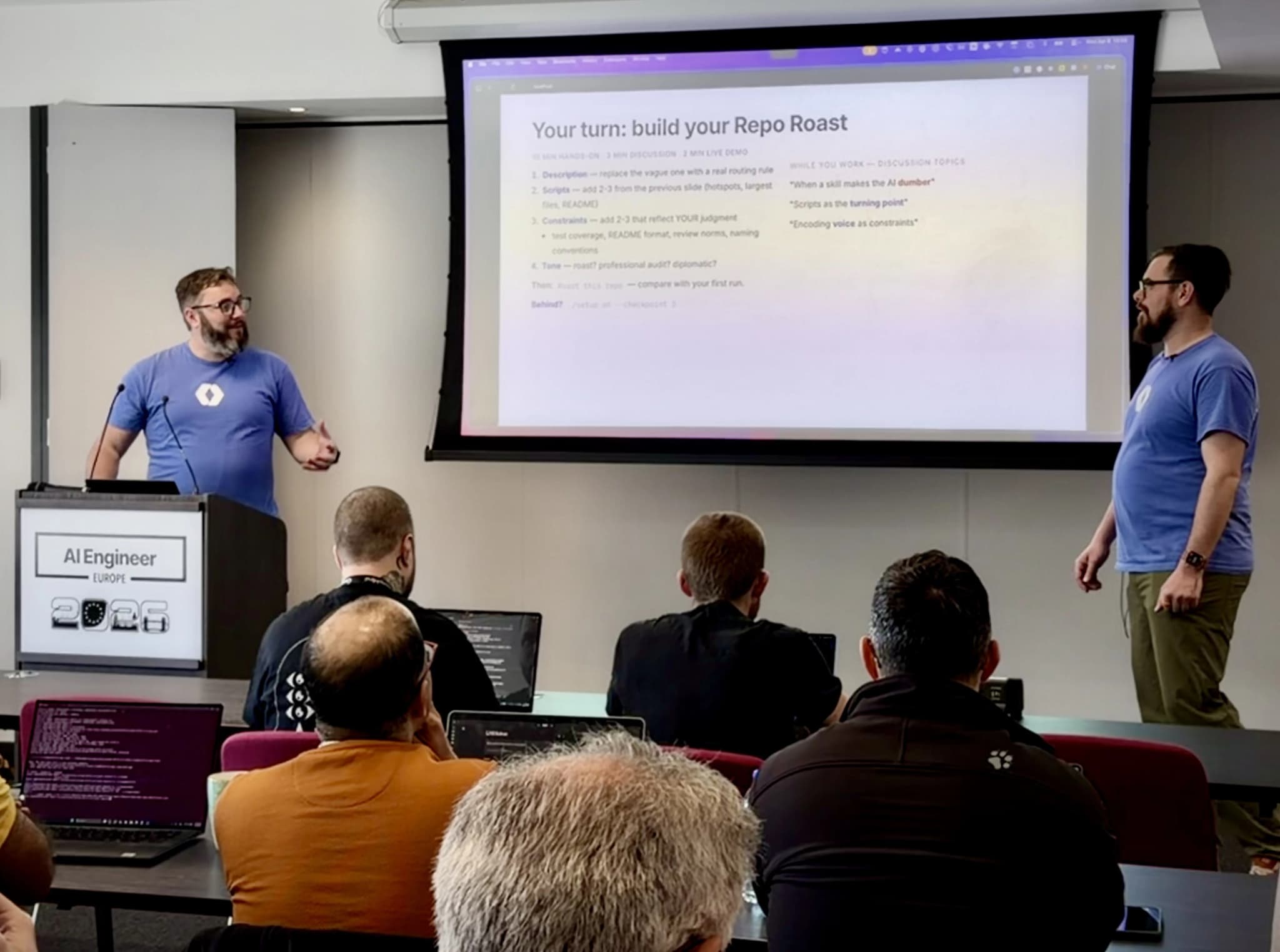
We're both AI Engineers on the Applied AI team at WorkOS. The workshop repo is open source — everything you need to follow along is there:
For the full talk details and slides, check the speaking page.
Every AI conversation starts from zero
The core problem: every time you start a new AI conversation, you re-explain your stack, your conventions, your preferences. The output you get back is generic — "consider adding more tests." The AI has no idea what you know.
Skills encode your context, constraints, and judgment into a markdown file. You explain yourself once.
From CLAUDE.md to skills
Project instruction files — CLAUDE.md, AGENTS.md, .cursorrules — work well up to a point. They're tied to one repo. They can't run scripts. They grow into kitchen-sink files. They don't compose or share across projects.
Skills are the next step. They're portable across projects and tools. They're executable — scripts inject real data into the skill's context at runtime. And they compose — small, focused units that call each other.
The workshop vehicle: Repo Roast
We needed a vehicle that would let attendees practice the patterns, so we built "Repo Roast" — a skill that audits any git repo's health using real data. The domain was the vehicle. The patterns are what people took home.
Constraints over instructions
This was one of the most important things Nick and I taught. Telling an AI "be thorough" is vague and unenforceable. Instead, close off what it shouldn't do:
- "Never be vague — cite files and counts"
- "Never recommend rewrite from scratch"
- "Only report findings backed by evidence"
Every unconstrained dimension is where the AI drifts. Constraints give you predictable output.
The backtick bang pattern: evidence, not guesses
Skills can run shell commands and inject the output into the AI's context using the ! backtick syntax. This is the difference between a fancy prompt and something forensic. We showed attendees scripts that grep for TODOs and FIXMEs, find hotspot files by commit frequency, and check for oversized files in the repo.
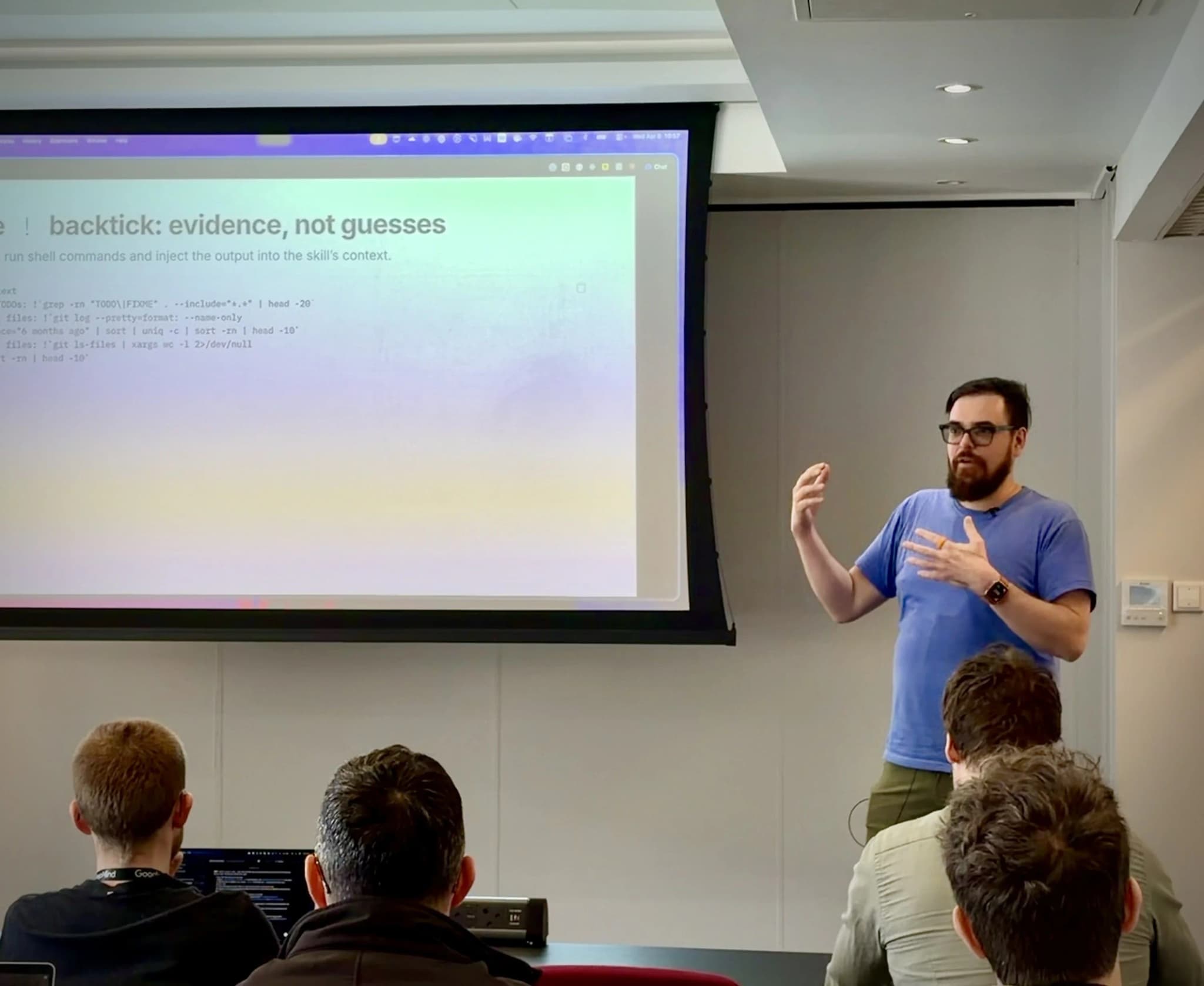
Without scripts, the skill guesses. With scripts, the skill has data.
Descriptions are routing rules
The description field in a skill tells the AI when to use it — and when not to. We gave attendees a simple test: ask your tool "when would you use this skill?" If the answer surprises you, the description needs a rewrite.
Hands-on: building the skill in stages
The workshop had three build blocks:
Block 1 (20 min): Foundation. Write the description, add scripts, set constraints, define tone. Run "Roast this repo" and compare the output before and after adding scripts.
Block 2 (22 min): Make it smarter. Add progressive disclosure — external file references that act as real gates. Add confidence scoring: evidence quality 1-10, severity accuracy 1-10, actionability 1-10. Drop any finding that scores below 6. Add workflow phases so the skill runs in logical stages.
Block 3 (15 min): Beyond the editor. Run skills in Claude Code, Codex, Cursor, the Agent SDK, and CI. Skills are portable because they're markdown with scripts — they work wherever the tool can read files and run commands.
We didn't follow our own process
Confession time. When Nick and I were building the workshop checkpoints, we wrote all four skill versions from our planning docs without running them once. The first time we actually ran the skill, the grep took 84 seconds and returned 60KB of noise from node_modules.
The people teaching the iterative loop defaulted to "write it all up front." We told this story because it's the most honest proof that the iterative approach matters.
Measurement over vibes
We showed a code review skill that was correct in its analysis but made reviews 12-20% worse than having no skill at all. The reason: it flagged intentional patterns as bugs because it lacked team convention context.
Vibes told us the skill was working. Measurement told us it wasn't. If you're building skills for your team, measure the outcomes.
Skills in production: the WorkOS CLI
We showed how WorkOS ships skills at production scale. The WorkOS CLI supports 15 frameworks, all driven by one skill-powered agent built on the Claude Agent SDK. Every decision — framework detection, install steps, validation — is a skill. Small skills call other skills. That's the composability pattern working at real scale.
Skills in the wild
I closed the workshop with a demo of an image generation and animation skill — 30 lines of markdown that calls the Gemini and Veo APIs. It generates a static image from a prompt and then animates it. Same structure as Repo Roast: constraints, scripts, phases. The domain changed completely. The patterns didn't.
What people built
At the end, attendees shared their skills using our ./share.sh script. We pulled them up on the projector. People built skills for code review, documentation auditing, dependency management, and several things Nick and I hadn't anticipated. The best part: anyone could install a skill globally by copying the SKILL.md file to ~/.claude/skills/.
The format works
Eighty minutes of hands-on building, with a real artifact at the end, taught more about skill design than any number of slide decks could have. Nick and I will keep running workshops in this format — the patterns transfer across any domain, and seeing people build something that works in the room is the best validation there is.

Discussion
Giscus