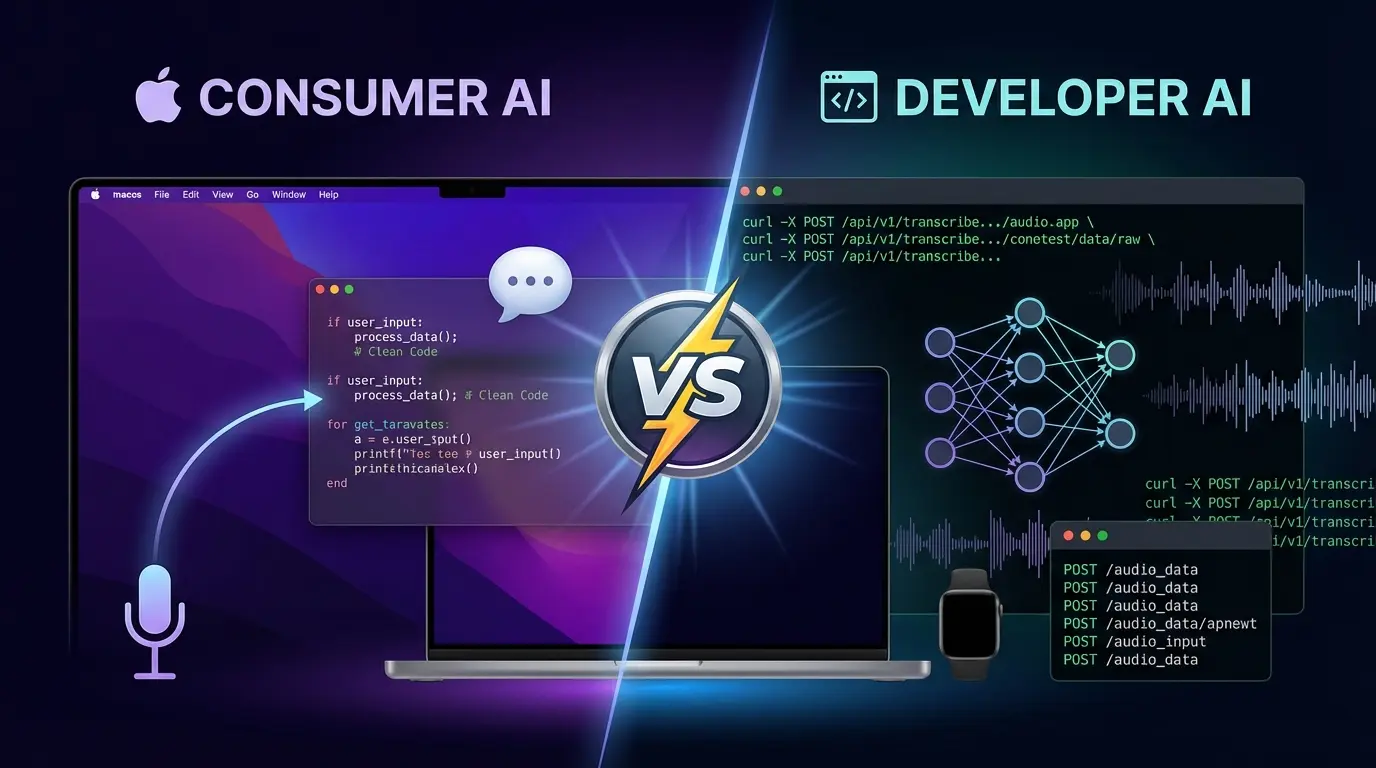
I've tested every major voice-to-text tool as a working developer. Most are built for generic dictation—they don't understand code, they can't handle technical terms, and they require constant correction.
Here's what actually works for developer workflows.
TL;DR: My Recommendations
| Use Case | Best Tool | Why |
|---|---|---|
| Daily Coding | WisprFlow | System-wide, learns tech terms, context-aware |
| Meeting Notes | Granola | No bot, captures standups, 1:1s, interviews |
| Building Voice Features | Whisper API | Accurate, cheap, flexible |
| Multi-Language | Whisper | 99 languages supported |
What Developers Actually Need
Most voice-to-text reviews ignore what makes developer usage different:
- Technical Vocabulary: Package names, API terms, code syntax
- Context Switching: Code → email → Slack → docs in one session
- IDE Integration: Works in Cursor, VS Code, terminals
- AI Agent Orchestration: Dictating prompts to AI assistants
- Speed: Matching thought speed, not typing speed
Let me walk you through each recommendation.
#1: WisprFlow - Best for Daily Developer Work

WisprFlow is my daily driver. I went from 90 WPM typing to 179 WPM with voice. That's not a typo—voice is 2x faster than my already-above-average typing.
Why It's Best for Developers
System-Wide Integration: WisprFlow works everywhere on macOS:
- Cursor's agent composer window
- VS Code
- Chrome (Claude, ChatGPT, any web app)
- Slack
- Terminal
One hotkey, any app. No context switching.
Technical Vocabulary Learning: Say "next.config.js" and it types next.config.js. Say "use effect hook" and it understands you mean useEffect. The personal dictionary learns your stack.
AI Enhancement: Speak naturally with "um"s and false starts. WisprFlow outputs clean, formatted text:
- Removes filler words
- Adds punctuation
- Formats appropriately for context (code vs email)
AI Agent Orchestration: When you're driving multiple Cursor instances or Claude sessions, voice speed is a multiplier. I can dispatch three agent tasks in the time it takes to type one.
Real Developer Workflow
// Spoken:
"create a react hook called use debounce that takes a value
and delay and returns the debounced value"

// WisprFlow outputs:
export function useDebounce<T>(value: T, delay: number): T {
  const [debouncedValue, setDebouncedValue] = useState(value)
  // ... formatted code continues
}
Pricing
Subscription model (~$10-20/month). Worth it if you spend hours daily creating text.
Try WisprFlow free →Read more: Full WisprFlow Review | High-Leverage Workflow Guide
#2: Granola - Best for Developer Meetings

Granola captures every meeting without the awkward "Recording Bot has joined" notification that makes everyone self-conscious.
Why It's Best for Developer Meetings
No Bot = Natural Conversations: Sprint planning, code reviews, architecture discussions, 1:1s—all captured without changing the meeting dynamic.
Standups and Retrospectives: Set up templates that extract action items, blockers, and decisions in consistent format.
Interview Capture: Record candidate conversations without a third-party bot making everyone uncomfortable.
Mobile for In-Person: Conference hallway conversations, coffee meetings, whiteboard sessions—tap to capture from your phone.
Developer-Specific Use Cases
- Sprint Planning: Auto-extract tickets and owners
- Code Review Discussions: Remember why decisions were made months later
- Architecture Meetings: Capture trade-off discussions for ADRs
- Customer Calls: Technical feedback organized automatically
Read more: Full Granola Review | Granola vs Otter Comparison
#3: OpenAI Whisper - Best for Building Voice Features
If you're building an app that needs speech recognition (not using it for productivity), Whisper is the right choice.
Why Developers Choose Whisper
- Open Source: Run locally, no API costs
- 99 Languages: International products
- High Accuracy: State-of-the-art transcription
- Flexible Integration: Build exactly what you need
When NOT to Use Whisper
For daily productivity, Whisper is too raw. You'd need to build:
- System-wide hotkey integration
- Personal dictionary
- AI enhancement for clean output
- Context-aware formatting
That's exactly what WisprFlow provides out of the box.
Read more: WisprFlow vs Whisper Comparison
Why Voice-to-Text Matters for Developers
The Speed Multiplier
At 90 WPM typing, a 500-word technical document takes ~5.5 minutes. At 179 WPM voice, the same document takes ~2.8 minutes.
That's 50% time savings on every piece of text you create.
The Cognitive Shift
Typing engages different brain circuits than speaking. When you type, you're:
- Hunting for keys
- Fixing typos
- Losing train of thought
When you speak, you're:
- Articulating complete thoughts
- Maintaining flow
- Thinking at speech speed
For complex problem descriptions, architecture explanations, and AI prompts, voice produces better output faster.
The Accessibility Factor
RSI, carpal tunnel, or just tired hands? Voice-first development isn't just faster—it's more sustainable for your body.
My Complete Voice-First Stack
Here's exactly what I use daily:
| Tool | Purpose | Link |
|---|---|---|
| WisprFlow | All text creation | Try free |
| Granola | Meeting capture | First 3 months free |
| Cursor | AI-assisted coding | Cursor.sh |
| Claude | AI assistant | Claude.ai |
WisprFlow is the voice interface. Everything else receives my voice-generated prompts, code, and documentation.
Frequently Asked Questions
Get Started Today
- For coding productivity: Try WisprFlow - 2 minutes to set up, immediate 2x speed boost
- For meeting capture: Try Granola - Never miss action items again
- For building voice apps: Start with Whisper API
The best time to adopt voice-first development was a year ago. The second best time is now.
Related Reading
- WisprFlow Review - Deep dive after months of use
- Granola Review - Meeting notes transformation
- Top AI Voice Tools for 2025 - Complete stack overview
- WisprFlow vs Whisper - Detailed comparison
How each tool turns speech into text
The useful difference is where the text appears and how much work remains afterward.
Traditional typing stays precise and familiar for short edits.
WisprFlow dictates into any app with AI formatting, and it is free to try.

Discussion
Giscus