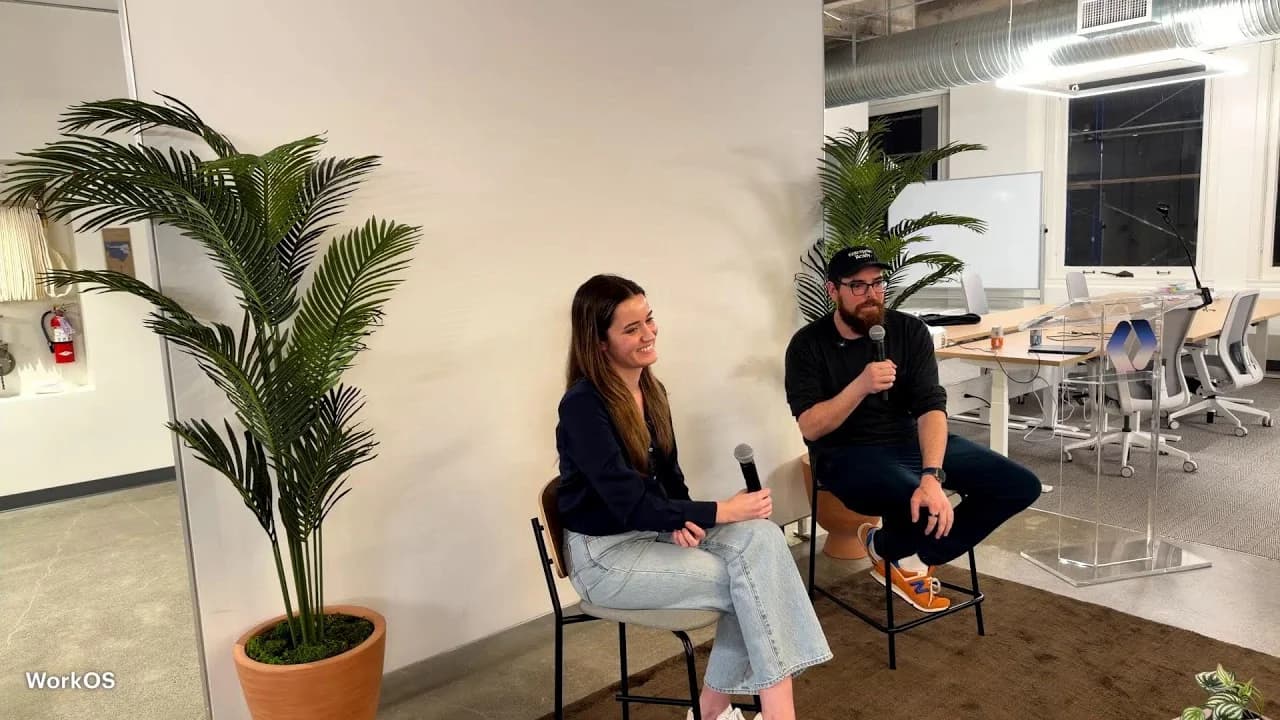
Last night I delivered a hands-on workshop at the WorkOS office in San Francisco, with Lydia from Anthropic's Claude Code team joining for Q&A afterward. I created, prepped, and ran the whole thing — one hour of live hands-on building, then thirty minutes of Q&A.

Want the slides and source materials? The full workshop repo is open source — clone it, fork it, run it yourself:
800 people registered. Our office holds 150. We unfortunately had to turn a lot of people away. The interest in hands-on agentic workflows is real and massive.
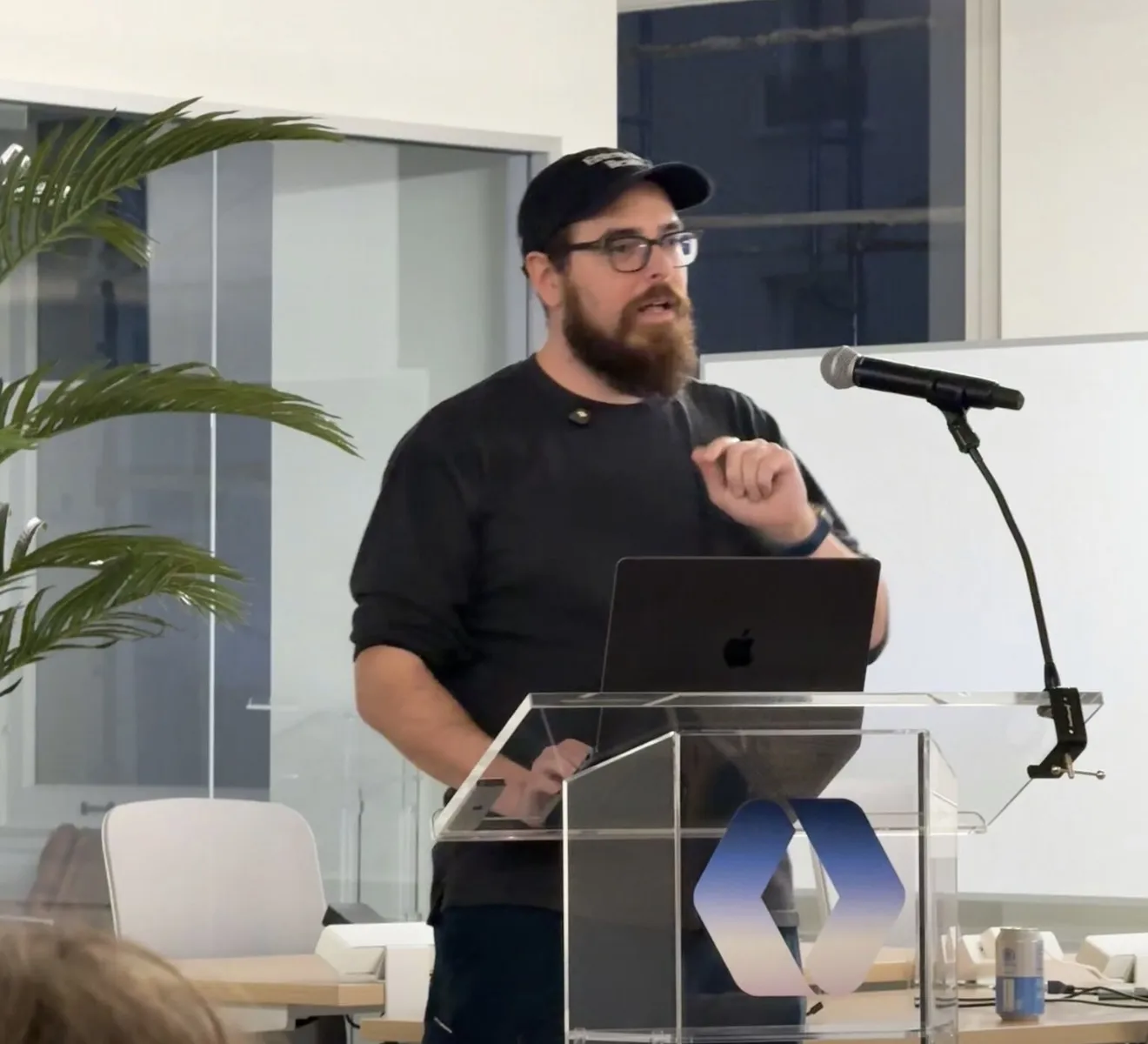 Photo: Mark Robinson
The goal: show engineers how far you can push Claude Code and Cowork by building something real — a complete go-to-market pipeline — in a single session.
The Bright Line: If You Can Do It Today, Do It Today
That was the theme running through the entire workshop. The tools are here. The capabilities are real. The only thing holding most people back is not having sat down and tried them.
The Demo: What's Actually Possible Right Now
I opened by showing real projects I've built with Claude Code to set the baseline for what's possible when you treat it as a daily development tool, not a novelty:
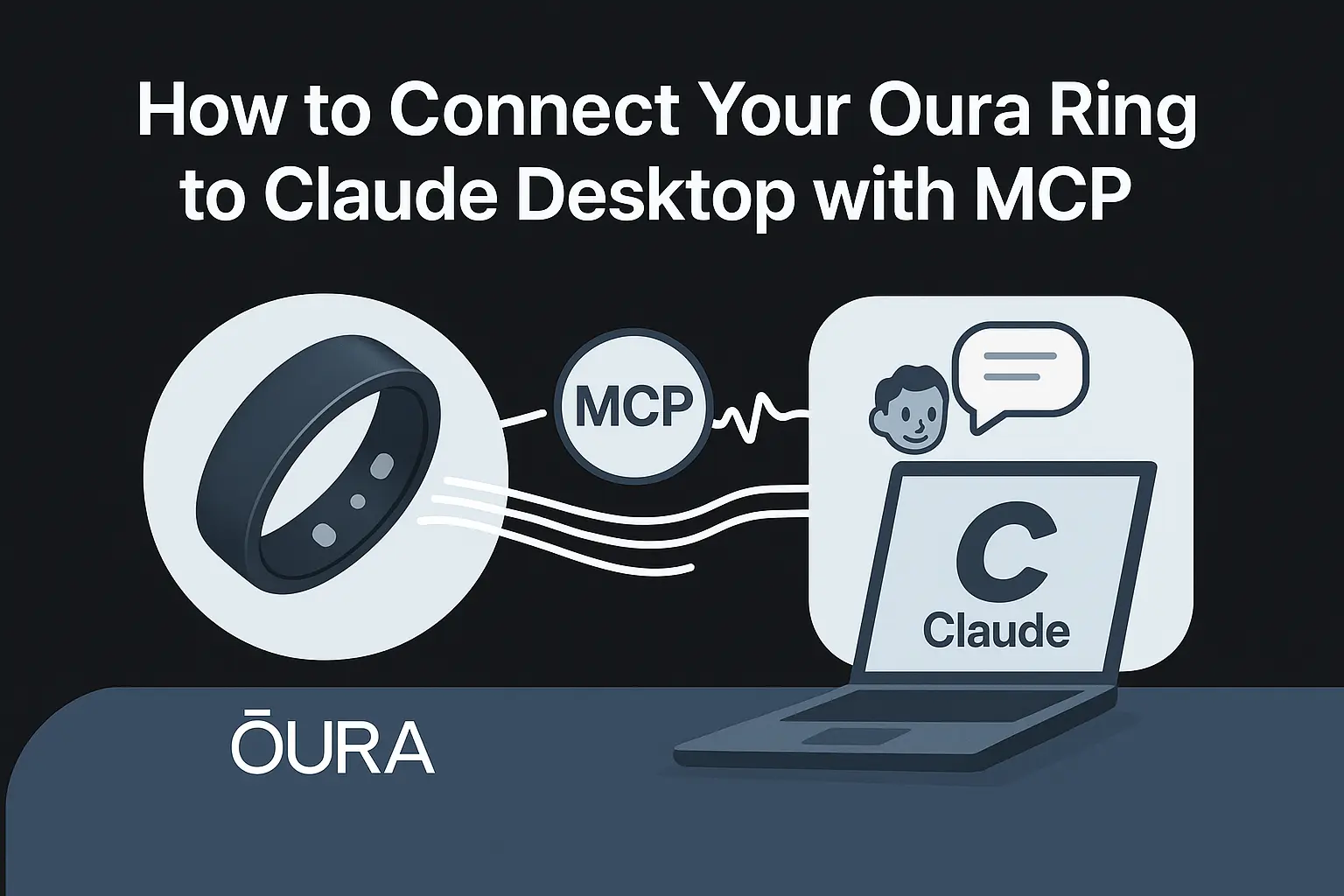
- Oura MCP integration — I connected my sleep and readiness biometrics to Claude via the Model Context Protocol. Now when I'm planning my day, Claude pushes back if I slept three hours and suggests a nap in the afternoon instead of a marathon coding session.
- Walking and talking in the woods — I've taken to doing architecture work, planning, and even coding on long walks with just headphones. From the woods where I get a cell signal, I can poke my agents, update PRs, and give them new directions. It's been one of the most liberating things about this era of development.

- Handwave — A watchOS app I had Claude build me that lets me control my Claude Code sessions from my wrist via the Bonjour protocol. The hardest part was upgrading macOS to get the right Xcode version — once I had that, the app took about two and a half hours of iterating and sideloading directly to my watch.
Voice-First Development: Stop Touching the Keyboard
Before diving into the hands-on build, I demoed WisprFlow — the voice dictation tool that's fundamentally changed how I work. For the last year, I barely type. I'm hitting 179 words per minute compared to 90 WPM typing.
The real insight isn't just speed. Imagine two developers side by side. One is speaking and already has three different agents working in the background on their tasks. The other is still typing their first prompt. Watch the difference:
How Voice-to-Text Actually Works
Watch your messy speech transform into polished, professional text
Speak naturally → WisprFlow transcribes → Polished text appears in Cursor
Click play to see the transformation
When you layer voice on top of agentic systems — Cowork, Claude Code, Codex, Gemini — you can run through multiple parallel work tracks throughout the day. Not 2x faster. Significantly faster. Here's the horse race — speaking to three Cursor agents at once vs. someone typing one task:
Voice Speed Enables Parallel Orchestration
Watch how speaking at 170 WPM lets you dispatch instructions to multiple Cursor agents before a keyboard user even finishes typing one task
Why This Matters
When you can dispatch instructions at the speed of speech (170+ WPM vs 90 WPM typing), you can orchestrate multiple AI agents in parallel. While the keyboard user is still composing their first task, voice users have already dispatched three tasks and agents are working simultaneously. This is the multiplexing advantage that makes voice-first development transformative.
I also showed the brain dump workflow — what I call verbal ventilation. When I'm overwhelmed with too much going on, I turn on dictation mode and just rant for six minutes. Everything I'm thinking about — what I'm working on, architecture problems, random errands, frustrations. Claude takes all of that chaos and organizes it, helps me prioritize, and in a couple more turns I'm happy with a plan for the rest of the day.
Verbal Ventilation Pattern
Dump everything in your head out loud. The LLM sorts it, connects it to your tools, and reflects organized thoughts back. Especially powerful for ADHD and neurodivergent thinkers.
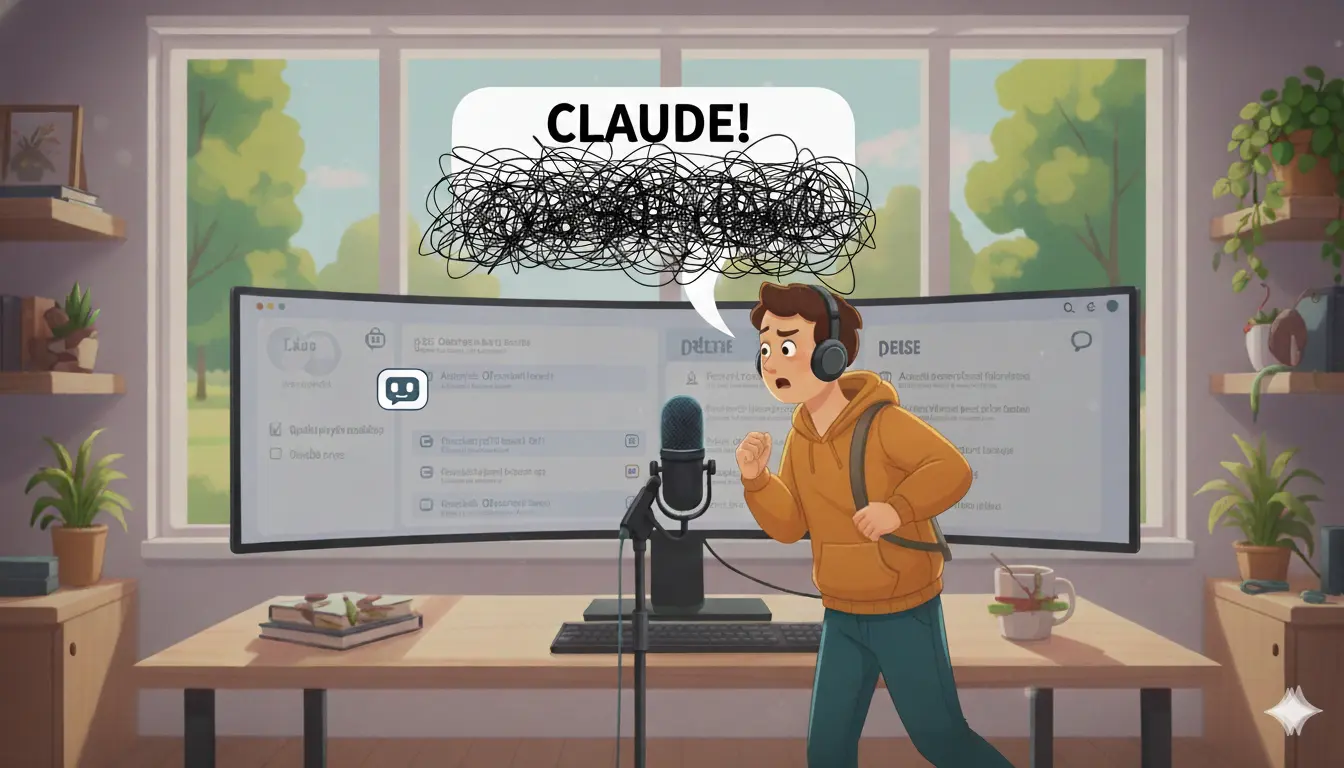
Walking in the woods, speaking thoughts aloud to Claude, letting AI help organize the chaos
Start the demo to see chaotic thoughts appear
Organized outputs will appear here
Speed Requires Safety: The Seatbelt Talk
Cowork is a developer that lives inside your machine. It can read, write, browse code, and run things. I like to say there are two wolves inside your computer — one wants to constantly help you and make excellent changes, and one got slightly confused because you said something ambiguous and it went and deleted stuff that should have stayed.
My recommendation: reduce the blast radius. Work in a specific folder, especially when you're starting out. Put only the source materials in there. Read them yourself first — verify there's no PII, no API keys hanging out. Then tell Cowork it can work in just that directory and go nuts.
If something goes wrong, it's not Claude's fault. You're driving the agent. Be deliberate about what you hand it access to.
The Hands-On Build: GTM Pipeline from Scratch
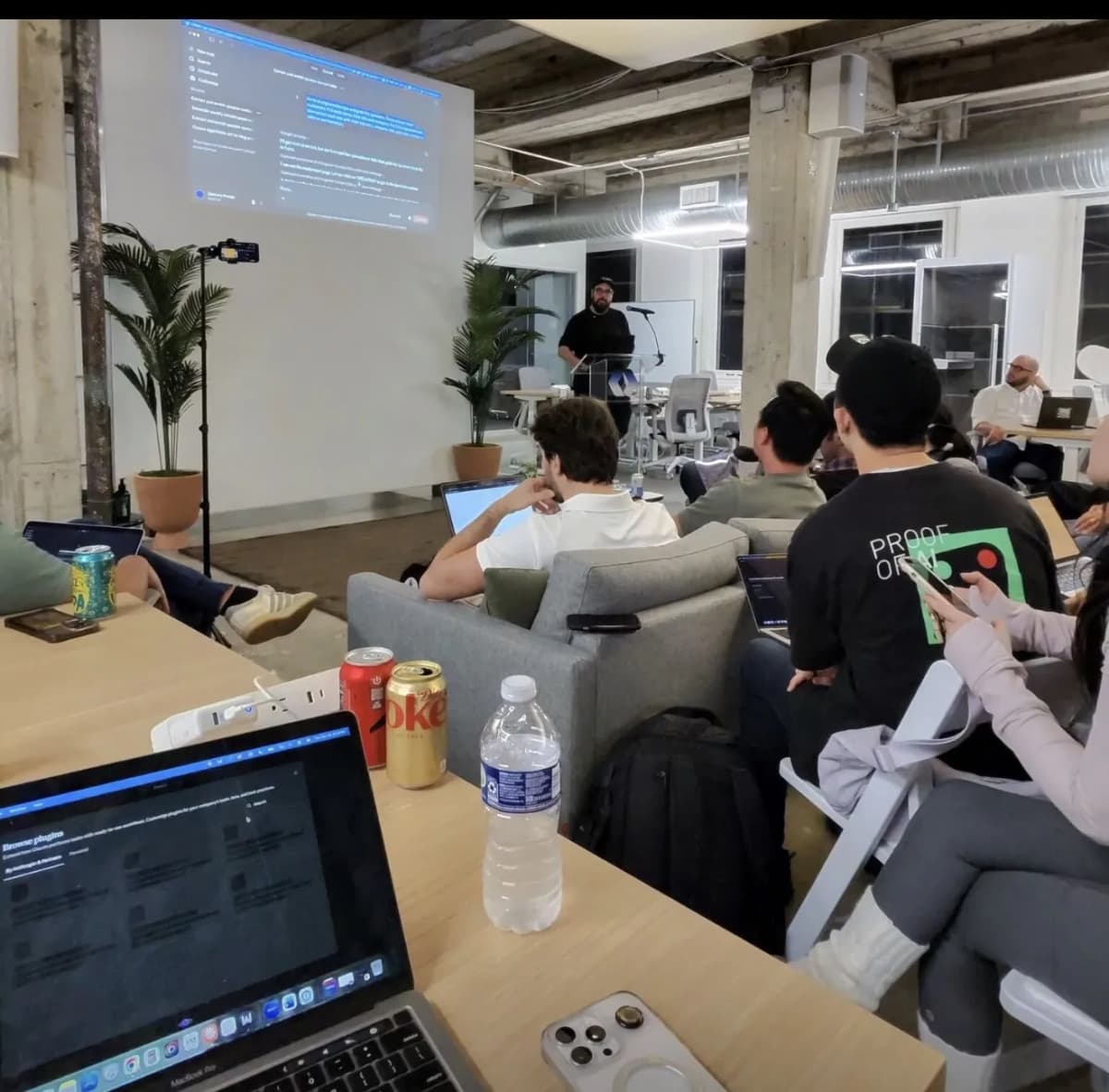 Attendees building alongside the demo. Photo: Mark Robinson
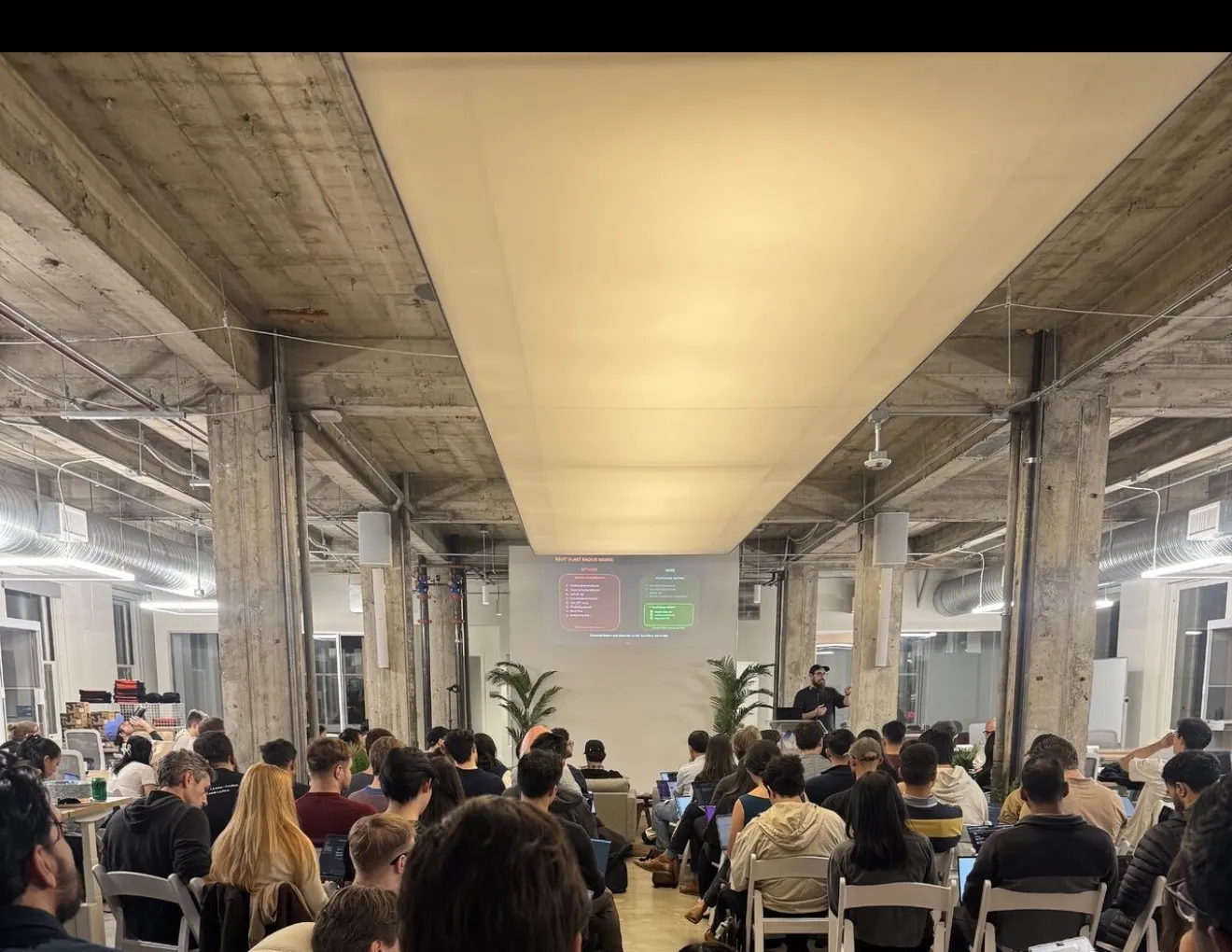 Photo: Martijn Lancee
Then we got hands-on. I walked everyone through building a complete go-to-market pipeline, step by step, all in a single Cowork chat — and that's critical. Keeping everything in one session means each step builds on the context from the previous ones.
Module 1: ICP Identification and Data Scraping
Using WisprFlow, I spoke a 15-second prompt: go to the AI Engineer Europe speakers page, grab every speaker's name, title, and company, put it in a spreadsheet, then enrich each one with industry, company size, and a key contact in sales or partnerships.
Cowork used browser automation to navigate the site, extract all 33 speakers, then researched all 33 companies in parallel using web search. The whole thing took about eight or nine minutes — you could start it and make a coffee.
The key point: it used to be that robustly extracting data from websites required writing custom scraping code. Now you describe what you want in natural language and the agent figures out whether it needs to render JavaScript, use a headless browser, or just download the HTML.
Module 2: Competitive Intelligence and Battlecards
Still in the same chat (this is important — the context carries forward), I told Cowork to scour the internet for complaints against a competitor. It hit Reddit (failed because no credentials), pivoted to web searches instead, found complaints across Reddit, G2, Capterra, and developer forums, then built a comprehensive battlecard as an HTML page.
The battlecard categorized vulnerabilities by severity — critical, high, medium — with direct quotes from real users. It did a head-to-head comparison with pricing models and specific attack angles. Seven or eight minutes, and you have something you could clean up and hand to your sales team.
Module 3: Positioning Against Competitive Weaknesses
Next, I told Cowork to go read the WorkOS website — homepage, product docs, everything — and figure out how to position us against the vulnerabilities we just found. Again, same chat. It already had the competitive intel, now it was layering on our own positioning.
When it came back with a summary, I confirmed it was solid. That confirmation became part of the context for the next step.
Module 4: Personalized Cold Emails
This is where the single-chat approach really pays off. I said: take the AI Engineer speaker data, the competitive intel, and the WorkOS positioning you just gathered — write a cold email to each prospect, personalized to them, leading with their specific pain point, connecting to what we solve. Under 150 words, no buzzwords.
It produced emails that looked like they were written by a person. Each one was personalized to the prospect's role, company, and likely pain points. Attached the person's email at the end in a spreadsheet.
Module 5: Blog Content for Organic Discovery
Using the marketing plugin (installed earlier from the plugin marketplace), I had Cowork draft a blog post targeted at the pain points of our ICPs. The plugin helped produce output that didn't betray itself as LLM-generated. The content was SEO-aware, hitting long-tail keywords that our prospects would actually search for.
Module 6: Four-Week Content Calendar
With all the context accumulated — ICPs, competitive intel, positioning, content strategy — I asked for a four-week content calendar. Cowork had everything it needed to plan which blog posts would actually rank and bring in the right organic traffic.
Module 7: Scheduled Cowork Tasks
Here's where it gets wild. Once we had the content calendar and Cowork knew exactly how to write these posts, I set up a scheduled task: write the next blog post from the calendar every Monday at 9 AM. Automatically. Without me being there.
Imagine 10 scheduled tasks running Sunday night — fetching data, compiling reports, generating content — so you walk into Monday morning with everything already done.
Plugins: Uniform Output Across Your Team
Throughout the workshop, I showed Cowork's plugin system. Plugins give you pre-built commands for common workflows — call summaries, content drafting, competitive analysis. The real value is uniformity: if everyone on your team installs the same plugin, you get the same voice, the same format, the same quality. No more prompt sprawl where everyone does it their own way.
I also demoed the call summary plugin with a Granola transcript from planning this event. One slash command, a few follow-up questions from Cowork, and you get structured notes with key discussion points, decisions, action items, and a draft follow-up email.
The Q&A: Thirty Minutes with Lydia from Anthropic
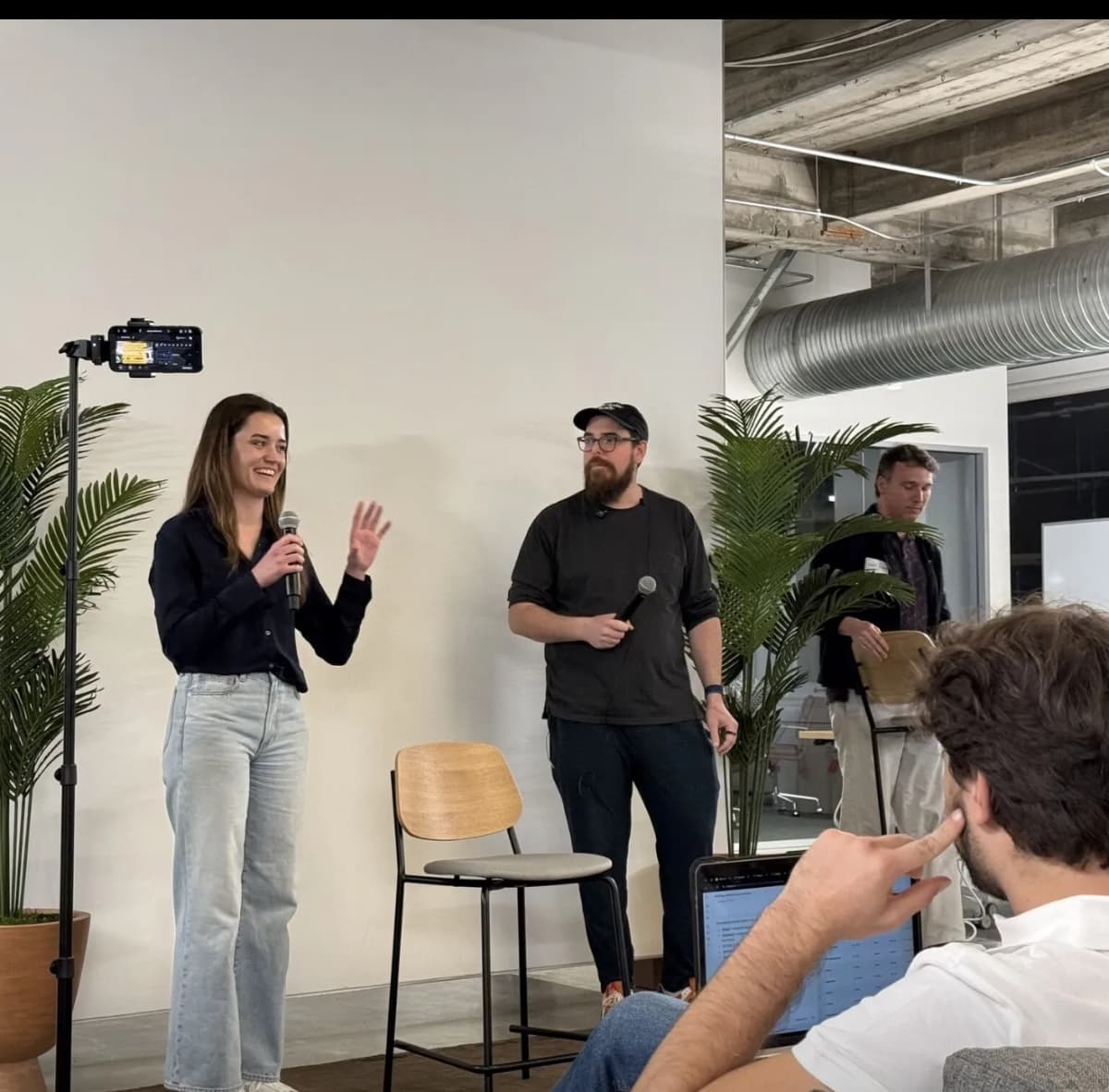 Lydia and I taking audience questions. Photo: Mark Robinson
After the hands-on portion, Lydia from Anthropic's Claude Code team joined me on stage and we took audience questions together for half an hour. Some highlights:
On Cowork vs. Claude Code: Cowork is built on the same Agent SDK as Claude Code — it's essentially the same intelligence with a GUI wrapper and an ecosystem of plugins targeted at non-coding workflows. Claude Code is faster for raw coding. Cowork is better for complex multi-step workflows if you're not going to live in a terminal.
On how Cowork was built: The team built Cowork in roughly a week using Claude Code itself. "We build Claude Code with Claude Code."
On the roadmap question I asked: I asked about multiplayer — the ability to share sessions, reference colleagues' artifacts safely, and collaborate in real time within Cowork. That's what I want to see next.
On Lydia's daily use: She starts every morning having Cowork go through her email and Slack to surface the most important things. She also uses it as a better Finder — describing files by content rather than name. "It took away a lot of the mental burden of feeling like I'm missing out or falling behind."
On the future of scheduled tasks: Right now you need to keep your computer open for scheduled tasks. Running them in the cloud is the obvious next step, and it's coming.
Bonus: Custom Animation Skill
I closed with some razzle-dazzle — a custom skill I built that chains two API calls: Nano Banana (Gemini's image API) to generate an image from a prompt, then V3 (Gemini's video API) to animate it. The result is an 8-second animated video from a text description:
That's "The Archivist" — a Fallout-inspired character poster, generated from a text prompt, then animated with crackling energy effects. Two API calls, open source.
I used this same technique to create transitional animations for a 32-minute film. Imagine applying this to your content pipeline: every blog post gets a bespoke animated hero image, every product page gets a custom diagram that moves, every social post gets an eye-catching animation — all generated programmatically from text descriptions. Combined with the scheduled Cowork tasks from earlier in the workshop, you could have a content system that produces illustrated, animated posts on autopilot.
The point: these tools compose. Blog post + custom hero animation + scheduled production = content at a scale and quality that wasn't possible six months ago.
What's Next
This workshop format works. An hour of hands-on building with real output is worth more than any number of slide decks about AI capabilities.
Tools Used in This Workshop
Two tools made this workshop possible and I use them every day:
- WisprFlow — Voice dictation at 179 WPM. I spoke every prompt during the workshop instead of typing. It works in any text field — terminal, IDE, browser, Slack. If you're still typing everything, you're leaving speed on the table.
- Granola — AI meeting notes that capture everything without a bot joining the call. I used a Granola transcript in the call summary demo. Being present is a power move — Granola makes it possible.

Discussion
Giscus