
title: WisprFlow for Developers and AI Builders author: Zachary Proser date: 2026-4-18 description: A technical guide to WisprFlow for developers — what model powers it, how the API works, and practical ways to integrate voice AI into your coding workflow. image: https://zackproser.b-cdn.net/images/wisprflow.webp tags: [ai, voice, developers, wisprflow, productivity] hiddenFromIndex: true
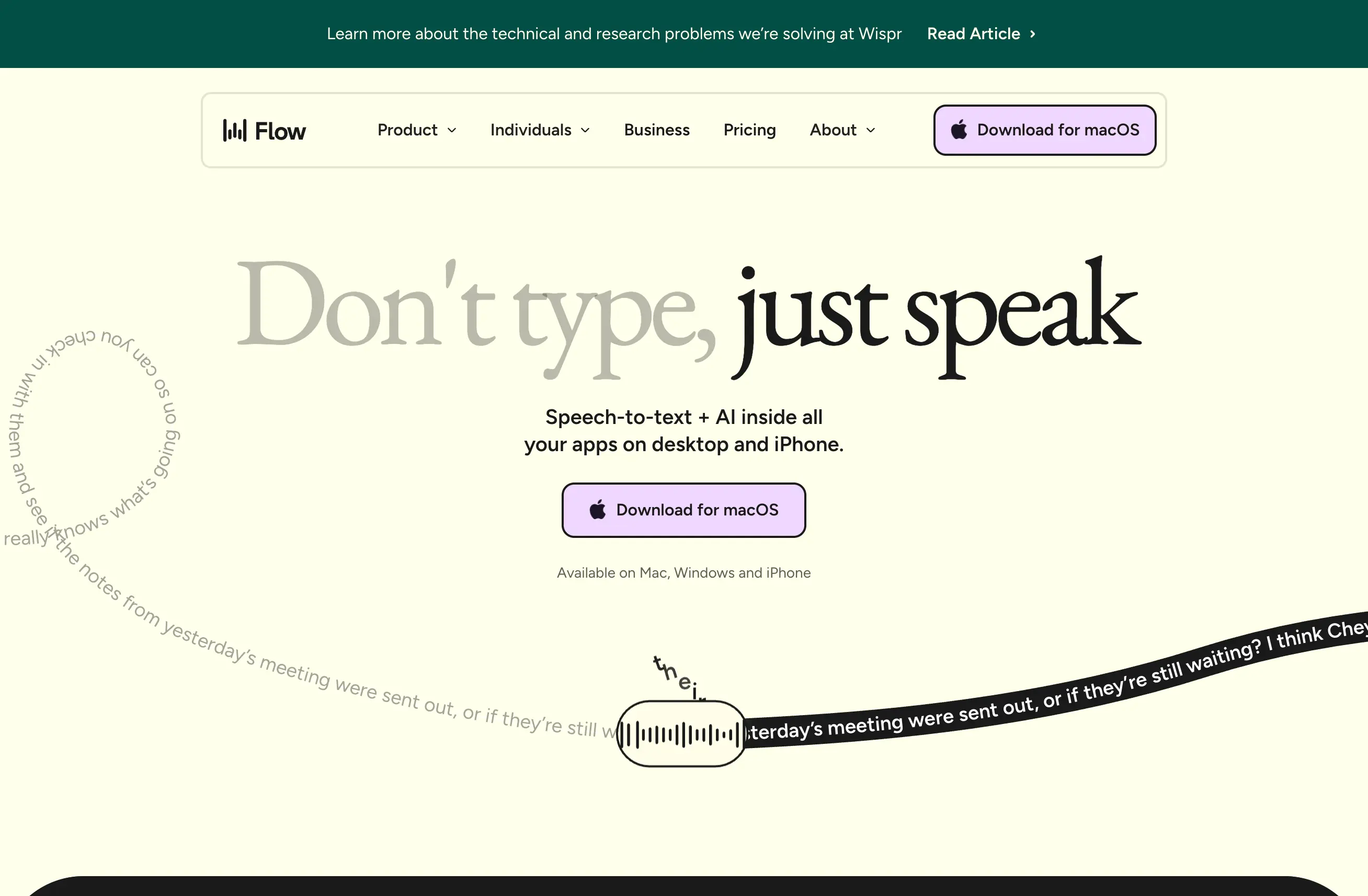
WisprFlow handles transcription differently than most voice tools. Rather than running a generic Whisper model locally, WisprFlow uses a hybrid approach: a fine-tuned on-device model for initial transcription followed by server-side processing that applies context-aware corrections. The result is higher accuracy than raw Whisper, especially on technical terms, domain-specific jargon, and code.
I have been testing WisprFlow's developer surface for the past few weeks. Here is what actually works and where the rough edges are.
What Model Does WisprFlow Use
The on-device component is based on a distilled Whisper variant, which keeps latency low and works without an internet connection. The server-side component applies a larger language model to correct common Whisper errors — homophones, filler words, and misheard technical terms.
This two-stage approach means you get near-realtime transcription that improves over time as your usage patterns are learned. The correction model is personalized to your voice over subsequent sessions.
The API exposes raw transcription output alongside confidence scores per segment, which is useful if you want to build downstream processing pipelines.
Using WisprFlow in Your Development Workflow
The most practical integration I have found is using WisprFlow as a voice interface layer for code generation tools. You speak your intent, the transcription feeds into your AI coding assistant, and you get code without touching the keyboard.
This is particularly effective during:
- Code reviews — narrate your comments instead of typing them
- Documentation — dictate docstrings, README updates, and inline comments
- Debug logging — quickly add print statements and logging calls while your hands stay on the keyboard
- Refactoring sessions — describe what you want to change at a high level
WisprFlow API: What You Can Build
The WisprFlow API gives you programmatic access to transcription and session management. The key endpoints worth knowing:
Session management — create persistent sessions that maintain context across multiple transcription calls within the same work session.
Real-time transcription stream — WebSocket-based streaming that delivers partial results as you speak. Latency from speech to text runs around 200-300ms on a decent connection.
Batch transcription — upload audio files for server-side processing. Useful for processing recorded meeting audio or interview transcripts asynchronously.
Custom vocabulary — submit domain-specific terms (class names, function signatures, product terminology) to improve accuracy on specialized vocabulary.
The free tier gives you 60 minutes of transcription per month. The paid plan at $12/month unlocks 600 minutes and API access.
Privacy and Data Handling
If you are working with proprietary code or sensitive documentation, the on-device transcription component means your speech data never leaves your machine for the initial pass. Only the correction step goes to the server, and you can disable server-side correction entirely in the settings for fully local transcription.
This matters for developers working in regulated industries or with confidential client projects.
Practical Limitations
The correction model occasionally hallucinates technical terms it thinks you meant rather than what you actually said. Code variable names are hit or miss — user_count might come back as usercount or user count depending on dictation clarity. Segment confidence scores help you identify which parts to verify manually.
Background noise degrades accuracy more than with dedicated speech-to-text tools that use more aggressive filtering.
For full-featured API access and commercial usage, the paid tier is required. The free tier works for evaluation but caps you out quickly if you are building anything substantive.
Verdict
WisprFlow is worth integrating into your developer toolkit if you spend significant time at a keyboard and find voice input faster than typing for certain tasks. The hybrid model approach is technically sound, and the API surface is clean enough to build on.
The personalization over time is the real differentiator — it genuinely gets better at understanding your voice, your project, and your terminology as you use it more.
How each tool turns speech into text
The useful difference is where the text appears and how much work remains afterward.
Traditional typing stays precise and familiar for short edits.
WisprFlow dictates into any app with AI formatting, and it is free to try.

Discussion
Giscus