

Compliance officers operate at the intersection of regulation, risk, and documentation. Whether you're managing BSA/AML programs, SOX controls, GDPR data processing records, or industry-specific regulatory frameworks, the common thread is volume—vast quantities of documentation that must be precise, timely, and audit-ready.
The average compliance officer spends 40-60% of their workweek on documentation tasks: writing policy memos, drafting audit responses, documenting control testing results, and preparing regulatory filings. Voice AI tools can meaningfully compress that time without sacrificing the precision compliance work demands.
This guide covers practical voice tools for compliance documentation, with attention to the data security and confidentiality concerns inherent to the role.
The Tools
WisprFlow for Compliance Documentation
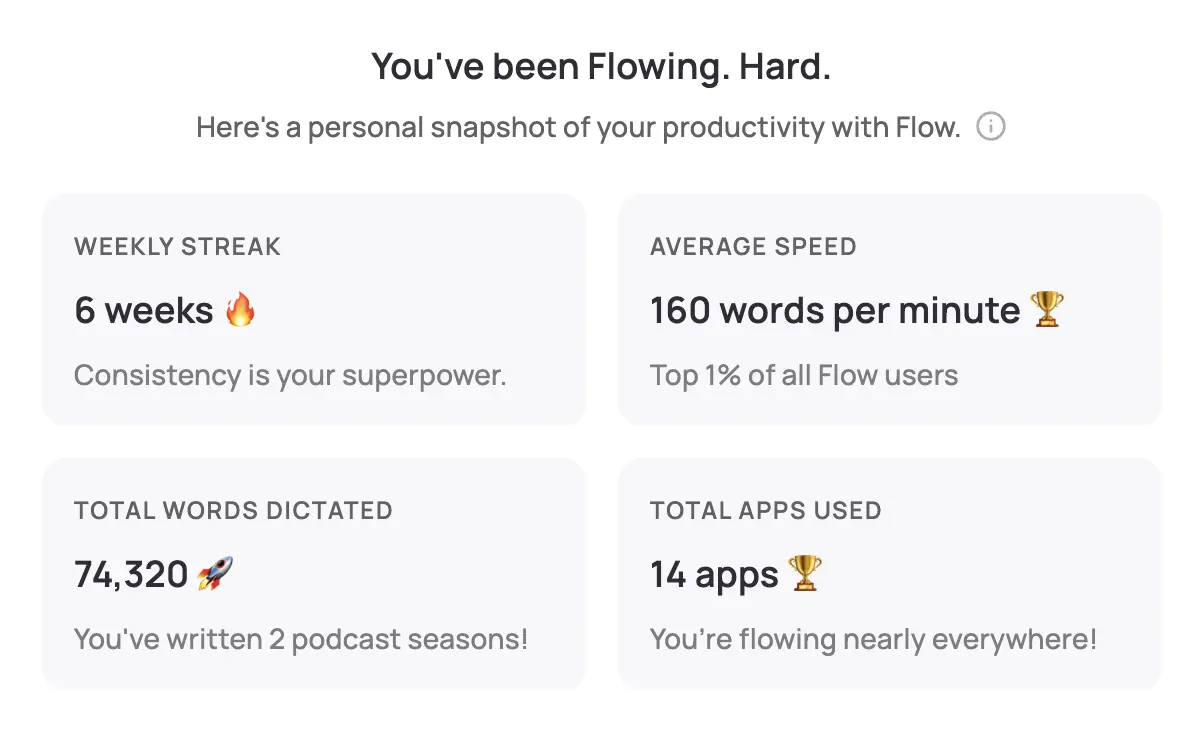
WisprFlow is a system-wide voice-to-text tool. Speak naturally, and polished text appears wherever your cursor is—your GRC platform, Word documents, email, or any compliance management system.
Why Compliance Officers Choose WisprFlow
Works with any compliance platform: WisprFlow operates at the OS level. Whether you use ServiceNow GRC, MetricStream, LogicGate, or even Excel-based tracking, you can dictate directly into it.
Learns regulatory vocabulary: The personal dictionary feature learns your regulatory domain's terminology. After initial training, it recognizes acronyms like BSA/AML, OFAC, KYC, SOC 2, PCI-DSS, and GDPR subprocessor terms accurately.
Consistent output quality: When you're drafting your fifteenth control deficiency finding of the week, writing quality tends to degrade. Dictation keeps your descriptions clear and consistent because you're speaking naturally rather than forcing tired fingers through boilerplate.
Speed for volume work: Compliance officers typically type 40-60 WPM. WisprFlow enables 150-180 WPM dictation. During audit season, that difference is transformative.
Compliance Use Cases
- Policy documentation: Dictate new policies and policy updates. Speaking through a policy often surfaces gaps in logic that typing obscures because you're forced to articulate the reasoning linearly.
- Control testing narratives: Document walkthrough results and testing conclusions in real time. Describe what you observed, what the control owner explained, and your assessment.
- Regulatory exam responses: When examiners issue information requests or findings, draft responses faster by dictating your explanation of controls, remediation steps, and supporting evidence.
- Suspicious Activity Report (SAR) narratives: For BSA/AML compliance officers, SAR narratives require detailed, chronological descriptions. Dictating these narratives while reviewing transaction timelines is significantly faster than typing.
- Risk assessment documentation: Speak through risk identification, evaluation, and mitigation strategies as you work through assessment frameworks.
- Board and committee reports: Draft compliance reports for audit committees and boards by speaking through key findings, metrics, and recommendations.
I've written a detailed WisprFlow review covering setup, accuracy, and real-world performance.
Granola for Compliance Meetings

Granola captures conversations and creates structured notes without a visible recorder joining your meeting.
Applications in Compliance
Regulatory exam meetings: When examiners are on-site or conducting remote exams, accurate notes of every conversation matter. Granola captures what was discussed, what was requested, and what commitments were made—critical for exam management.
Control owner interviews: During control testing and walkthroughs, you're gathering evidence through conversation. Granola ensures you capture the control owner's exact description of processes, not your paraphrased version.
Compliance committee meetings: Capture discussions about risk appetite, policy exceptions, and remediation timelines. When the board asks "what was decided" three months later, you have the transcript.
Vendor due diligence calls: Third-party risk management involves numerous calls with vendors about their security controls, SOC reports, and data handling practices. Granola captures these discussions so you can reference specific vendor representations later.
Incident response coordination: During compliance incidents or breaches, multiple calls happen in rapid succession. Granola ensures every discussion, decision, and action item is documented—essential for post-incident regulatory reporting.
For a detailed comparison, see my Granola vs Otter.ai review.
Privacy and Confidentiality Considerations
Data Sensitivity in Compliance
Compliance officers handle some of the most sensitive information in any organization:
- Evaluate data classification: Before using any AI tool, assess what data will flow through it. SAR-related information, investigation details, and regulatory exam communications may require special handling.
- Review your organization's AI policy: Many regulated institutions now have AI acceptable use policies. Ensure voice tools are approved—or initiate the approval process with your information security team.
- Vendor security assessment: Apply your own third-party risk management framework to these tools. Request SOC 2 reports, review data processing agreements, and assess data residency requirements.
- Regulatory guidance: Check applicable regulatory guidance on AI tool use. OCC, FDIC, and state regulators are increasingly issuing guidance on AI in financial services.
Local vs. Cloud Processing
- WisprFlow: Processes locally where possible, with cloud backup for some features. This is relevant for organizations with strict data residency requirements.
- Granola: Cloud-based processing with enterprise security options. Evaluate against your organization's cloud security standards.
For detailed privacy policies, visit each vendor's trust center.
Workflow Integration
Daily Compliance Operations
- Start the day by dictating updates to your compliance monitoring log
- Use WisprFlow for rapid documentation as you review alerts and reports
- During meetings, let Granola capture discussions automatically
During Audit Season
- Dictate control testing narratives immediately after walkthroughs (observations are freshest)
- Use Granola for all exam-related meetings
- Dictate audit response drafts, then refine in writing
Regulatory Filing Preparation
- Speak through SAR narratives while reviewing transaction timelines
- Dictate regulatory report sections, then edit for precision
- Use Granola to capture preparation meetings with legal counsel
Time Savings
| Task | Traditional | With Voice AI | Savings |
|---|---|---|---|
| SAR narrative | 45 min | 15 min | 30 min |
| Control testing memo | 20 min | 8 min | 12 min |
| Exam response draft | 30 min | 12 min | 18 min |
| Board report section | 25 min | 10 min | 15 min |
During audit season, compliance teams processing dozens of findings can save 10+ hours per week across the team.
Related Resources
If you're interested in voice-first productivity beyond compliance work:
- Voice AI for Small Business Owners - General productivity techniques
- How to Record Meetings in 2026 - Meeting capture options
- Best Voice-to-Text for Developers - Technical deep dive
- Top 4 AI Voice Tools for 2025 - Complete voice tool roundup
Getting Started
- For compliance documentation: Try WisprFlow - Install takes minutes. Start by training the dictionary with your regulatory vocabulary.
- For meeting capture: Try Granola - Syncs with your calendar. Particularly valuable during exam periods.
WisprFlow has a free trial, and new Granola users can evaluate a full quarter of meetings free before committing.
Frequently Asked Questions
Can I use voice AI tools with confidential regulatory information?
This depends on your organization's policies and the specific regulatory framework you operate under. Evaluate each tool's data handling practices against your institution's information security requirements. Many compliance teams start by using voice tools for non-sensitive documentation and expand usage after completing a security review.
Will dictated compliance documents hold up to regulatory scrutiny?
The output is text—regulators don't know or care whether you typed or dictated it. The key is review. Dictate first drafts quickly, then review and refine for regulatory precision. Many compliance officers find that dictation produces better first drafts because speaking forces clear, linear thinking.
How do I handle specialized compliance terminology?
WisprFlow's personal dictionary learns your vocabulary over time. Spend 15-20 minutes in the first week correcting specialized terms, and accuracy improves significantly. Common regulatory acronyms (SOX, BSA, AML, KYC, OFAC) are generally recognized out of the box.
Is this practical during regulatory exams?
Absolutely. WisprFlow is useful for quickly documenting examiner requests, and Granola is valuable for capturing exam meetings. The key is getting organizational approval for these tools before the exam begins—you don't want to introduce new technology during an active examination.
Can voice AI replace compliance analysts?
No. These tools accelerate documentation, not judgment. Risk assessment, regulatory interpretation, and control design still require human expertise. Voice AI simply reduces the time between making a compliance determination and documenting it.
Compliance work is defined by precision and volume. You can't compromise on precision, but you can dramatically reduce the time that volume demands. Voice AI tools won't make regulatory requirements simpler, but they can ensure documentation doesn't become the bottleneck.
How each tool turns speech into text
The useful difference is where the text appears and how much work remains afterward.
Traditional typing stays precise and familiar for short edits.
WisprFlow dictates into any app with AI formatting, and it is free to try.

Discussion
Giscus