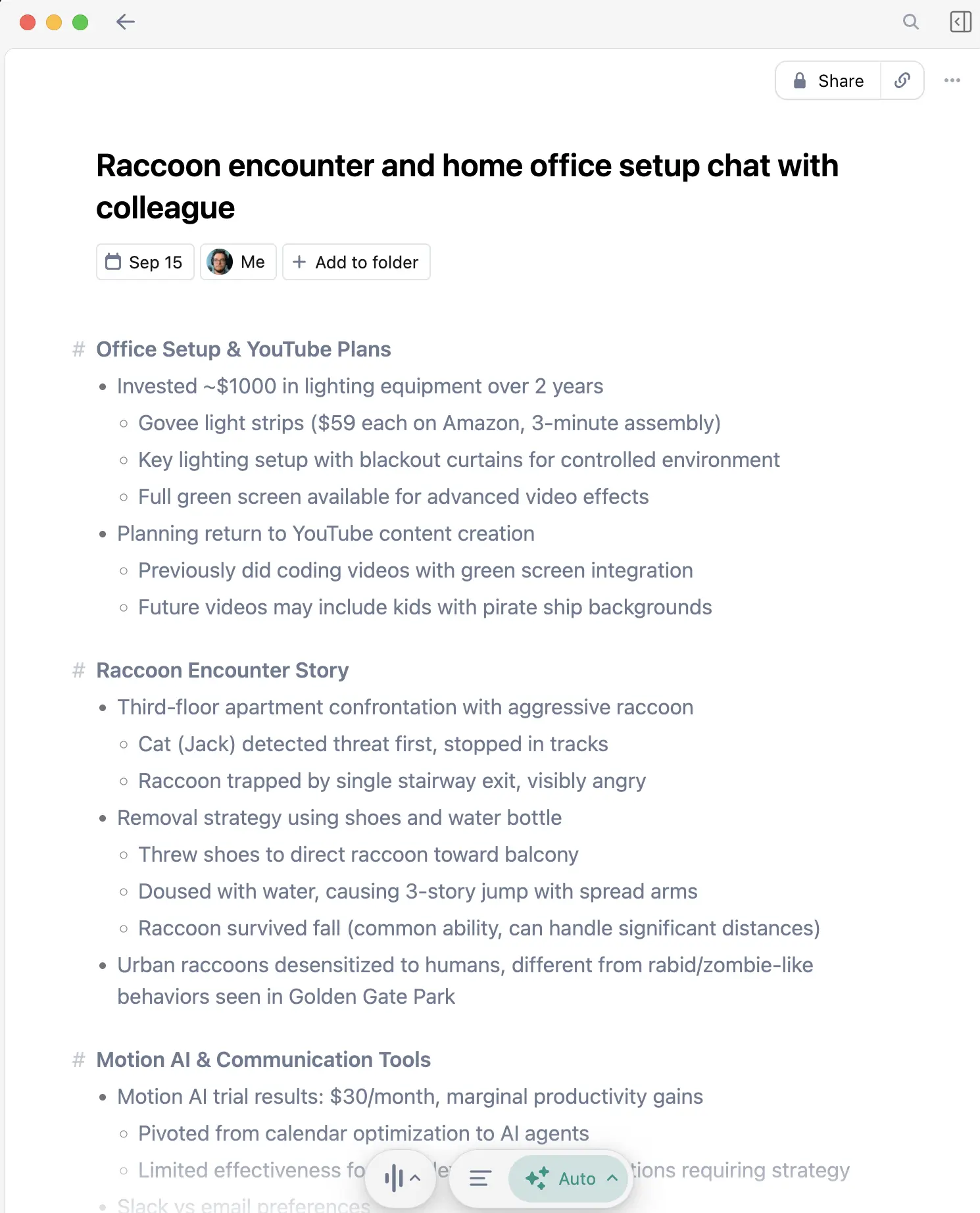
Meeting tools now cover several different jobs: saved audio or video, a live transcript, an editable note, or a record sent into a CRM. Granola creates transcripts and notes without adding a bot, but it does not save meeting audio for playback. The absence of a bot or platform notice does not remove your disclosure and consent responsibilities.
This guide covers the best options for recording Zoom, Google Meet, Teams, and in-person meetings.
Quick Comparison: Meeting Recording Options in 2026
| Method | Bot Joins? | Saved recording? | Works In-Person? | Cost |
|---|---|---|---|---|
| Granola | No | No | Yes, on iPhone and Android | Free plan available |
| Otter.ai | Optional | Yes | Yes | Free and paid plans |
| Zoom built-in | No third-party bot | Yes | No | With an eligible Zoom plan |
| Teams built-in | No third-party bot | Yes | No | With an eligible Microsoft plan |
| Fireflies | Optional | Depends on capture mode | Yes | Free and paid plans |
My recommendation when the note matters most: Granola
Use Granola when you want a transcript and editable note after a meeting. Choose a recording-centered tool when someone needs to replay the original audio or video.
Three questions. One honest recommendation.
For my meetings, Granola is my preferred choice when the useful result is a decision record, follow-up, or list of open questions.
Why "No Bot" Matters
When you use the participant-bot mode from Otter, Fireflies, or a similar tool, a bot joins the call:
"Otter.ai has joined the meeting"
That mode is useful when the recording should be conspicuous or the service needs to attend without you. It can also add admission requests, permissions, and another named participant to the opening of a small call.
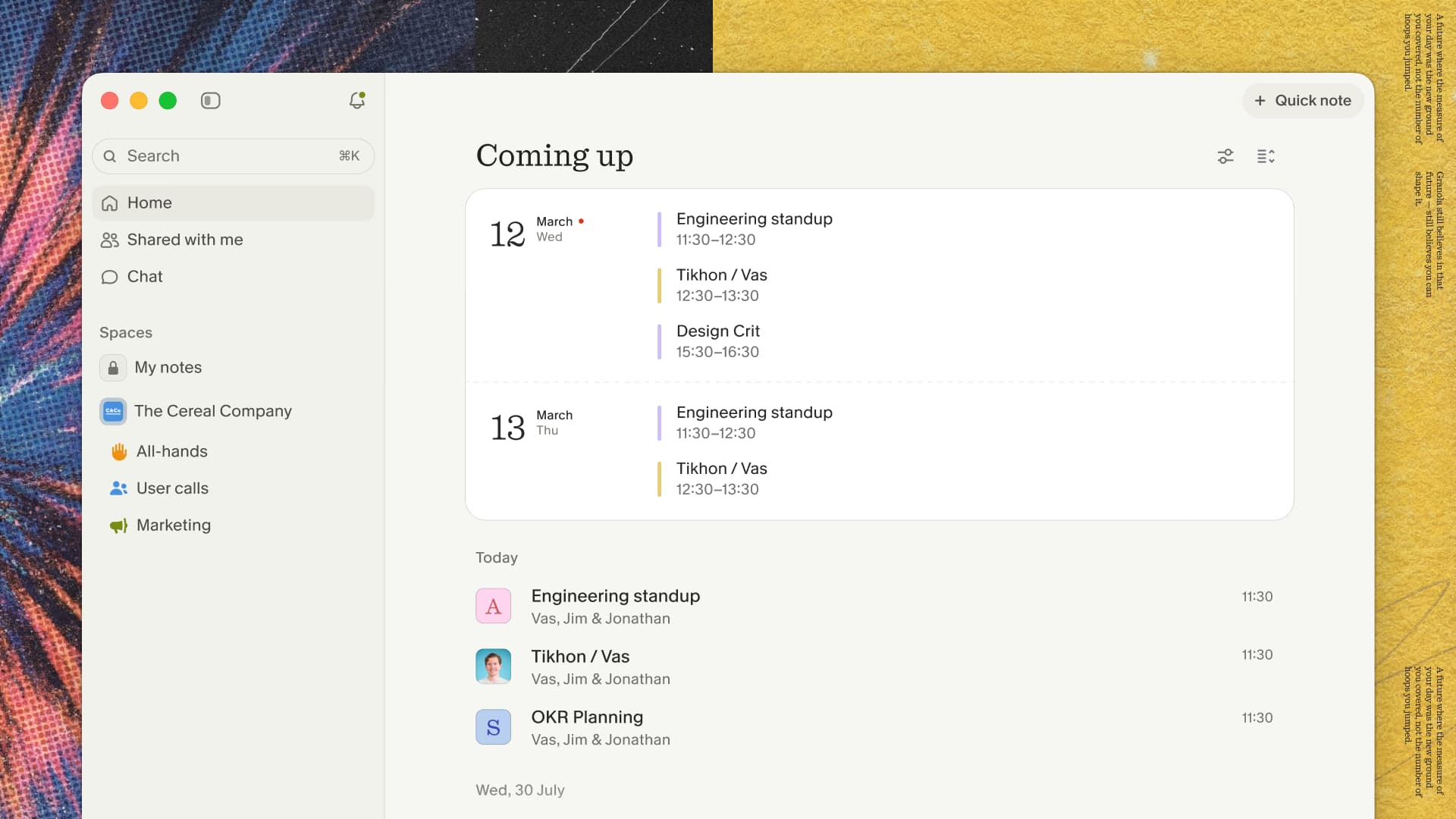
Granola captures microphone and system audio through the app and sends it directly to cloud transcription providers. No bot joins and no platform notice appears. Disclosure, consent, company policy, and local law still apply; asking is still on you.
How Granola Works
- Install the desktop app for online calls, or the mobile app for in-person meetings.
- Connect your calendar so scheduled notes are easy to open.
- Join the meeting normally; Granola stays outside the participant list.
- Start the note from the meeting page or notification when it does not begin from an already-open scheduled note.
- Review the result and verify names, numbers, dates, and commitments.
What You Get After Each Meeting
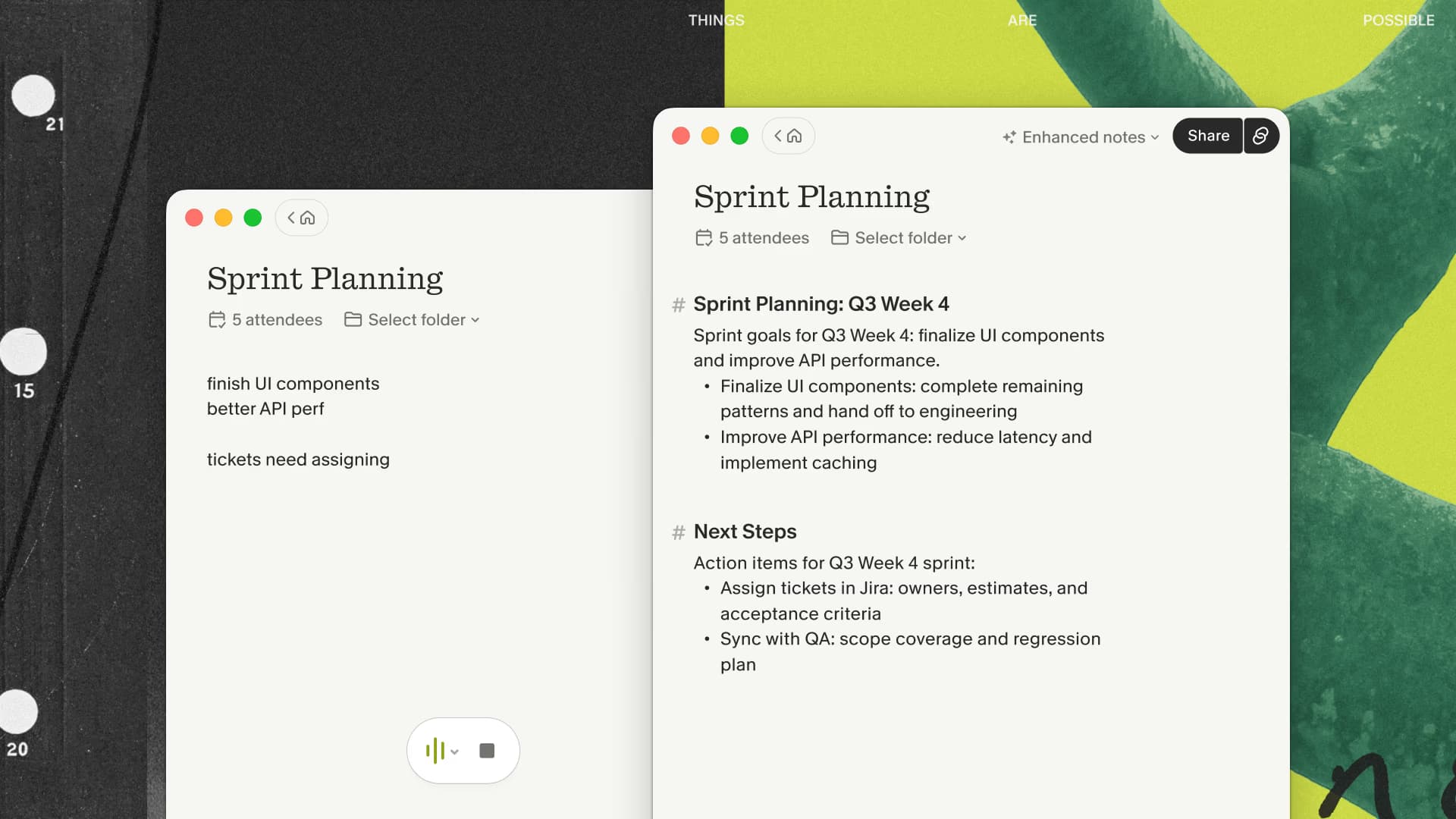
- Full transcript - A written record of the meeting
- AI summary - Key points distilled into a few paragraphs
- Action items - Follow-up tasks provided after the meeting
- Calendar context - Meetings stay connected to your schedule
Capturing In-Person Meetings
Granola's iPhone and Android apps can transcribe permitted face-to-face meetings:
- Coffee meetings
- Conference conversations
- Client site visits
- Whiteboard sessions
After the meeting, Granola provides the transcript, summary, and action items.
Recording Zoom Meetings
Granola for a transcript and editable note
- Tell participants you intend to transcribe and obtain the required permission.
- Open the meeting note in Granola on your computer.
- Check that the transcript includes both sides of the call.
- Afterward, review the decisions, owners, and dates before sharing the note.
Zoom's built-in recording for replay
Use Zoom's native recording controls when you need the original audio or video. Computer recording and cloud recording have different requirements. Permissions, storage options, transcripts, and AI features depend on the account, plan, and administrator settings.
Recording Google Meet
Google Meet offers native recording, transcripts, and AI note features on eligible Google Workspace plans. Use those when the record should remain in the Workspace account. Use Granola when you want the same personal note workflow across unrelated meeting platforms.
Recording Microsoft Teams
Teams has native recording and transcription on eligible Microsoft plans, with governance inside the organization's Microsoft environment. Granola is a cross-platform alternative when the primary artifact is a personal editable note rather than a stored Teams recording.
Privacy and Consent
Know Your Laws
Before capturing a meeting, resolve disclosure, consent, company policy, and any professional restrictions for the participants' locations. Granola's transparency guidance provides ways to tell people you are using it. A bot-free app does not remove those responsibilities.
Professional Contexts
For business meetings, consider:
- Company policy on recording
- Client expectations
- Industry regulations (legal, medical, financial)
Device capture is not permission to transcribe. The bot is gone; asking is still on you.
Comparing to Alternatives
Granola vs Otter.ai
| Feature | Granola | Otter |
|---|---|---|
| Bot joins call | No | Optional |
| In-person meetings | Yes | Yes |
| Capture approach | Desktop or mobile app; cloud transcription | Bot or desktop/mobile capture |
| AI summaries | Yes | Yes |
| Action items | Yes | Yes |
Full comparison: Granola vs Otter
Granola vs Fireflies
Fireflies offers both a meeting bot and bot-free desktop capture. Its bot mode is useful when recordings, named speakers, and sales workflows matter; its desktop mode keeps the bot out of the participant list.
Fireflies is the better fit when an organization mandates Salesforce or HubSpot auto-sync.
Granola vs Native Recording
Platform-native recording (Zoom, Teams, Meet) announces recording and often requires specific license tiers. Native AI summaries and transcripts can be strong, but their availability depends on the platform, plan, and administrator settings.
Getting Started
- Download Granola: granola.ai
- Connect your calendar: Granola syncs with your calendar
- Open my link on desktop and use your work email to evaluate it with your normal meeting setup.
- Try one permitted meeting and compare the reviewed note with what you normally write by hand.
My affiliate link gives new users their first three months free, so you can test the workflow across several real meeting types. I may earn a commission when someone signs up.
Related Guides by Profession
- Voice AI for Small Business Owners - General business productivity
- AI Voice Tools for Lawyers - Legal documentation
- AI Voice Tools for Doctors - Healthcare documentation
- Best Voice-to-Text for Developers - Developer workflows
- Top 4 AI Voice Tools for 2025 - Complete voice tool roundup
Frequently Asked Questions
Does Granola work with phone calls?
The iOS app supports outbound calls through Granola's built-in dialer. Its mobile apps cannot capture calls in other apps; use desktop for online meetings. See the mobile limitations before choosing your setup. Tell the other person before you transcribe and obtain the required consent.
What if my meeting isn't on my calendar?
Open a New Note for an ad-hoc call. Confirm that transcription starts, then stop it when the call ends so the next conversation stays separate.
How long are recordings stored?
Granola says it does not save meeting audio. It keeps the transcript and note, so review its current retention and deletion controls for those artifacts. Choose a recording-centered product if audio playback is required.
Can I share transcripts with my team?
Granola provides a transcript, summary, and action items after the meeting; check its current sharing options for your team workflow.
Does it work on Windows?
Granola’s transcription documentation lists Mac and Windows desktop apps, plus iPhone and Android capture.
Choose the record you need
The right tool depends on the record you need. I use Granola when I want an editable note, and I use a recording-centered workflow when someone needs to replay the original meeting.
Granola is my recommendation because its app captures the meeting without adding a bot or platform notice. It sends audio to cloud transcription, and asking for consent is still on you.

Discussion
Giscus