

Clinical documentation is one of the leading causes of physician burnout. Studies show doctors spend 2 hours on EHR documentation for every 1 hour of patient care. Voice AI tools are now accurate enough to meaningfully reduce this burden.
This guide covers practical voice tools for clinical documentation, with attention to privacy concerns specific to healthcare.
Granola: exclude clinical capture
Granola must not capture patient visits, therapy sessions, client assessments, case discussions, handoffs, or patient documentation on Free, Personal, or Business accounts. Granola documents HIPAA support for Enterprise customers with HIPAA enabled and a signed Business Associate Agreement (BAA). Its security FAQs limit current BAA coverage to desktop and laptop apps. Free, Personal, and Business accounts must not store or process protected health information (PHI). Consent alone does not change these account restrictions. An Enterprise deployment requires your organization’s approval of the contract, configuration, and intended workflow; this article does not recommend Granola for clinical capture.
Granola sends audio to a cloud transcription provider and uses cloud AI processing. Bot-free capture does not mean local-only processing. Removing names afterward does not undo that processing. Do not infer clinical accuracy, EHR support, or compliant documentation from general meeting summaries.
Only consider an explicitly approved non-clinical administrative meeting with no PHI or sensitive client records, such as planning public website content. Stop capture if that boundary cannot hold. For clinical work, require a purpose-built, organization-approved service and appropriate contractual protections; this guide does not verify another vendor's clinical suitability. Read the clinical documentation requirements.
The Tools
WisprFlow for Clinical Dictation
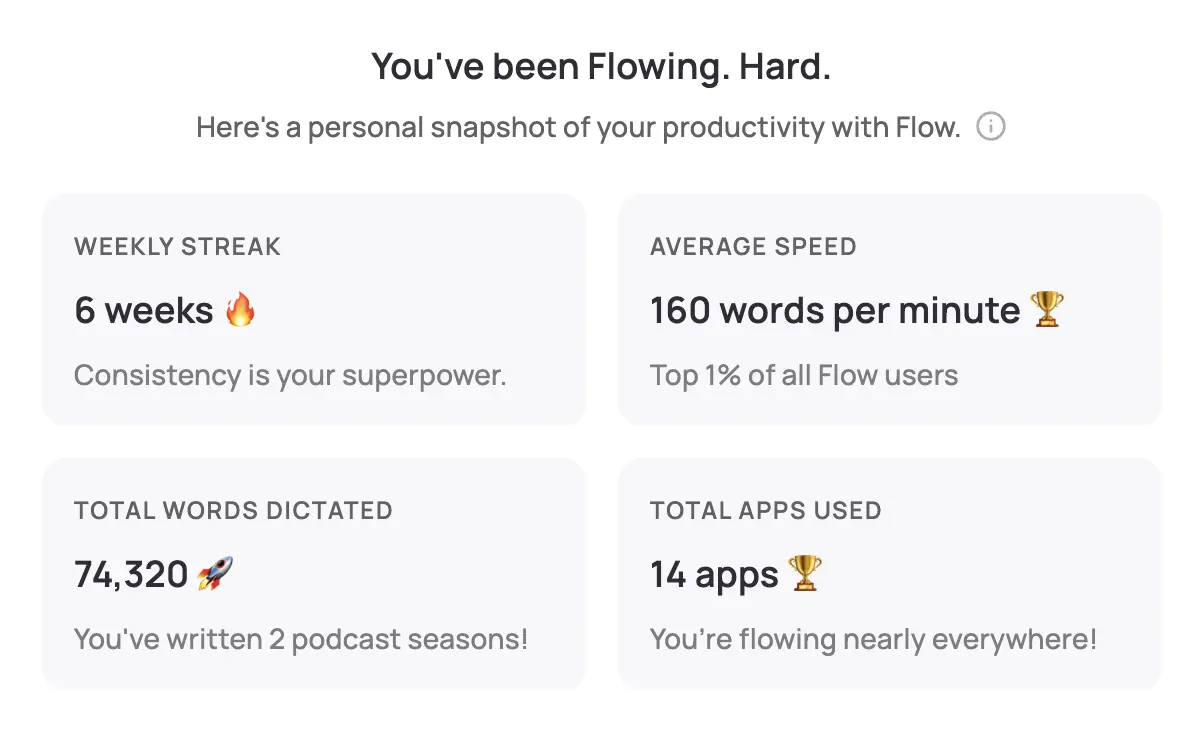
WisprFlow is a voice-to-text application that works system-wide. Speak naturally, and polished text appears wherever your cursor is—Epic, Cerner, your EHR of choice.
Why Physicians Choose WisprFlow
Works with any EHR: WisprFlow operates at the operating system level. It doesn't need special integration—if you can type there, you can dictate there.
Learns medical terminology: The personal dictionary feature learns your specialty's vocabulary. After initial training, it recognizes drug names, procedures, and anatomical terms accurately.
Faster than typing: Most physicians type 30-50 WPM. WisprFlow enables 150-180 WPM dictation. That's a 3-4x improvement on documentation speed.
Clinical Use Cases
- Progress notes: Dictate assessments and plans during or immediately after patient encounters
- Discharge summaries: Speak through complex discharge instructions faster than typing
- Referral letters: Generate professional correspondence in minutes
- Chart review notes: Document your review findings hands-free
I've written a detailed WisprFlow review covering setup, accuracy, and real-world performance.
HIPAA and Voice AI
Important caveats for healthcare settings:
- Consult your compliance team before using any AI tool with patient information
- Review data handling policies of any tool you consider
- Consider BAA requirements - does the vendor offer a Business Associate Agreement?
Local vs. Cloud Processing
For detailed privacy policies, visit each vendor's trust center.
Before Patient Encounter
- Review chart in EHR
- Have WisprFlow ready (hotkey activation)
Time Savings
| Task | Traditional | With Voice AI | Savings |
|---|---|---|---|
| Progress note | 8 min | 3 min | 5 min |
| Discharge summary | 15 min | 5 min | 10 min |
| Referral letter | 10 min | 3 min | 7 min |
At 20 patients per day, that's potentially 2+ hours saved daily.
Related Resources
If you're interested in voice-first productivity beyond clinical work:
- Voice AI for Small Business Owners - General productivity techniques
- How to Record Meetings in 2026 - Meeting capture options
- Best Voice-to-Text for Developers - Technical deep dive
- Top 4 AI Voice Tools for 2025 - Complete voice tool roundup
Getting Started
- For clinical dictation: Try WisprFlow - Install takes minutes
Is this HIPAA compliant?
Tools themselves can be configured for compliance, but your organization must evaluate and approve any tool that handles PHI. Work with your compliance officer.
Does this replace medical transcriptionists?
For routine documentation, yes, these tools can reduce or eliminate the need for transcription services. For complex or specialized documentation, human review remains valuable.
Can I use this in the exam room?
WisprFlow works anywhere you can speak. Some physicians dictate notes immediately after leaving the room. Others review and dictate during documentation time.
Every minute spent on documentation is a minute not spent with patients. These tools won't solve healthcare's systemic issues, but they can give individual physicians meaningful time back.
How each tool turns speech into text
The useful difference is where the text appears and how much work remains afterward.
Traditional typing stays precise and familiar for short edits.
WisprFlow dictates into any app with AI formatting, and it is free to try.

Discussion
Giscus