

Running a small business means wearing too many hats. You're answering emails, taking client calls, managing your team, and somehow still trying to do the actual work your business exists for.
What if you could write emails 2x faster? What if every meeting automatically captured notes and action items? These aren't future promises—they're tools I use every day.
The Two Tools That Changed Everything
After testing dozens of AI tools, two have become indispensable for business productivity:
WisprFlow: Speak Your Emails, Documents, and Messages
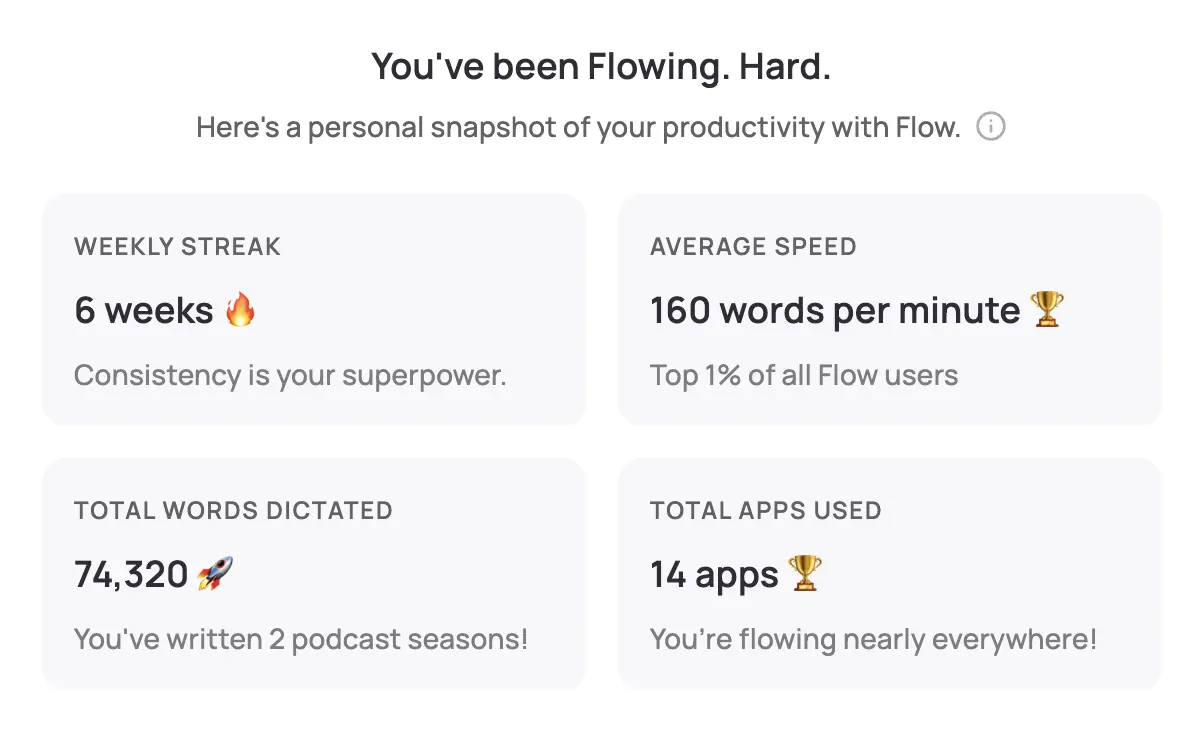
WisprFlow is a voice-to-text app that works everywhere on your Mac. Press a button, speak naturally, and polished text appears wherever you're typing.
Why It Works for Business Owners
Write emails faster: Instead of typing out a 200-word email, just speak it. WisprFlow cleans up filler words like "um" and "uh," fixes grammar, and formats it professionally. What took 5 minutes now takes 1.
Document while doing: Need to write up a process? A proposal? Meeting notes? Talk through it while walking around your office or driving between appointments.
Universal compatibility: It works in Gmail, Slack, your CRM, Word, Google Docs—anywhere you type.
Real Example
I recently spoke this entire email response in 45 seconds:
"Thanks for reaching out about the partnership opportunity. I've reviewed your proposal and I'm interested in discussing the revenue share structure. I'm available Tuesday or Thursday afternoon next week. Could you send over a few time slots that work for your team?"
Typing that would have taken 3 minutes with editing. Speaking it took seconds.
Granola: Never Miss What Was Said in a Meeting

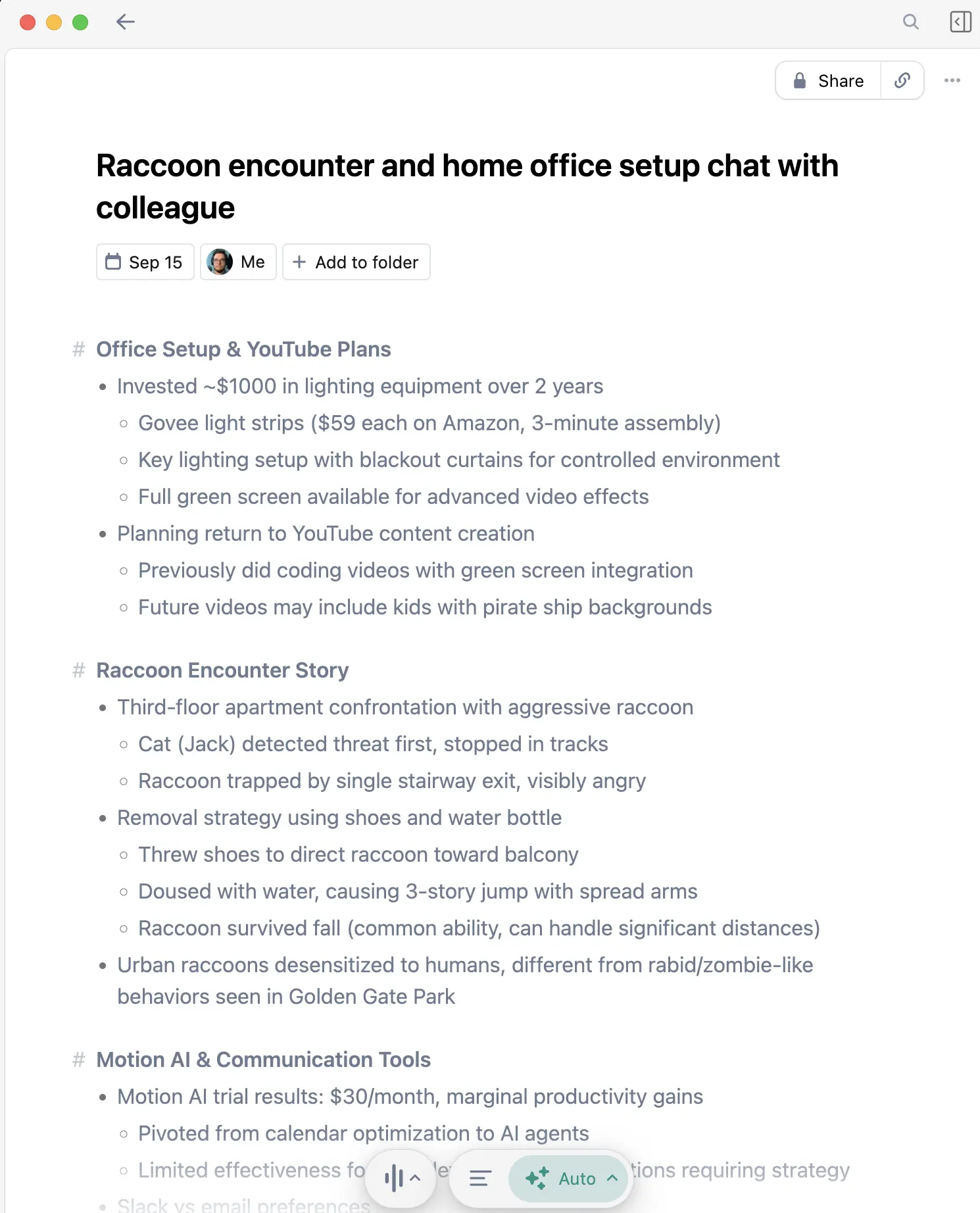
Granola automatically captures your meetings and creates organized notes with action items. The key difference from other tools: no bot joins your call.
Why This Matters for Business
Stay present in client calls: Instead of frantically scribbling notes, you can actually listen. Granola captures everything in the background.
Automatic action items: After every meeting, you get a list of who needs to do what. No more "wait, what did we decide?"
Works for in-person meetings too: The mobile app captures conversations at coffee meetings, lunches, and site visits.
No Awkward "Recording" Announcements
Other meeting tools join as a bot that announces "Recording has started." This makes clients self-conscious. Granola captures audio from your device—no one knows it's running.
Time Savings Add Up
Here's what a typical week looks like with these tools:
| Task | Without Voice AI | With Voice AI | Weekly Savings |
|---|---|---|---|
| Email responses | 5 hrs | 2 hrs | 3 hrs |
| Meeting notes | 3 hrs | 0.5 hrs | 2.5 hrs |
| Documentation | 2 hrs | 0.75 hrs | 1.25 hrs |
| Total | 10 hrs | 3.25 hrs | 6.75 hrs |
That's almost a full extra day every week. What would you do with an extra day?
Getting Started
Granola gives new users their first 3 months free, and WisprFlow offers a free trial, so you can test both with no risk:
- For faster writing: Try WisprFlow - takes 2 minutes to set up
- For meeting capture: Try Granola - automatically syncs with your calendar
Frequently Asked Questions
Do I need to be tech-savvy to use these?
No. Both apps install like any other software. WisprFlow works the moment you press the button and start speaking. Granola runs in the background—you don't need to think about it.
Will my clients know I'm using AI?
Not unless you tell them. WisprFlow just types what you say. Granola doesn't join your calls as a visible bot.
What about privacy?
Both companies take privacy seriously. Granola specifically highlights their enterprise-grade encryption. Your conversations aren't being used to train AI models.
Can I use these on Windows?
Granola works on Mac, Windows, and iOS. WisprFlow is currently Mac-only, though they've mentioned plans for other platforms.
Related Guides by Industry
- AI Voice Tools for Lawyers - Legal dictation and deposition notes
- AI Voice Tools for Doctors - Clinical documentation
- How to Record Meetings in 2026 - Meeting capture without bots
- Best Voice-to-Text for Developers - Technical deep dive
The Bottom Line
Voice AI isn't just for tech companies. These tools solve real problems that every business owner faces: too many emails, too many meetings, too little time.
You can use Granola free for your first 3 months, try WisprFlow free, and see results the same day you install them.
Ready to get started?
How each tool turns speech into text
The useful difference is where the text appears and how much work remains afterward.
Traditional typing stays precise and familiar for short edits.
WisprFlow dictates into any app with AI formatting, and it is free to try.

Discussion
Giscus