

Game design lives at the intersection of creativity and documentation. You need to capture mechanics ideas as they hit you, document complex systems for your team, write narrative content, take playtest notes while observing players, and somehow keep design documents updated as the game evolves daily.
The gap between having a great idea and getting it written down is where ideas die. Voice AI tools close that gap. This guide covers practical voice tools for game designers—from solo indie devs to designers on larger studio teams.
The Tools
WisprFlow for Design Documentation
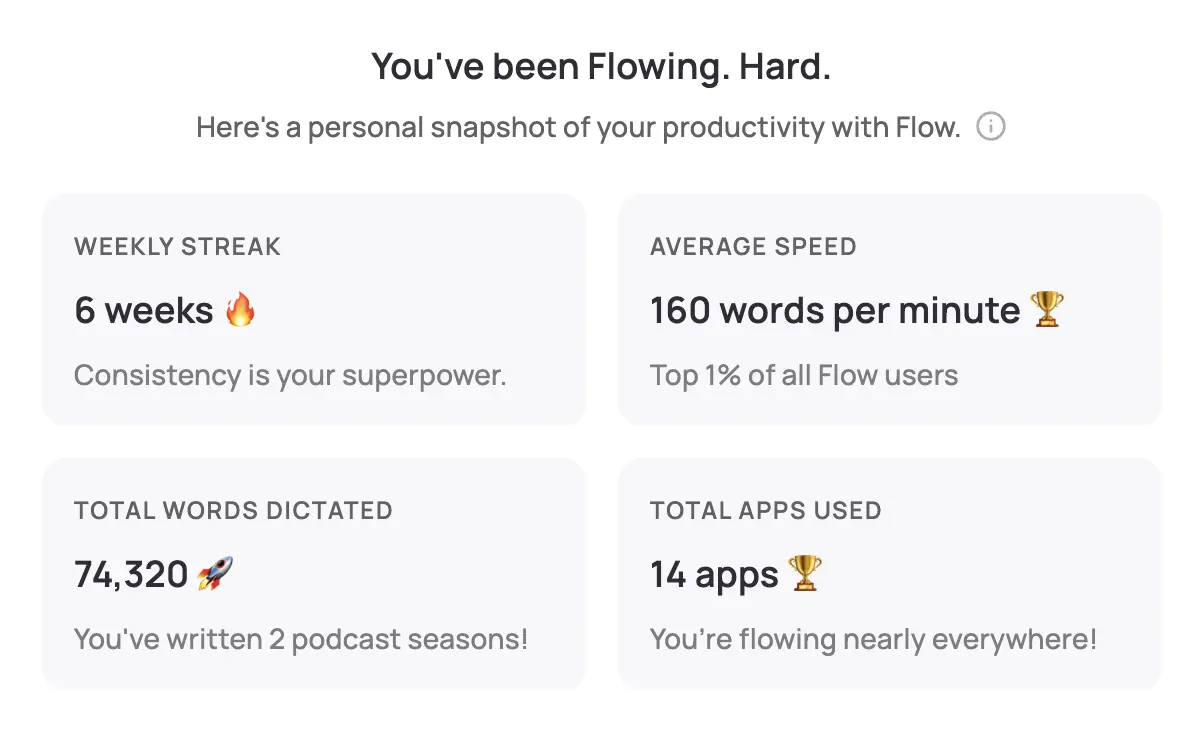
WisprFlow is a system-wide voice-to-text tool. Speak naturally and polished text appears wherever your cursor is—Notion, Confluence, Google Docs, Jira, Slack, your game engine's comment fields, anywhere.
Why Game Designers Choose WisprFlow
Works everywhere you work: Game designers live across a dozen tools—Miro, Figma, Notion, Jira, Discord, your engine's editor. WisprFlow works in all of them because it operates at the OS level. No integrations to configure.
Captures ideas at the speed of thought: Design ideas are fleeting. When you're playtesting and notice a timing issue, or you wake up at 3 AM with a mechanic that solves your progression problem, you can dictate it in seconds. Typing breaks the flow; speaking preserves it.
Learns game design vocabulary: The personal dictionary quickly picks up your game's terminology—character names, mechanic labels, technical terms. It handles words like "roguelike," "proc gen," "hitbox," "i-frames," and "ludonarrative" without issue.
Game Designer Use Cases
- Design documents: Dictate system descriptions, mechanic specifications, and feature proposals at 3-4x typing speed. First drafts by voice, then refine in text.
- Playtest observations: Watch players while dictating notes. "Player hesitated at the third encounter. Looked at the map three times before proceeding. Suggests wayfinding needs work." You can't type this while maintaining observation.
- Bug and feedback notes: During QA sessions, dictate issues as you find them directly into your tracking tool. Include reproduction steps, expected vs. actual behavior, and severity assessment.
- Narrative and dialogue writing: Many writers find that speaking dialogue produces more natural results than typing it. Dictate character conversations and refine from there.
- Lore and world-building: Talk through your world's history, factions, and mythology. The stream-of-consciousness approach often produces richer lore than trying to write it formally from scratch.
- Post-mortem documentation: After a milestone, sprint, or launch, dictate your reflections while they're fresh.
- Pitch documents: Talk through your game's vision, unique selling points, and market positioning. Speaking often produces more passionate, compelling pitch language than typing.
I've written a detailed WisprFlow review covering setup, accuracy, and real-world performance.
Granola for Team Meetings and Playtests

Granola captures conversations and creates structured notes without a visible recorder joining your meeting. It runs quietly in the background.
Applications for Game Design Teams
Daily standups and sprint planning: Game development moves fast. Granola captures who's working on what, blockers discussed, and scope decisions made. No more "wait, did we decide to cut that feature or keep it?"
Design reviews: When the team discusses a feature's design, the conversation often goes in unexpected directions. Important decisions get made casually. Granola captures everything so you can extract the decisions that need to be reflected in the design doc.
Playtest debriefs: After a playtest session, the team discussion about what worked and what didn't is incredibly valuable. Granola captures these conversations so nothing is lost.
Publisher and stakeholder meetings: Calls with publishers, investors, or platform holders involve commitments and expectations. Having a complete record prevents miscommunication about milestones, deliverables, or feedback.
Remote collaboration sessions: For distributed teams (increasingly common in game dev), Granola captures brainstorming sessions, whiteboarding discussions, and creative jam sessions.
Retrospectives: Sprint and milestone retrospectives generate insights that should inform future work. Granola captures the nuance that bullet-point notes miss.
For a detailed comparison, see my Granola vs Otter.ai review.
Privacy and IP Considerations
Protecting Your Game's IP
Game studios operate under strict confidentiality. Unreleased game information is highly sensitive.
- Review your studio's NDA and tool policies before using any AI tool that processes text or audio in the cloud.
- Check data processing terms — understand if and how your dictated content or meeting transcripts might be used for model training.
- Consult your IT/security team at larger studios. Many have approved software lists.
- For indie devs: Your unreleased game concept is your competitive advantage. Review each tool's privacy policy to ensure your ideas remain yours.
Practical IP Protection
- Use WisprFlow for documentation — it processes locally where possible, minimizing cloud exposure of your game's details.
- Review Granola's data policies before using it for meetings where unreleased content is discussed.
- Avoid dictating confidential business terms (publisher deal specifics, revenue figures) in shared spaces.
- Consider timing: Using voice tools for publicly-known information is lower risk than for unannounced projects.
Local vs. Cloud Processing
- WisprFlow: Processes locally where possible, with cloud backup for some features
- Granola: Cloud-based processing with enterprise security options
For detailed privacy policies, visit each vendor's trust center.
Workflow Integration
Solo Indie Developer Workflow
Ideation phase:
- Dictate design ideas into your notebook app as they come to you
- Talk through mechanics and systems out loud—voice forces you to explain clearly, which exposes design holes
- Dictate your GDD (game design document) sections by voice, then edit for precision
Production:
- Dictate task descriptions into your project tracker
- After each play session, dictate observations and needed changes
- Draft devlog posts and social media updates by voice
Launch prep:
- Dictate store page descriptions, press kit copy, and marketing emails
- Record pitch practice sessions with Granola to review your delivery
Studio Team Workflow
Morning standup → Granola captures automatically → Action items extracted → Update Jira/Linear
Design review sessions → Granola captures → Designer updates GDD with decisions → WisprFlow for rapid documentation
Playtest sessions → WisprFlow for real-time observation notes → Team debrief captured by Granola → Issues logged to tracker
End of sprint → Retrospective captured by Granola → Post-mortem dictated via WisprFlow
Time Savings
| Task | Traditional | With Voice AI | Savings |
|---|---|---|---|
| GDD section draft | 45 min | 15 min | 30 min |
| Playtest notes (1 hr session) | 20 min | 5 min | 15 min |
| Standup action items | 10 min | 2 min | 8 min |
| Bug report with repro steps | 5 min | 2 min | 3 min |
| Devlog post draft | 30 min | 10 min | 20 min |
For a designer spending 2-3 hours per day on documentation, voice tools can reclaim 1-2 hours for actual design work.
Beyond Documentation: Creative Applications
- Voice-acting scratch tracks: Dictate placeholder dialogue for prototypes before professional VO is recorded
- Sound design notes: Describe the audio you're hearing in your head for your sound designer: "The door should sound heavy, metallic, with a slight echo suggesting a large room beyond"
- Stream of consciousness design: Talk through a design problem without editing yourself. Often produces breakthroughs that structured writing misses
- Content creation: Dictate YouTube video scripts, podcast show notes, or Twitch stream talking points
- Rubber duck designing: Explain your design to WisprFlow as if it were a colleague. The act of articulating often reveals issues.
Related Resources
If you're interested in voice-first productivity beyond game design:
- Voice AI for Small Business Owners - General productivity techniques
- How to Record Meetings in 2026 - Meeting capture options
- Best Voice-to-Text for Developers - Technical deep dive
- Top 4 AI Voice Tools for 2025 - Complete voice tool roundup
Getting Started
- For design documentation: Try WisprFlow - Install takes minutes, start dictating your GDD today
- For meeting capture: Try Granola - Syncs with your calendar for automatic standup and review capture
WisprFlow offers a free trial, while Granola gives new users their first three months free. Start with WisprFlow for design docs and playtest notes—that's where most game designers see the biggest immediate impact.
Frequently Asked Questions
Will my studio allow this?
It depends on your studio's security policies. Smaller indie studios generally have more flexibility. Larger studios (AAA) typically have approved software lists—check with IT. Frame it as a productivity tool that keeps designers in flow state and produces better documentation.
Does it handle game-specific terminology?
Yes. WisprFlow's personal dictionary learns your game's vocabulary quickly. After a few sessions, it accurately transcribes character names, mechanic labels, and technical terms specific to your project.
Can I use this during playtests?
Absolutely—this is one of the best use cases. Dictate observations while watching players. You maintain eye contact and attention on the player while capturing detailed notes. It's dramatically better than trying to type while observing.
What about game jams?
Voice tools are incredible for game jams where time pressure is extreme. Dictate your design doc in 10 minutes instead of 45. Capture quick team syncs. Document your decisions for the post-jam write-up. Every minute saved on documentation is a minute spent making the game.
Is this useful for tabletop game design too?
Very much so. Dictate rules text, playtest observations, flavor text, and card descriptions. Granola is excellent for capturing playtest group discussions where multiple testers give feedback simultaneously.
The best game design documentation is the kind that actually gets written. Voice tools lower the friction of documentation enough that designers actually do it—which means better-informed teams, clearer vision alignment, and ultimately better games.
How each tool turns speech into text
The useful difference is where the text appears and how much work remains afterward.
Traditional typing stays precise and familiar for short edits.
WisprFlow dictates into any app with AI formatting, and it is free to try.

Discussion
Giscus