

Modern librarians wear an astonishing number of hats. You're a community organizer, technology instructor, reference specialist, cataloger, event planner, and sometimes the only public-facing staff member in your branch. Documentation—collection notes, program reports, board presentations, grant applications—piles up fast when you're also helping 200 patrons a day.
Voice AI tools can dramatically reduce the time you spend on administrative writing. This guide covers practical options for librarians across public, academic, school, and special library settings.
The Tools
WisprFlow for Library Documentation
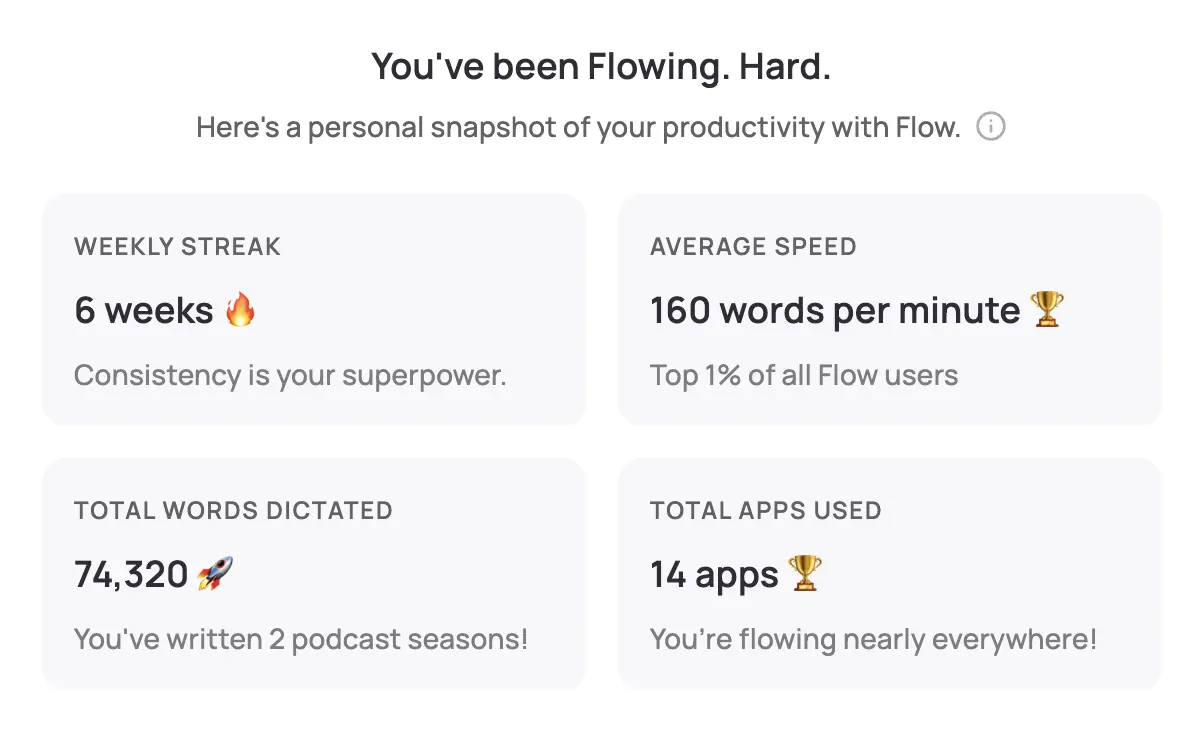
WisprFlow is a system-wide voice-to-text tool. Speak naturally and polished text appears wherever your cursor is—your ILS, email, Google Docs, Confluence, anywhere.
Why Librarians Choose WisprFlow
Works with any system: WisprFlow operates at the OS level. Whether you're entering records in Koha, Sierra, Alma, or writing up program stats in a spreadsheet, it works anywhere you can type.
Learns library vocabulary: The personal dictionary quickly picks up MARC fields, Library of Congress subject headings, Dewey numbers, and the specialized terminology of your collection area. It handles ISBNs, author names, and publisher information accurately.
Dictate on the move: Between helping patrons, you can quickly dictate a collection note, program observation, or reference interaction log in seconds rather than sitting down to type it all out later.
Librarian-Specific Use Cases
- Collection development notes: Dictate selection rationale, weeding decisions, and condition assessments as you walk the stacks
- Cataloging and metadata: Speak subject headings, summaries, and local notes into catalog records faster than typing
- Program reports: After storytime, a maker workshop, or a digital literacy class, dictate attendance, observations, and outcomes immediately
- Reference interaction logs: Quickly document complex reference transactions for statistics and training purposes
- Reader's advisory notes: Record personalized reading recommendations and patron preferences
- Interlibrary loan correspondence: Draft ILL requests and communications in seconds
- Social media content: Dictate book recommendations, event announcements, and new acquisition highlights for your library's social channels
I've written a detailed WisprFlow review covering setup, accuracy, and real-world performance.
Granola for Library Meetings

Granola captures conversations and creates structured notes without a visible recorder joining your meeting. It runs quietly in the background during any video or audio call.
Applications for Librarians
Board of trustees meetings: Library boards make critical decisions about budgets, policies, and strategic direction. Granola captures every detail so you can produce accurate minutes without splitting your attention between listening and note-taking.
Staff meetings: Weekly or monthly team meetings generate action items that often fall through the cracks. Granola captures who committed to what, making follow-up straightforward.
Consortium and cooperative meetings: Multi-library system meetings involve complex discussions about shared resources, policies, and technology. Full transcripts prevent miscommunication between institutions.
Vendor demos and negotiations: When database vendors or ILS providers present, Granola captures their claims and pricing details. Invaluable during budget season when comparing options.
Community partnership meetings: Coordinating with schools, social services, or local organizations is captured automatically for reference.
Professional development webinars: Capture training sessions and conference presentations for notes you can share with colleagues who couldn't attend.
For a detailed comparison, see my Granola vs Otter.ai review.
Privacy Considerations
Patron Confidentiality
Librarians have a deep professional commitment to patron privacy. The ALA Code of Ethics explicitly protects the confidentiality of library users. Before adopting voice tools:
- Never dictate patron-identifying information in public areas. Use a private office or workroom.
- Don't record patron interactions with Granola or any other tool without explicit consent. Patron reference questions and reading habits are confidential.
- Review your state's library confidentiality statutes — 48 states plus DC have laws specifically protecting library records.
- Follow your library's technology policy for approval of new software tools.
Practical Privacy Strategies
- Dictate administrative work, not patron interactions: Use WisprFlow for your own writing tasks—reports, emails, catalog records—not for transcribing conversations with patrons.
- Use Granola only for internal meetings and calls where all participants are staff or have consented.
- Be mindful of shared workspaces: Many librarians work at shared desks or in open-plan offices. Dictate sensitive content only in private spaces.
Local vs. Cloud Processing
- WisprFlow: Processes locally where possible, with cloud backup for some features
- Granola: Cloud-based processing with enterprise security options
For detailed privacy policies, visit each vendor's trust center.
Workflow Integration
Public Library Daily Workflow
Opening routine:
- Review today's programs and events
- Have WisprFlow ready for quick documentation throughout the day
- Check Granola calendar sync for any virtual meetings
During service hours:
- Between patron interactions, dictate reference log entries using WisprFlow
- After each program, dictate attendance and observations (2 minutes vs. 10 minutes typing later)
- Draft social media posts about new materials or upcoming events by voice
Meetings:
- Board meetings, staff meetings, vendor calls: Granola captures automatically
- Focus on participating and facilitating rather than minute-taking
Administrative time:
- Dictate collection development reports
- Draft grant narratives by speaking through your program outcomes
- Compose newsletter content and community outreach communications
Academic Library Workflow
- Liaison reports: Dictate faculty interaction summaries and collection use statistics
- Instruction session reflections: Document what worked and what to adjust after each information literacy class
- Committee work: Granola captures faculty senate library committee meetings, accreditation working groups, and strategic planning sessions
Time Savings
| Task | Traditional | With Voice AI | Savings |
|---|---|---|---|
| Program report | 15 min | 4 min | 11 min |
| Board meeting minutes | 45 min | 15 min | 30 min |
| Collection dev note | 5 min | 1 min | 4 min |
| Grant narrative draft | 60 min | 20 min | 40 min |
| Newsletter article | 20 min | 7 min | 13 min |
For a librarian running 3-4 programs per week with monthly board meetings, the time savings add up to several hours per week—hours that can go back to direct patron service.
Beyond Documentation: Creative Library Uses
- Oral history projects: Use Granola to capture community oral history interviews for local history collections
- Book talks and booklists: Dictate annotated reading lists and book talk scripts naturally
- Policy drafting: Talk through policy revisions before committing to formal written drafts
- Professional writing: Dictate article drafts for library journals, conference proposals, or blog posts
- Accessibility: Voice tools can help librarians with repetitive strain injuries or other conditions that make extended typing difficult
Related Resources
If you're interested in voice-first productivity beyond library work:
- Voice AI for Small Business Owners - General productivity techniques
- How to Record Meetings in 2026 - Meeting capture options
- Best Voice-to-Text for Developers - Technical deep dive
- Top 4 AI Voice Tools for 2025 - Complete voice tool roundup
Getting Started
- For daily documentation: Try WisprFlow - Install takes minutes, start dictating immediately
- For meeting capture: Try Granola - Syncs with your calendar for automatic capture
WisprFlow offers a free trial, and new Granola users get three months free. Start with WisprFlow for program reports and collection notes—that's where most librarians see the biggest immediate time savings.
Frequently Asked Questions
Does my library system need to approve this?
Most likely, yes. Check with your IT department or administration about software installation policies. Many libraries have an approved software list. Frame it as a productivity tool that helps you produce more documentation in less time.
Can I use this at the reference desk?
WisprFlow works best in quieter environments. At a busy reference desk, background noise may reduce accuracy. Consider dictating notes during quieter moments or in a back office. For quick entries, it still works well even with moderate ambient noise.
What about shared computers?
WisprFlow is tied to your user account, so it works on shared workstations as long as you're logged in. However, for privacy, avoid dictating sensitive administrative content on public-facing terminals.
How do I justify the cost to my director?
Calculate your documentation time savings over a month. If you're saving 5+ hours monthly on reports, minutes, and correspondence, a $10-20/month tool pays for itself many times over. Library directors understand the value of staff time, especially in understaffed branches.
Will this work with our ILS?
Yes. WisprFlow works at the operating system level, so it's compatible with any ILS that accepts keyboard input—Sierra, Koha, Alma, Polaris, Evergreen, you name it. You don't need any special integration.
Librarians are perpetually asked to do more with less. These tools won't solve chronic underfunding or staffing shortages, but they can meaningfully reduce the hours you spend on administrative writing—giving you more time for the patron-facing work that drew you to this profession.
How each tool turns speech into text
The useful difference is where the text appears and how much work remains afterward.
Traditional typing stays precise and familiar for short edits.
WisprFlow dictates into any app with AI formatting, and it is free to try.

Discussion
Giscus