

Birth documentation takes midwives away from what matters most—supporting mothers and babies. Between birth plans, progress notes, postpartum assessments, and client communications, the administrative burden can be overwhelming.
Voice AI tools now offer midwives a way to capture detailed documentation without stepping away from patient care. This guide covers practical voice tools specifically for midwifery practice.
Granola: exclude clinical capture
Granola must not capture patient visits, therapy sessions, client assessments, case discussions, handoffs, or patient documentation on Free, Personal, or Business accounts. Granola documents HIPAA support for Enterprise customers with HIPAA enabled and a signed Business Associate Agreement (BAA). Its security FAQs limit current BAA coverage to desktop and laptop apps. Free, Personal, and Business accounts must not store or process protected health information (PHI). Consent alone does not change these account restrictions. An Enterprise deployment requires your organization’s approval of the contract, configuration, and intended workflow; this article does not recommend Granola for clinical capture.
Granola sends audio to a cloud transcription provider and uses cloud AI processing. Bot-free capture does not mean local-only processing. Removing names afterward does not undo that processing. Do not infer clinical accuracy, EHR support, or compliant documentation from general meeting summaries.
Only consider an explicitly approved non-clinical administrative meeting with no PHI or sensitive client records, such as planning public website content. Stop capture if that boundary cannot hold. For clinical work, require a purpose-built, organization-approved service and appropriate contractual protections; this guide does not verify another vendor's clinical suitability. Read the clinical documentation requirements.
The Tools
WisprFlow for Birth Documentation
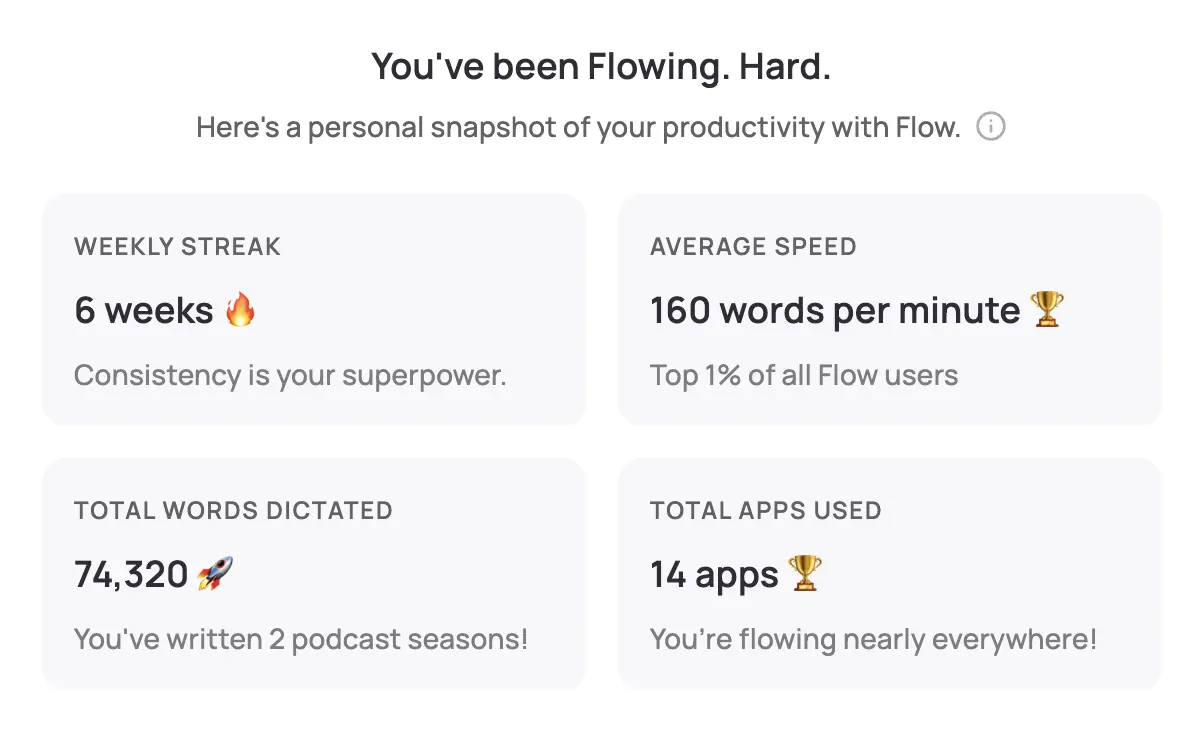
WisprFlow transforms how midwives handle clinical documentation. Speak naturally and watch polished text appear in your practice management system, EMR, or any application.
Why Midwives Choose WisprFlow
Works with any system: Whether you use Epic MyChart, Cerner, or specialized midwifery software like MEDITECH, WisprFlow operates at the system level. If you can type there, you can dictate there.
Learns midwifery terminology: The personal dictionary learns your specialized vocabulary—from fetal heart tones to Apgar scores. After initial training, it recognizes terms like "primigravida," "effacement," and "fundal height" accurately.
Immediate documentation: Dictate birth notes while the experience is fresh. No more rushing to write up deliveries hours later when details start to fade.
Clinical Use Cases for Midwives
- Labor progress notes: Document cervical checks, fetal position, and contraction patterns in real-time
- Birth summaries: Capture delivery details including timing, presentation, and immediate newborn assessment
- Postpartum assessments: Record maternal recovery progress, breastfeeding status, and newborn vitals
- Prenatal visit notes: Document fundal height, fetal heart rate, and maternal concerns quickly
- Care plan updates: Modify birth plans based on changing circumstances without interrupting patient interaction
Real-World Workflow
During a home birth, one midwife uses WisprFlow to dictate: "Cervix fully dilated at 3:47 AM. Fetal heart tones 140s with good variability. Mother pushing effectively in left lateral position. Perineum stretching well, no tears visible."
This level of detail, captured in seconds, would take minutes to type manually.
HIPAA Considerations
Important guidelines for midwives using AI voice tools:
- Practice compliance review: Check with your malpractice insurance and state licensing board
- Client consent: Consider informing clients about AI documentation tools
- Data security: Review each vendor's encryption and storage policies
- Business Associate Agreements: Some practices may require BAAs with AI vendors
Pre-Visit Preparation
- Review previous notes using voice search
- Have WisprFlow ready with midwifery dictionary loaded
Time Savings Analysis
| Documentation Type | Manual Entry | With Voice AI | Time Saved |
|---|---|---|---|
| Prenatal visit note | 12 min | 4 min | 8 min |
| Birth summary | 25 min | 8 min | 17 min |
| Postpartum assessment | 10 min | 3 min | 7 min |
| Client consultation summary | 15 min | 5 min | 10 min |
For midwives seeing 8-12 clients daily, this can save 2-3 hours of documentation time.
Birth Photography Integration
WisprFlow works while reviewing birth photos with clients. Dictate captions and birth story elements as you browse images together.
Multitasking During Labor
Document labor progression while providing hands-on care. No need to step away to write notes during active labor.
Emergency Documentation
In urgent situations, quickly dictate critical observations without looking away from patient care.
Related Resources
Explore other healthcare voice AI applications:
- AI Voice Tools for Nurses - Nursing-specific documentation workflows
- Voice AI for Small Business - Practice management applications
- Best Meeting Notes App 2026 - Alternative consultation capture methods
- Clinical documentation vendor requirements — PHI handling, contracts, and review requirements
Getting Started with Voice AI
- For clinical documentation: Try WisprFlow - Start with the 7-day free trial
Is this appropriate for home births?
Clinical suitability must be verified for the intended vendor and workflow. Granola is excluded from clinical use.
What about birth center regulations?
Check with your birth center's policies on AI tools. Most facilities that allow smartphones and laptops will accommodate these applications.
Can this replace handwritten birth records?
These tools complement rather than replace legal birth documentation requirements. Use them for detailed progress notes and care summaries.
What about client comfort with AI?
Many midwives introduce the tools as "documentation assistance" rather than "AI." Most clients appreciate that their midwife can maintain better eye contact and focus during conversations.
Birth is sacred work. These tools don't change the profound nature of midwifery care—they simply remove administrative barriers that keep you from fully present with your clients.
How each tool turns speech into text
The useful difference is where the text appears and how much work remains afterward.
Traditional typing stays precise and familiar for short edits.
WisprFlow dictates into any app with AI formatting, and it is free to try.

Discussion
Giscus