

Creative flow is everything in music production. When inspiration strikes or a client has feedback, stopping to type detailed notes can kill the momentum. Voice AI tools now allow producers to capture ideas, session notes, and creative direction without breaking focus from the mix.
This guide covers practical voice tools specifically designed for music production workflows, from bedroom studios to professional facilities.
The Tools
WisprFlow for Studio Documentation
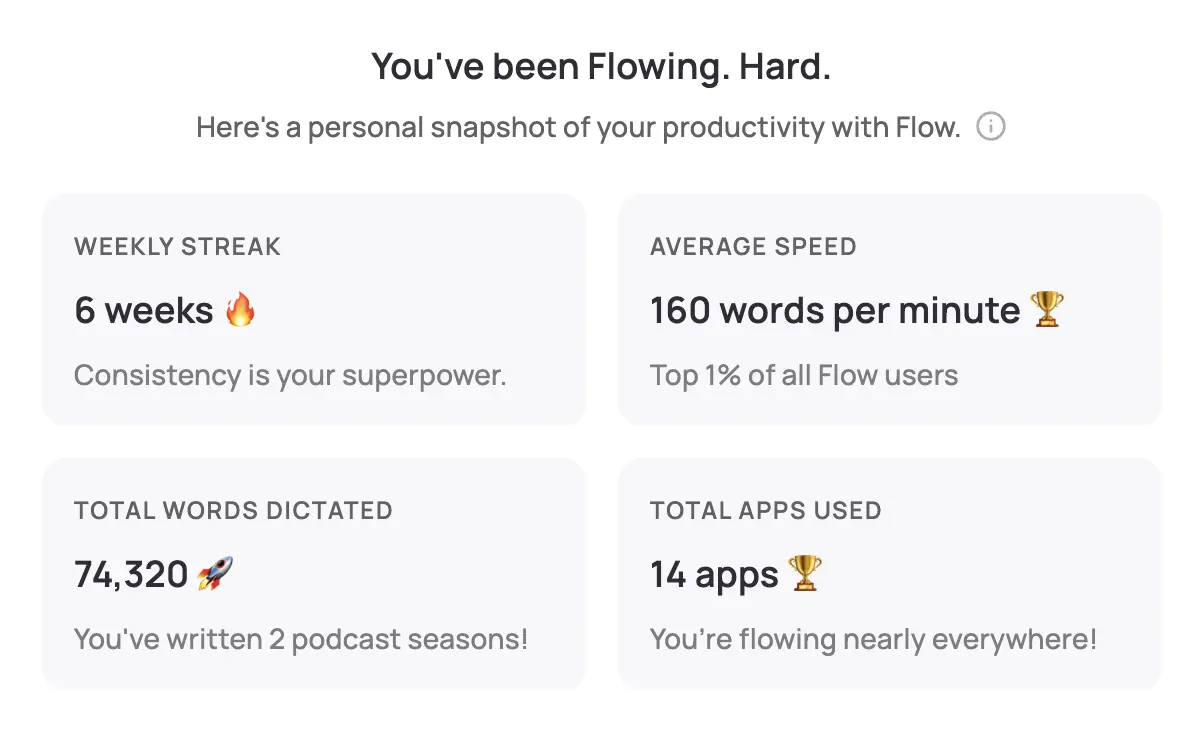
WisprFlow transforms studio documentation by allowing producers to capture detailed session notes, creative ideas, and technical specifications without leaving their DAW or taking hands off the console.
Why Music Producers Choose WisprFlow
DAW integration: Works with Pro Tools, Logic, Ableton Live, Cubase, and any software that accepts text input. Dictate directly into track comments, session notes, or project files.
Musical terminology: Learns audio production vocabulary including equipment names, technical terms, and creative descriptors. Recognizes "compression ratio," "sidechain ducking," and "vintage tube warmth" accurately.
Hands-free operation: Keep your hands on faders, knobs, and instruments while capturing detailed notes about sonic choices and creative direction.
Studio Applications for Producers
- Session notes: Document take selections, performance notes, and creative decisions while tracking
- Mix notes: Capture automation details, effect chains, and sonic goals during mixing sessions
- Client feedback: Record artist and label feedback in real-time without stopping playback
- Creative ideas: Quickly capture melody ideas, arrangement thoughts, and production concepts
- Technical documentation: Record equipment settings, signal chain details, and studio configurations
- Revision tracking: Document version changes and creative evolution throughout the production process
Real-World Studio Workflow
During a vocal session, a producer can dictate: "Take 4 verse 2 has the best energy. Chorus take 7 for power but needs pitch correction on 'higher.' Try comp with take 2 bridge for emotional connection. Add subtle plate reverb, maybe 1176 compression with slow attack for presence."
This level of detail, captured without interrupting the artist's performance, ensures nothing gets lost in later mixing sessions.
Granola for Creative Collaborations

Granola captures creative conversations and production meetings without visible recording equipment, perfect for maintaining the relaxed atmosphere essential to creative collaboration.
Applications in Music Production
Pre-production planning: Capture detailed discussions about song arrangements, instrumentation choices, and creative vision with artists
Listening sessions: Document feedback during playbacks with labels, managers, and creative teams
Collaboration meetings: Record brainstorming sessions with co-writers, featured artists, and creative directors
Client consultations: Capture project requirements, budgets, and creative briefs automatically
Remote collaborations: Document video calls with artists, writers, and musicians working from different locations
Creative Environment Benefits
Music production thrives on spontaneous ideas and organic conversation. Granola operates invisibly, allowing creative discussions to flow naturally without the distraction of visible recording equipment or manual note-taking.
Integration with Music Production Workflows
Digital Audio Workstations
Pro Tools: WisprFlow integrates with Pro Tools' text fields, allowing voice dictation into track comments, session notes, and marker text
Logic Pro: Voice dictation works in Logic's notepad, track notes, and project alternatives descriptions
Ableton Live: Capture creative ideas directly into clip notes, device presets descriptions, and project information
Cubase: Document mixing decisions in the expression maps, track notes, and project logical editor
Studio Management Systems
- Studio One: Works with song information fields and scratch pad notes
- Reaper: Integrates with project notes and track notes functionality
- FL Studio: Voice notes work in the playlist track notes and project information
Creative Workflow Optimization
Inspiration Capture
Voice tools excel at capturing fleeting creative ideas:
- Melody concepts while playing instruments
- Lyrical phrases during writing sessions
- Production techniques heard in reference tracks
- Arrangement ideas during initial song sketches
Session Management
| Task | Traditional Method | With Voice AI | Time Saved |
|---|---|---|---|
| Session recap | 15 min typing | 5 min dictating | 10 min |
| Mix revision notes | 20 min documentation | 8 min voice notes | 12 min |
| Client feedback log | 10 min per round | 3 min dictation | 7 min |
| Creative brainstorm capture | Lost ideas | Real-time capture | Priceless |
Version Control
Producers often create multiple versions of tracks. Voice notes help track:
- Creative reasoning behind each version
- Client preferences and feedback
- Technical changes between iterations
- Future revision ideas and possibilities
Professional Studio Applications
Commercial Recording Sessions
Document expensive studio time efficiently:
- Track musician performance notes while recording
- Capture producer and engineer communication
- Record client feedback without stopping sessions
- Document equipment configurations for recall
Mix and Mastering Workflow
Voice notes during critical listening:
- Reference track comparisons and analysis
- Mastering engineer communications
- Client revision requests and priorities
- Technical specifications for different release formats
Remote Production
Many producers work with remote artists:
- Document video call feedback sessions
- Capture creative direction from different time zones
- Record collaboration ideas with international artists
- Maintain creative continuity across time differences
Privacy and Intellectual Property
Protecting Creative Assets
Session confidentiality: Both tools use enterprise encryption suitable for protecting unreleased music and creative concepts
NDA compliance: Voice documentation helps maintain detailed records required by music industry non-disclosure agreements
Creative ownership: Detailed session notes can support creative contribution disputes and publishing rights
Client privacy: Secure documentation protects high-profile artist sessions and industry relationships
Related Resources
Explore other creative industry voice AI applications:
- AI Voice Tools for Writers - Creative writing workflows
- Voice Tools for Podcasters - Audio content creation
- Creative Productivity - Freelance and creative business efficiency
- Voice-to-Text for Developers - Technical documentation workflows
Getting Started in Your Studio
- For session documentation: Try WisprFlow - Start with personal projects to build music vocabulary
- For creative meetings: Try Granola - Perfect for artist collaborations and feedback sessions
WisprFlow offers a free trial. Granola gives new users three months free to evaluate it across their creative workflow.
Frequently Asked Questions
Will this work in noisy studio environments?
Voice recognition works best during quieter moments between takes or during playback sessions. Many producers dictate during setup, breakdown, or listening sessions rather than during loud recording.
What about artist privacy and NDAs?
Both tools use enterprise-grade encryption suitable for protecting confidential creative content. Many producers inform artists about documentation tools as part of session agreements.
Can this replace my studio assistant?
These tools complement rather than replace human assistance. They excel at capturing your personal notes and ideas but don't replace the collaborative and technical support of a good assistant.
How does this work with different musical genres?
The tools adapt to your vocabulary regardless of genre. Hip-hop producers document different terminology than jazz session leaders, and the AI learns your specific creative language.
What about integration with streaming platforms?
Voice notes help document the creative process but don't directly integrate with Spotify, Apple Music, or other streaming platforms. They're focused on the production workflow rather than distribution.
Great music happens in the moment. These tools ensure those moments are captured and documented without interrupting the creative flow that makes magic happen.
How each tool turns speech into text
The useful difference is where the text appears and how much work remains afterward.
Traditional typing stays precise and familiar for short edits.
WisprFlow dictates into any app with AI formatting, and it is free to try.

Discussion
Giscus