

Real estate agents live on their phones. Between showings, client calls, and property visits, there's barely time to sit at a desk—let alone type out detailed notes and listing descriptions.
Voice AI tools solve this problem. Speak your notes after a showing, dictate listing descriptions while walking the property, and never miss what a client said they wanted.
The Tools
WisprFlow for Listing Descriptions and Client Communication

WisprFlow is voice-to-text that works everywhere on your Mac. Speak naturally, and polished text appears in your MLS, CRM, email—anywhere you're typing.
Real Estate Use Cases
Listing descriptions: Walk through a property and describe it out loud. WisprFlow captures your observations and formats them professionally. A 300-word listing description takes 90 seconds instead of 15 minutes.
Client follow-ups: After a showing, dictate your follow-up email while driving to the next appointment. "Thanks for meeting me at 123 Oak Street today. Based on what you mentioned about needing a home office and wanting to stay under 500k, I have two more properties I think you'll love..."
Showing notes: Dictate what clients liked and didn't like immediately after each showing. Never forget critical feedback.
Offer letters: Speak through the terms and let WisprFlow format them properly.
Speed Comparison
Most people type 40-50 WPM. WisprFlow enables 150-180 WPM dictation. That's 3-4x faster documentation.
For a detailed review, see WisprFlow Review: 179 WPM Voice-Driven Development.
Granola for Client Meetings and Phone Calls
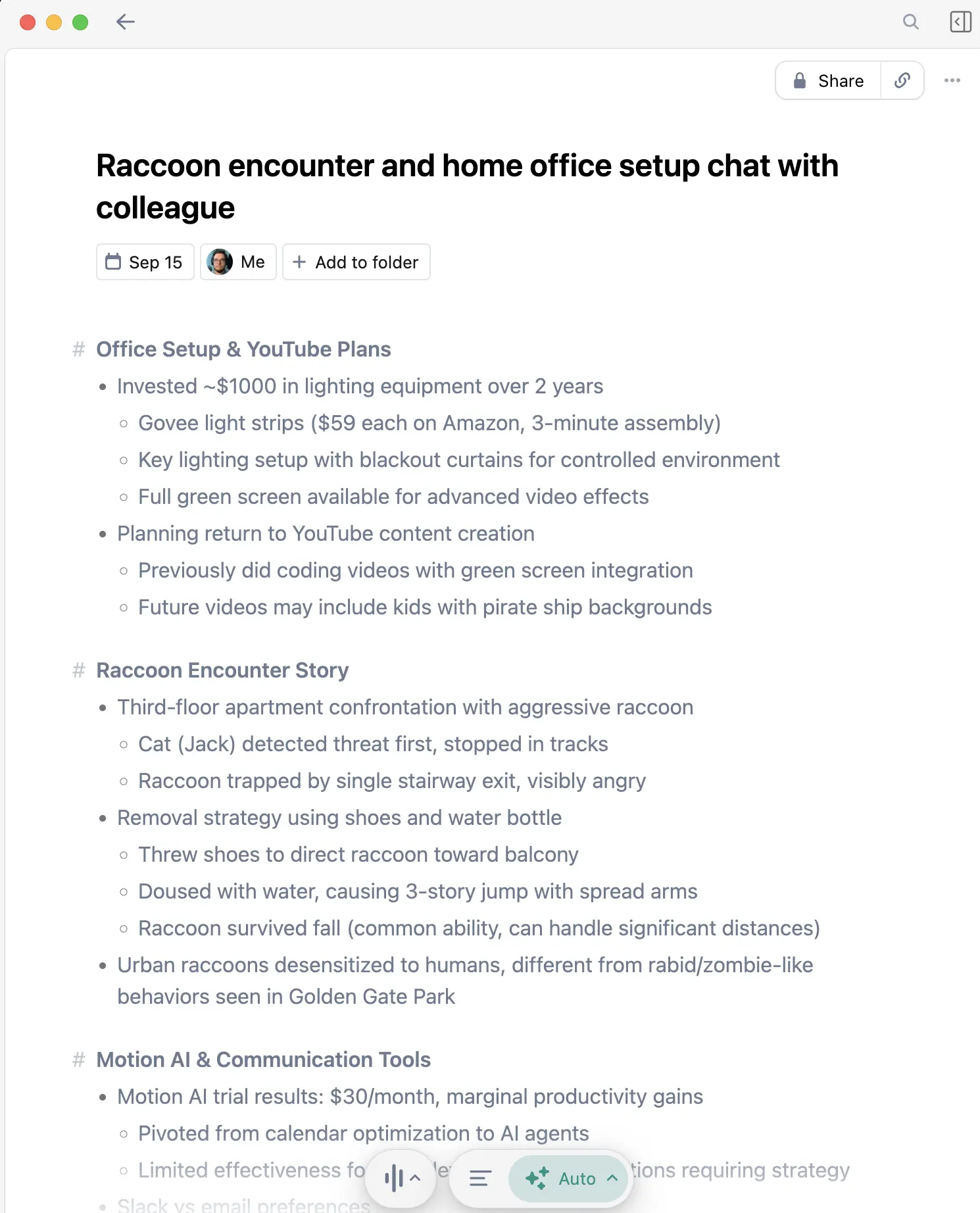
Granola captures your conversations and creates organized notes with action items without adding a bot participant. Disclose recording and obtain consent whenever required.
Perfect for Real Estate
Client consultations: First meetings with buyers or sellers involve tons of information. Granola captures everything: budget, timeline, must-haves, deal-breakers. Review the transcript later to ensure you didn't miss anything.
Phone calls: The iOS app captures phone conversations. When a client calls to discuss an offer, you have a complete record of what was discussed.
Property walk-throughs: Use the mobile app during property visits to capture your observations hands-free.
No awkward recording announcements: Other tools join calls as a visible bot. Granola runs invisibly—clients won't feel like they're being recorded.
For a comparison with alternatives, see Granola vs Otter.ai.
Daily Workflow Example
Morning: Listing Prep
- Walk new listing property
- Dictate description using WisprFlow
- Speak through MLS data entry
Showings
- Granola captures pre-showing client calls
- After each showing, dictate notes on client reactions
- Follow-up emails dictated between appointments
Evening: Documentation
- Review Granola transcripts from the day
- Dictate offer letters and contracts
- Prepare next day's schedule
Time Savings
| Task | Without Voice AI | With Voice AI | Weekly Savings |
|---|---|---|---|
| Listing descriptions | 3 hrs | 1 hr | 2 hrs |
| Client follow-ups | 4 hrs | 1.5 hrs | 2.5 hrs |
| Showing notes | 2 hrs | 0.5 hrs | 1.5 hrs |
| Phone/meeting notes | 2 hrs | 0 hrs (auto) | 2 hrs |
| Total | 11 hrs | 3 hrs | 8 hrs |
That's essentially a full extra day every week.
Related Guides
- Voice AI for Small Business Owners - General business productivity
- How to Record Meetings in 2026 - Meeting capture deep dive
- Best Voice-to-Text for Developers - Technical perspective
- Top 4 AI Voice Tools for 2025 - Complete voice tool roundup
Getting Started
- For listings and emails: Try WisprFlow - 2 minutes to install
- For client calls and meetings: Try Granola - Syncs with your calendar
Try WisprFlow on its free trial and use Granola free for your first three months. Evaluate them on real listings and client meetings.
Frequently Asked Questions
Do these work on iPhone?
Granola has an iOS app for phone calls and in-person meetings. WisprFlow is currently Mac-only, but you can use it when back at your computer or laptop.
Will clients know I'm recording?
Not with Granola—there's no bot that joins calls. For phone recordings, check your state's consent laws, but Granola operates invisibly.
Can I dictate into my MLS system?
Yes. WisprFlow works with any application where you can type. If you can click in a field and type, you can dictate.
What about transaction management software?
Same answer—WisprFlow works at the system level. Dotloop, SkySlope, whatever you use.
Is this worth the subscription cost?
If you save even 2 hours per week (conservative estimate), that's time you can spend on showings or client development. The ROI is immediate.
Your time is better spent with clients than at a keyboard. These tools let you stay in the field while still documenting everything.
How each tool turns speech into text
The useful difference is where the text appears and how much work remains afterward.
Traditional typing stays precise and familiar for short edits.
WisprFlow dictates into any app with AI formatting, and it is free to try.

Discussion
Giscus