

School counselors are drowning in documentation. The American School Counselor Association recommends a 250:1 student-to-counselor ratio, but the national average is closer to 385:1. When you're responsible for hundreds of students, every minute spent typing session notes is a minute not spent in front of a student who needs you.
Voice AI tools can meaningfully reduce the documentation burden. This guide covers practical options for school counselors who want to reclaim time for what actually matters—supporting students.
Granola: exclude clinical capture
Granola must not capture patient visits, therapy sessions, client assessments, case discussions, handoffs, or patient documentation on Free, Personal, or Business accounts. Granola documents HIPAA support for Enterprise customers with HIPAA enabled and a signed Business Associate Agreement (BAA). Its security FAQs limit current BAA coverage to desktop and laptop apps. Free, Personal, and Business accounts must not store or process protected health information (PHI). Consent alone does not change these account restrictions. An Enterprise deployment requires your organization’s approval of the contract, configuration, and intended workflow; this article does not recommend Granola for clinical capture.
Granola sends audio to a cloud transcription provider and uses cloud AI processing. Bot-free capture does not mean local-only processing. Removing names afterward does not undo that processing. Do not infer clinical accuracy, EHR support, or compliant documentation from general meeting summaries.
Only consider an explicitly approved non-clinical administrative meeting with no PHI or sensitive client records, such as planning public website content. Stop capture if that boundary cannot hold. For clinical work, require a purpose-built, organization-approved service and appropriate contractual protections; this guide does not verify another vendor's clinical suitability. Read the clinical documentation requirements.
The Tools
WisprFlow for Session Documentation
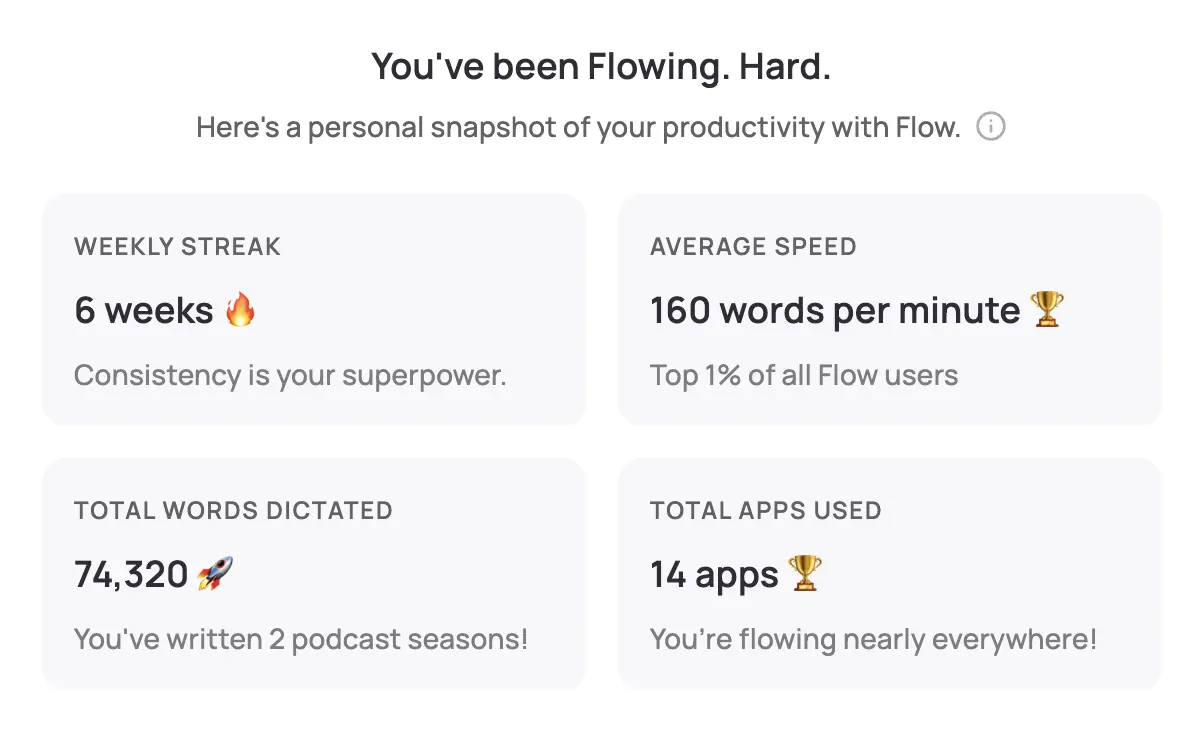
WisprFlow is a system-wide voice-to-text tool. Speak naturally after a student session, and polished notes appear in whatever application you're using—your student information system, Google Docs, email, anywhere your cursor is.
Why School Counselors Choose WisprFlow
Works with any SIS: WisprFlow operates at the OS level. Whether your district uses Infinite Campus, PowerSchool, Naviance, or another system, if you can type in it, you can dictate into it.
Learns counseling vocabulary: The personal dictionary picks up terms you use regularly—IEP, 504 Plan, SEL, MTSS, behavioral intervention, suicide risk assessment. After a short training period, accuracy is excellent.
Dictate between sessions: The 5-minute gap between student appointments is often all you have. At 150+ WPM dictation speed versus 40 WPM typing, you can capture a complete session note in that window.
Counselor-Specific Use Cases
- Individual session notes: Dictate observations, student concerns, interventions used, and follow-up plans immediately after each session
- Small group notes: Document group counseling sessions including themes discussed, participation observations, and individual student responses
- Parent/guardian communications: Draft emails to families about student progress, concerns, or referrals in seconds
- Referral documentation: Create detailed referral letters to outside therapists, psychologists, or community resources
- Crisis documentation: After a crisis intervention, dictate a thorough account while details are fresh—critical for both the student record and your own protection
- College recommendation letters: Dictate personalized letters that capture your genuine knowledge of each student
I've written a detailed WisprFlow review covering setup, accuracy, and real-world performance.
FERPA and Student Data
School counselors work with some of the most sensitive student information in a building. Before adopting any voice AI tool:
- Consult your district's technology office before using any AI tool with student information. Many districts have approved technology lists and vetting processes.
- Review data retention policies of any tool you consider. Where is audio processed? Is it stored? For how long?
- Understand FERPA implications — student education records have federal protection. Ensure any tool you use doesn't create unauthorized copies of protected information.
- Consider state-specific regulations — many states have student data privacy laws that go beyond FERPA (like California's SOPIPA or New York's Education Law 2-d).
Local vs. Cloud Processing
For detailed privacy policies, visit each vendor's trust center.
Daily Counseling Workflow
Between sessions (the critical 5-minute window):
- Immediately dictate session notes using WisprFlow
- Include: presenting concern, interventions used, student affect, follow-up needed
- This is when details are freshest—don't wait until end of day
Time Savings
| Task | Traditional | With Voice AI | Savings |
|---|---|---|---|
| Individual session note | 8 min | 2 min | 6 min |
| IEP meeting minutes | 30 min | 10 min | 20 min |
| Parent email | 7 min | 2 min | 5 min |
| Crisis documentation | 20 min | 7 min | 13 min |
| Recommendation letter | 25 min | 10 min | 15 min |
With 6-8 individual sessions per day plus meetings, counselors can save 1-2 hours daily. That's time for additional student contact, classroom guidance lessons, or—honestly—a lunch break.
Beyond Documentation: Creative Uses
School counselors who've adopted voice tools often find unexpected benefits:
- Reflection journals: Dictate your own reflections on challenging cases for professional growth and supervision
- Curriculum development: Talk through lesson plans for classroom guidance instead of staring at a blank document
- Grant writing: Dictate first drafts of grant applications for counseling programs
- Professional development logs: Easily document hours and activities for licensure renewal
Related Resources
If you're interested in voice-first productivity beyond counseling work:
- Voice AI for Small Business Owners - General productivity techniques
- How to Record Meetings in 2026 - Meeting capture options
- Best Voice-to-Text for Developers - Technical deep dive
- Top 4 AI Voice Tools for 2025 - Complete voice tool roundup
Getting Started
- For session documentation: Try WisprFlow - Install takes minutes, start dictating immediately
Is this FERPA compliant?
Tools themselves can be configured with appropriate security, but your district must evaluate and approve any technology that handles student data. Work with your technology coordinator and follow your district's software vetting process.
Can I use voice tools during student sessions?
I'd recommend against recording during sessions. Instead, dictate your notes immediately after. This avoids privacy concerns about recording minors and keeps the therapeutic space free of technology distractions.
What about confidential information?
Dictate in a private space. Use your office with the door closed. If you share an office, consider using WisprFlow only when you have privacy, or use initials instead of names.
Will my district pay for these tools?
Many districts have professional development or technology budgets that cover productivity tools. Frame it in terms of time savings: if a tool saves you 1-2 hours per day, the $10-20/month cost is easily justified. Some counselors have successfully included these in ESSER fund requests.
How does this compare to Dragon NaturallySpeaking?
Dragon has been the traditional dictation standard, but it's expensive and requires significant training. WisprFlow offers comparable accuracy at a fraction of the cost, with a much simpler setup process. It also learns your vocabulary faster.
Every school counselor I know went into this profession to help students, not to write documentation. These tools won't fix staffing ratios or replace systemic support, but they can give you back meaningful time each day to do the work you actually signed up for.
How each tool turns speech into text
The useful difference is where the text appears and how much work remains afterward.
Traditional typing stays precise and familiar for short edits.
WisprFlow dictates into any app with AI formatting, and it is free to try.

Discussion
Giscus