Table of contents
- The real test: Daily production use
- What's actually improved
- What still frustrates me
- The meta-improvement: Codex training on Codex usage
- Has it actually changed my workflow?
- Bottom line
- Speed up Codex (and every other coding agent) with your voice
- Related reading
The real test: Daily production use
When I wrote my initial review in May 2025, Codex felt promising but rough around the edges. The kinds of tasks it could handle reliably were limited, error handling was poor, and multi-turn conversations often derailed.
Fast-forward to March 2026, and I'm using Codex as a core part of my development workflow both personally and at WorkOS. The difference isn't subtle—it's night and day.
WorkOS: Managing multiple projects simultaneously
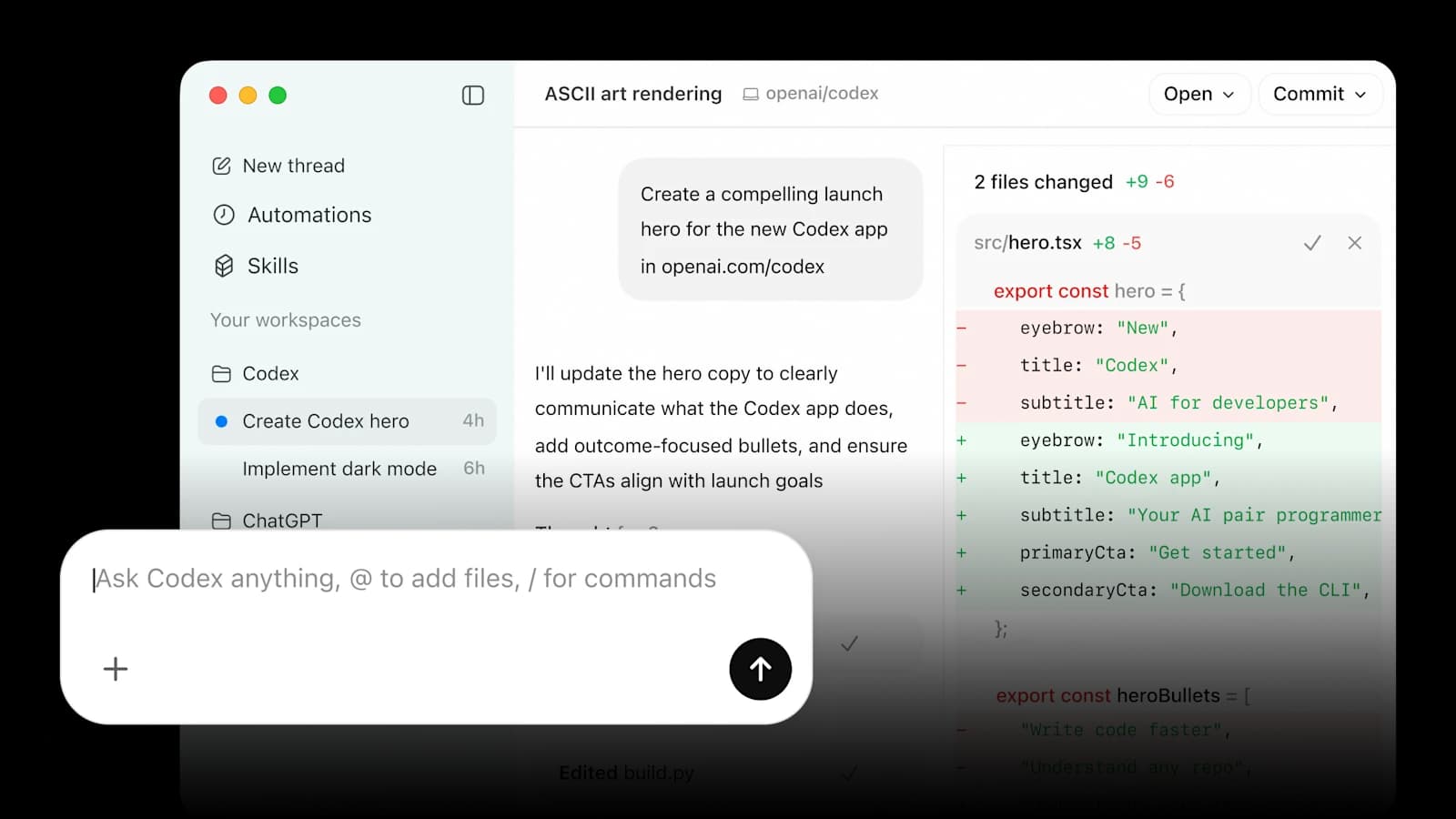
At WorkOS, I'm on the Applied AI team maintaining several full-stack JavaScript applications deployed across Cloudflare and Vercel. This is where Codex has become genuinely transformative for my workflow.
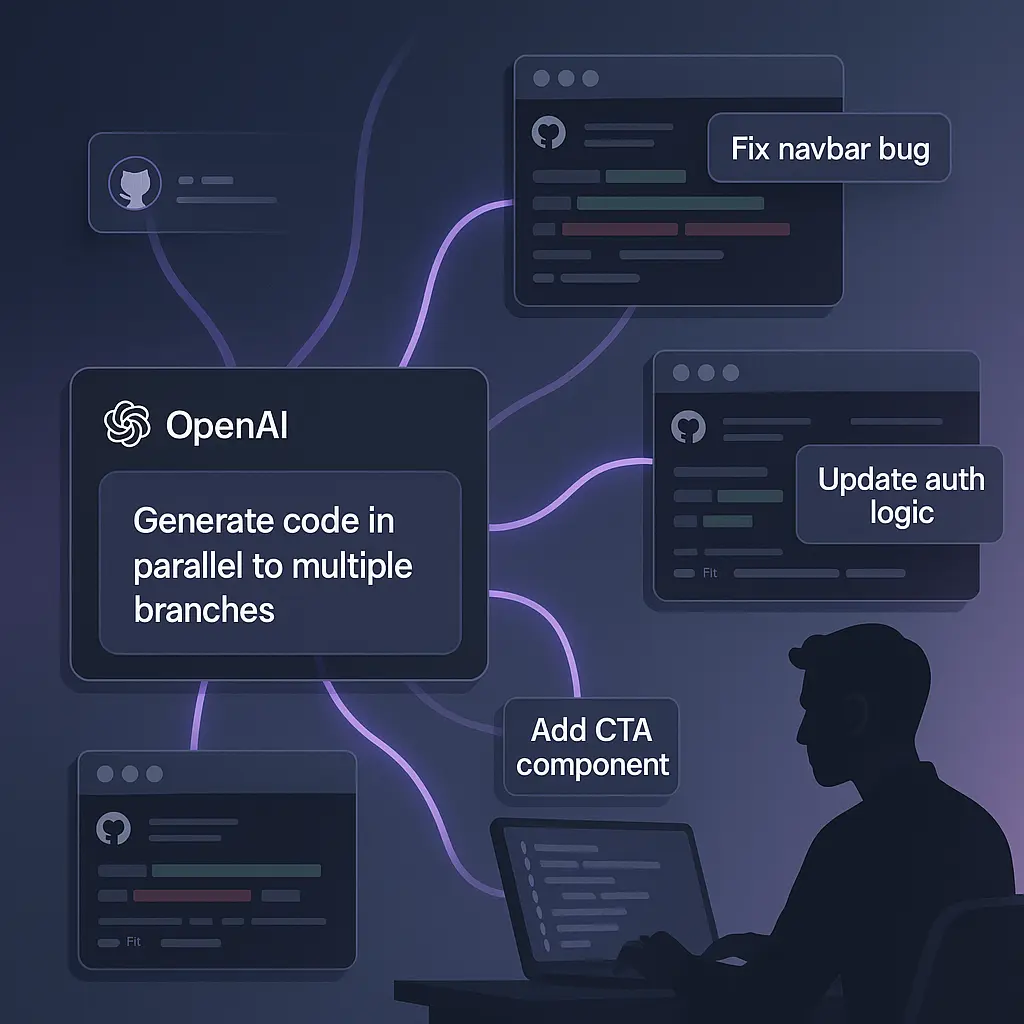
My morning routine now starts with batching disparate maintenance tasks across our codebases. I'll queue up 4-5 Codex tasks before diving into any manual work:
- "Fix the TypeScript error in the user onboarding flow validation"
- "Update the webhooks endpoint to handle the new event schema"
- "Add better error boundaries to the admin dashboard React components"
- "Migrate the legacy auth middleware to use our new session management"
These are the kinds of established codebase tasks that used to eat up 30-40% of my morning. Now Codex handles them while I grab coffee. The success rate has jumped from around 40-60% to what feels like 85-90% for well-scoped maintenance work.
Then I shift to deep focus work with Cursor or Claude Code for the harder architectural problems. This two-tier approach—Codex for SDLC grunt work, dedicated coding tools for complex features—has dramatically changed how I approach development.
Personal projects: Feature development on established codebases
This is where Codex has become genuinely transformative. When you have a mature codebase with established patterns, conventions, and architecture, Codex excels at extending those patterns consistently.
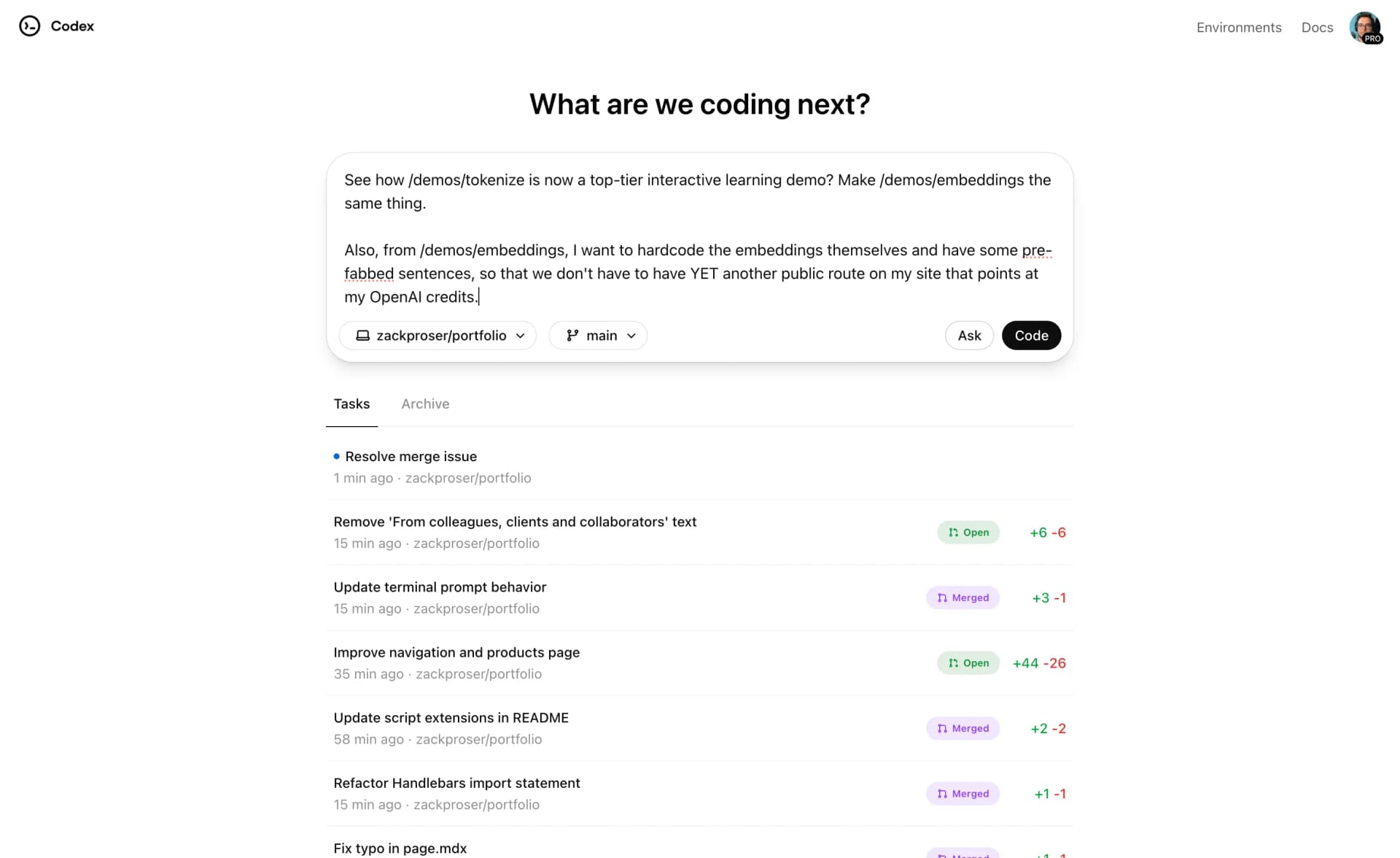
For my portfolio site, I can now ask Codex to:
- "Add a new blog post template for interview posts with structured metadata"
- "Create a reading progress indicator component that matches the existing design system"
- "Implement tag-based filtering for the blog index page"
It understands the existing Next.js structure, follows my component patterns, respects the Tailwind classes I'm already using, and even maintains my preference for named exports over default exports.
What's actually improved
Error handling and stability
Remember those mysterious failures from my original review? They're essentially gone. When a task fails now, Codex provides clear error messages and often suggests fixes:
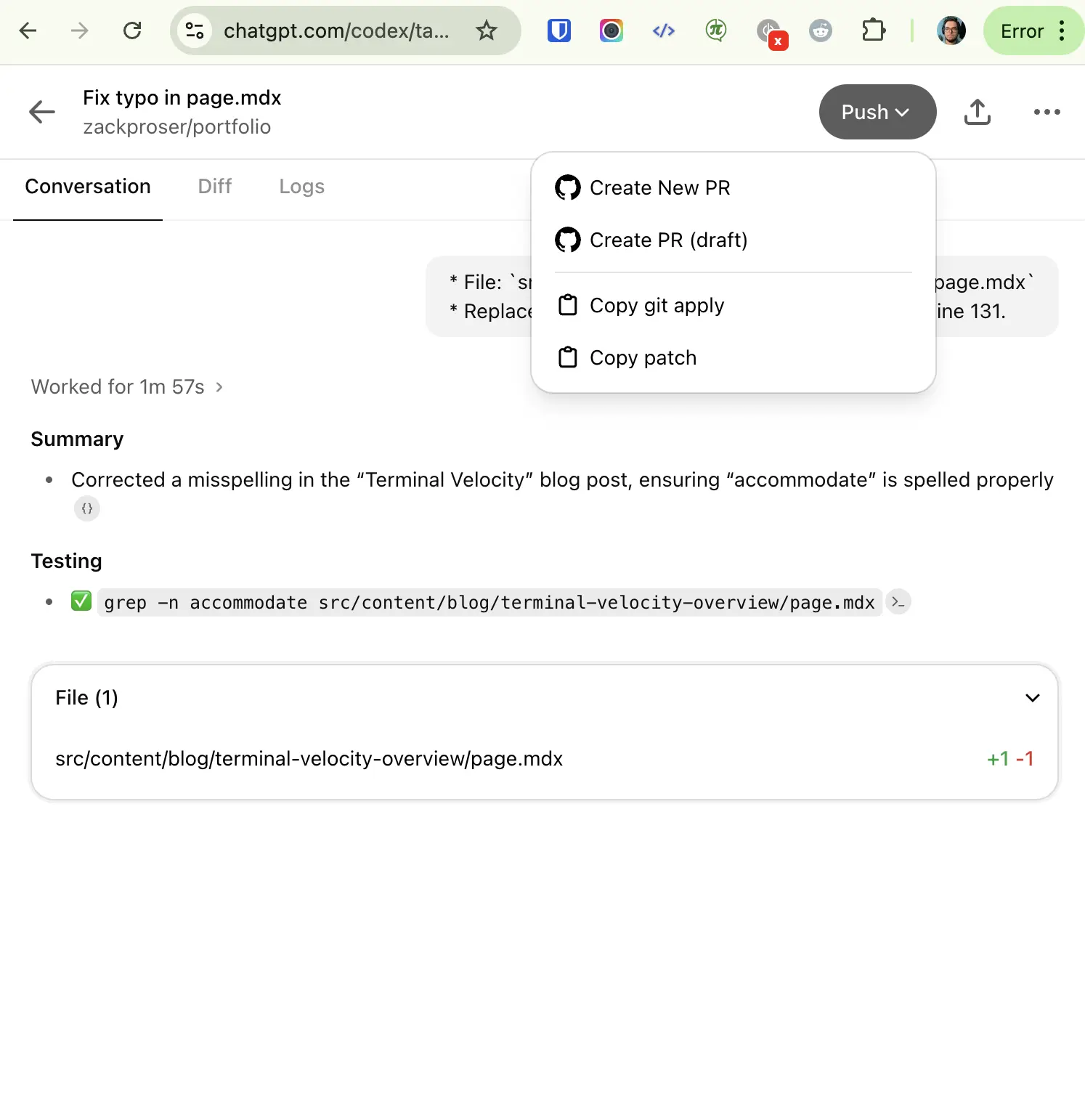
The difference in stability is the most dramatic improvement. Tasks that would fail silently or with cryptic messages now either complete successfully or fail with actionable feedback.
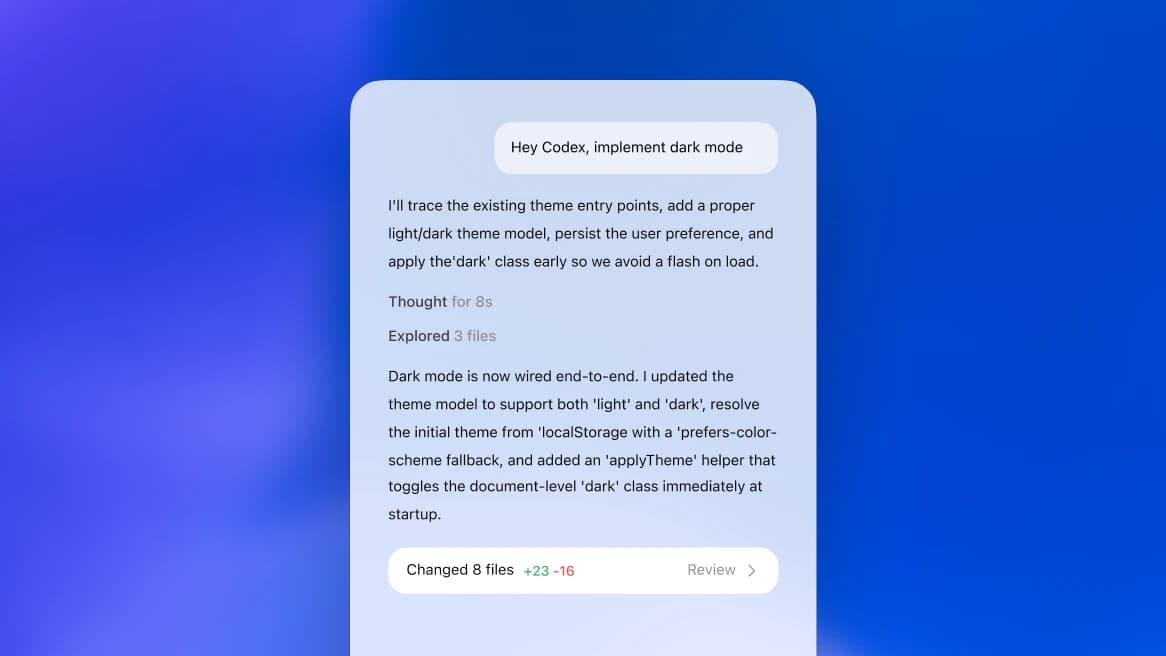
Multi-turn conversations and branch updates
The workflow for iterating on existing PRs has been completely overhauled. You can now:
- Push follow-up commits to existing branches reliably
- Have back-and-forth conversations about implementation details
- Request specific changes without spinning up new tasks
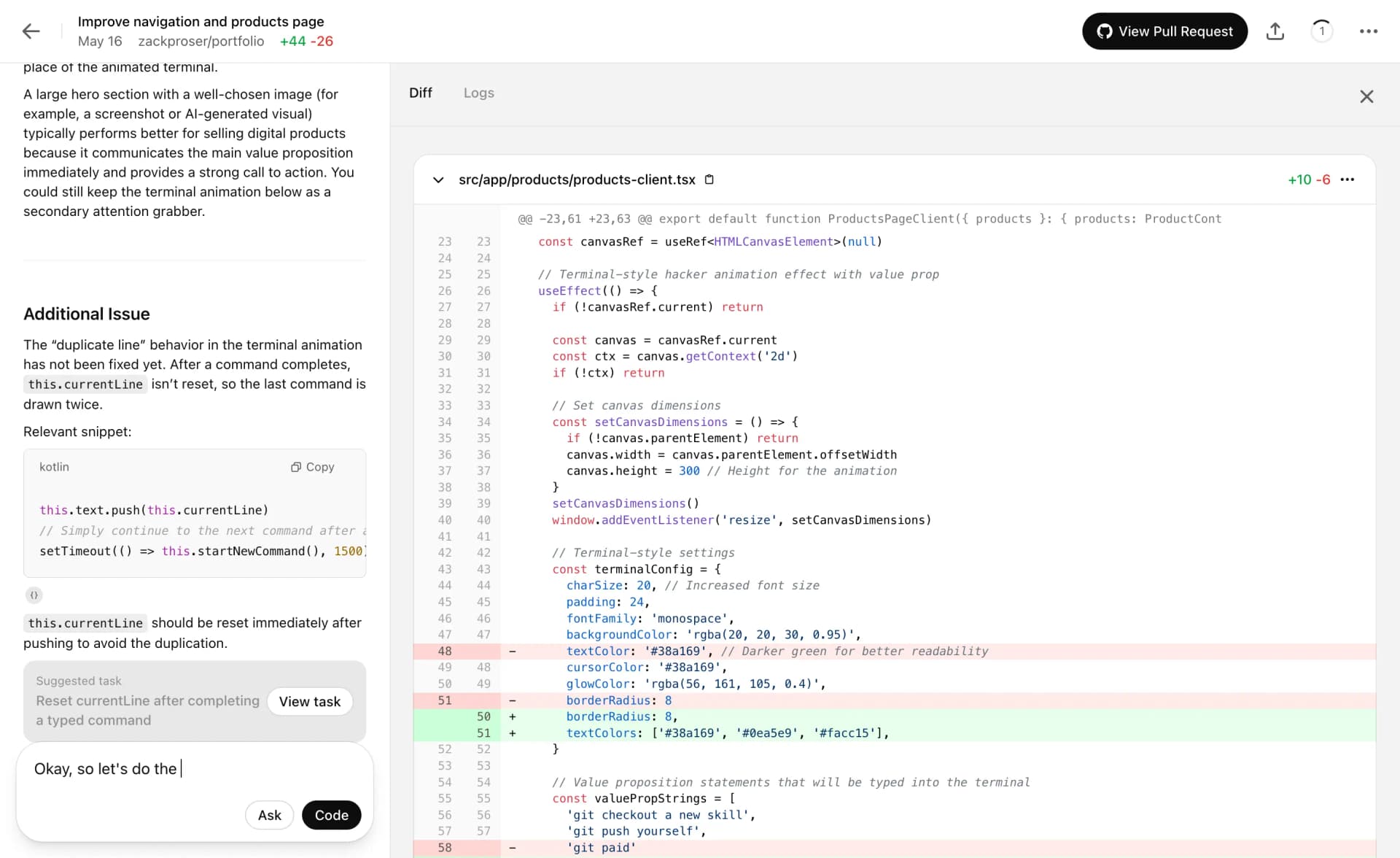
This makes larger refactors much more manageable. I recently used Codex to migrate a complex authentication system across multiple files, and the multi-turn refinement process actually worked.
Code quality and contextual awareness
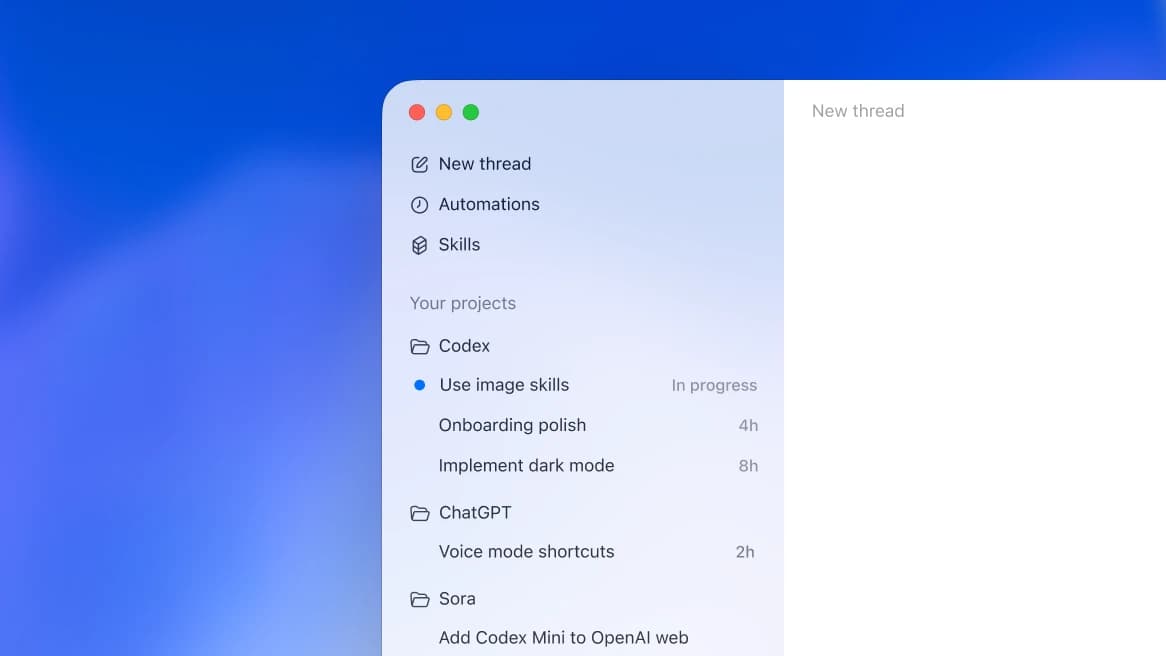
The generated code quality has improved significantly. Codex now:
- Follows existing code style and patterns more consistently
- Handles edge cases I didn't explicitly mention
- Suggests performance optimizations during implementation
- Maintains better consistency with TypeScript types across files
The preview iteration system
One of the most interesting new features is the preview system. When you submit a task, Codex now generates 2-4 different implementation approaches and lets you pick which one to execute.
This has been genuinely useful. For a recent API endpoint, the variations included:
- A minimal implementation focused on speed
- A more robust version with comprehensive error handling
- An approach that prioritized backwards compatibility
- A version optimized for future extensibility
It feels like having multiple senior developers propose solutions, then picking the best approach for your specific context.
What still frustrates me
Model selection opacity
You still can't choose which model handles your task. Codex picks internally based on task complexity, repository size, and probably other factors I'm not privy to.
As someone who understands the trade-offs between different model sizes and capabilities, this lack of control is annoying. Sometimes I want to throw GPT-5.2 at a complex architectural decision—it's their heaviest thinking and reasoning model—and sometimes I just need Codex to generate a simple CRUD interface where a smaller, faster model would be fine.
The system is clearly making intelligent decisions—complex tasks get more powerful models while simple ones get faster execution—but I'd prefer the option to override when I have specific requirements.
Network connectivity — much improved
This was a major pain point in my original review, but OpenAI has largely fixed it. You can now configure Codex sandbox network access with granular controls:
- Package managers only — allow outbound to npm, PyPI, and other known registries
- Full internet — open outbound access for integration tests and API calls
- Specific domains — allowlist particular sites your project needs
- No access — fully sandboxed like before
This is a huge improvement. Installing dependencies, running integration tests, fetching external APIs during development — all possible now depending on your security preferences.
The meta-improvement: Codex training on Codex usage
OpenAI claimed they were using Codex itself to improve Codex, and the evidence is now undeniable. The improvement curve has been steep and consistent in a way that suggests systematic, automated refinement rather than just periodic model updates.
The kinds of tasks that failed reliably in mid-2025 now succeed routinely. More importantly, the failure modes have shifted from "mysterious crashes" to "this approach won't work, try this instead."
Has it actually changed my workflow?
Yes, dramatically.
Morning routine: I now start most coding sessions by queuing up 3-5 Codex tasks before diving into any manual work. By the time I've had coffee and checked messages, there are usually 2-3 completed PRs waiting for review.
Feature development: For established codebases, I sketch out the architecture and let Codex handle the implementation details. This is particularly effective for CRUD operations, API endpoints, and UI components that follow existing patterns.
Maintenance tasks: The dreaded backlog of small fixes and improvements that accumulate in any project? Codex handles most of these now. Dependency updates, documentation fixes, test coverage improvements—all fire-and-forget tasks.
WorkOS impact: We've measurably increased our feature velocity. Not because Codex is replacing developers, but because it's handling the implementation grunt work that used to consume 30-40% of development time.
If you want to see how I use everything together in a complete workflow — including assigning lower-stakes maintenance and SDLC tasks to Codex at the start of the day, then doing deep focus work with an IDE like Cursor or Claude Code — check out my DevSecCon keynote:
Bottom line
My original review was cautiously optimistic but ultimately skeptical about Codex's readiness for serious development work. That skepticism has been thoroughly overturned by daily use.
Codex in 2026 has become production-ready infrastructure that fundamentally changed how I build software. The improvements have been substantial enough that I can't imagine going back to a pre-Codex workflow.
It's crossed the threshold from interesting experiment to indispensable tool.
If you're still on the fence about trying Codex, stop waiting. The tool that exists today is fundamentally different from what I reviewed a year ago, and the trajectory suggests rapid improvement ahead.
Speed up Codex (and every other coding agent) with your voice
Codex, like every agentic coding tool, is massively improved and even sped up by layering voice on top of it. Instead of typing out task descriptions, I dictate them at 170+ WPM and fire off Codex tasks in seconds. The combination of voice input and background agents is the real productivity unlock.
Related reading
- My Original Codex Review (2025) — where it all started
- My 2026 AI Engineer Setup — the full stack I use daily
- Cursor Review — the IDE I pair with Codex for deep focus work
- WisprFlow Review — the voice tool that makes Codex 3x faster
- Claude as My External Brain — how AI fits into my workflow as someone with ADHD + autism

Discussion
Giscus