When I decided it was best to become a solo parent, I wanted my new place to be a paradise — for two toddlers, and for the aging hacker raising them.
So over the past few months I wired it: Aqara cameras inside and out, Apple TV and HomePod minis, smart plugs, an eero 7 mesh with an outdoor node, and a pile of Siri automations, all funneled through Apple's Home app. One app to watch the kids, control the house, and automate the boring parts — from my watch, my phone, my laptop, or my Vision Pro.
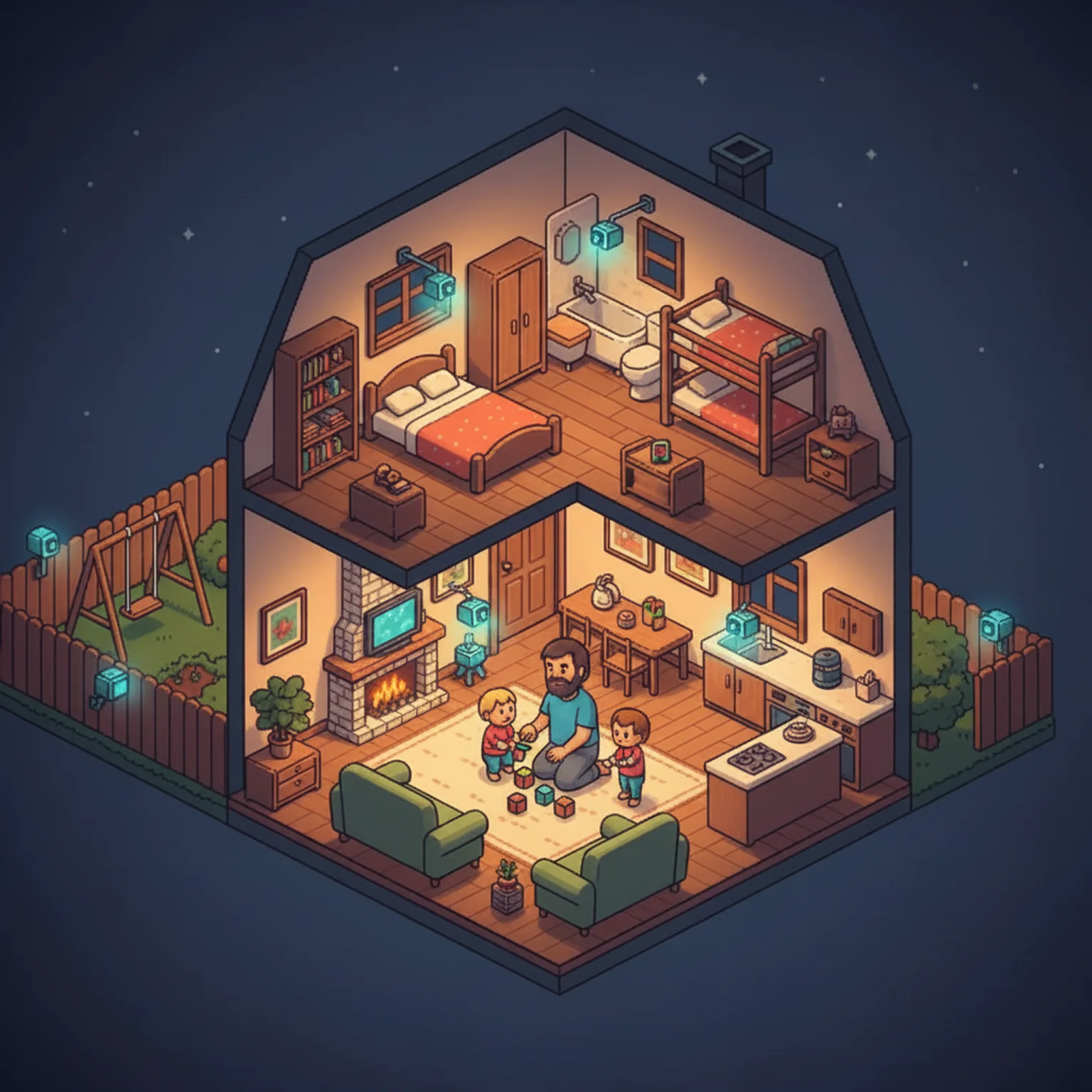
When it works, it's genuinely magic. I can be mid-diaper-change on the living room couch, one kid pinned in front of me, and say "Hey Siri, turn on the TV and play Spidey and His Amazing Friends" to buy thirty seconds of calm from the other one. No remote, no phone, no free hand required. I've spent the last stretch writing code by voice for my day job, and running the house hands-free is the same trick aimed at a different kind of state change — same speed, same no-hands freedom.
And then there's Siri, which is infuriating garbage. More on that below.
The hardware is right. The software is the part that lets me down.
Start With the Network
Everything here rides on Wi-Fi, so that's where I started.
My ISP is fine. The router they shipped was not — the usual rented black box that can't cover a whole house and chokes the moment you put more than a handful of devices on it. I have a lot more than a handful: cameras inside and out, plugs, hubs, the Apple gear, the things still in their boxes. And I work outside a lot — naptime on the patio with a laptop is some of my best focus time of the week — so I needed coverage that didn't stop at the back wall.
So I added one eero 7 set: the main unit wired by Ethernet to the router downstairs, a second in my upstairs office, a third in my upstairs bedroom — plus one eero Outdoor 7 node for the yard and the patio.
The three indoor units keep the whole device list on a solid connection instead of dropping things at random. The outdoor node is the one that earns its keep: the stock router's signal was too weak by the time it reached the backyard, so the fence cameras would connect, stream for thirty seconds, then drop — useless for actually watching the kids. Now a single outdoor unit blankets the entire outside space — more coverage than I'll ever need. Both fence cameras hold a connection 24/7 through rain and snow, every device gets full signal out there, and I can work on the patio during naps without the laptop dropping every time a cloud passes.
If you're putting cameras on a fence or a detached structure more than thirty feet from the house, a dedicated outdoor node is the only thing that reliably works. Indoor routers don't have the range, and powerline adapters are a coin flip.
Why All-Apple
I didn't start with a thesis about platform lock-in. I started with a problem: I need to see my kids at all times, from any device, with zero friction.
That means the cameras need to work with the Home app. The Home app needs to work on my iPhone, my Apple Watch, my MacBook, and my Vision Pro. The Apple TVs and HomePod minis need to respond to Siri. The smart plugs need to show up in Home so I can schedule them. Every device I add has to slot into the same control plane.
Apple's HomeKit is that control plane. Everything routes through it. One app, one platform, one login.
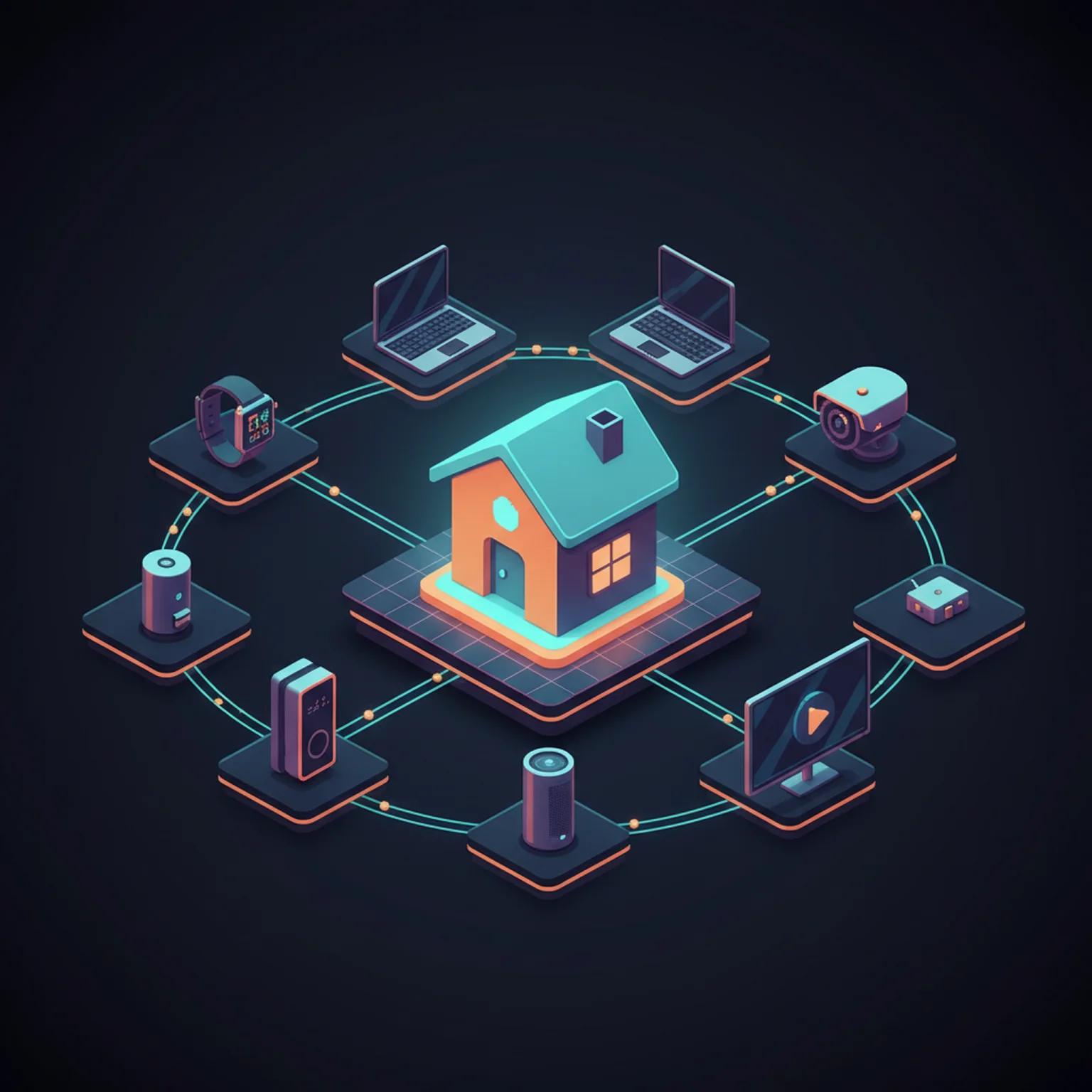
I chose the lock-in deliberately. The alternative was stitching together four different apps, three cloud backends, and a home-automation server I'd have to babysit. I have two toddlers. I don't have time to run a Kubernetes cluster for my light switches.
Indoor Cameras: Aqara G3s Everywhere
Four Aqara G3 cameras cover the inside of the house — one in the living room, one in the kitchen, and one in each kid's room.
The G3 is a pan-and-tilt camera with HomeKit Secure Video. The streams are end-to-end encrypted through iCloud and show up natively in the Home app on every Apple device — no third-party app to view them, no separate cloud account. The camera is a HomeKit accessory, and that's all it needs to be.
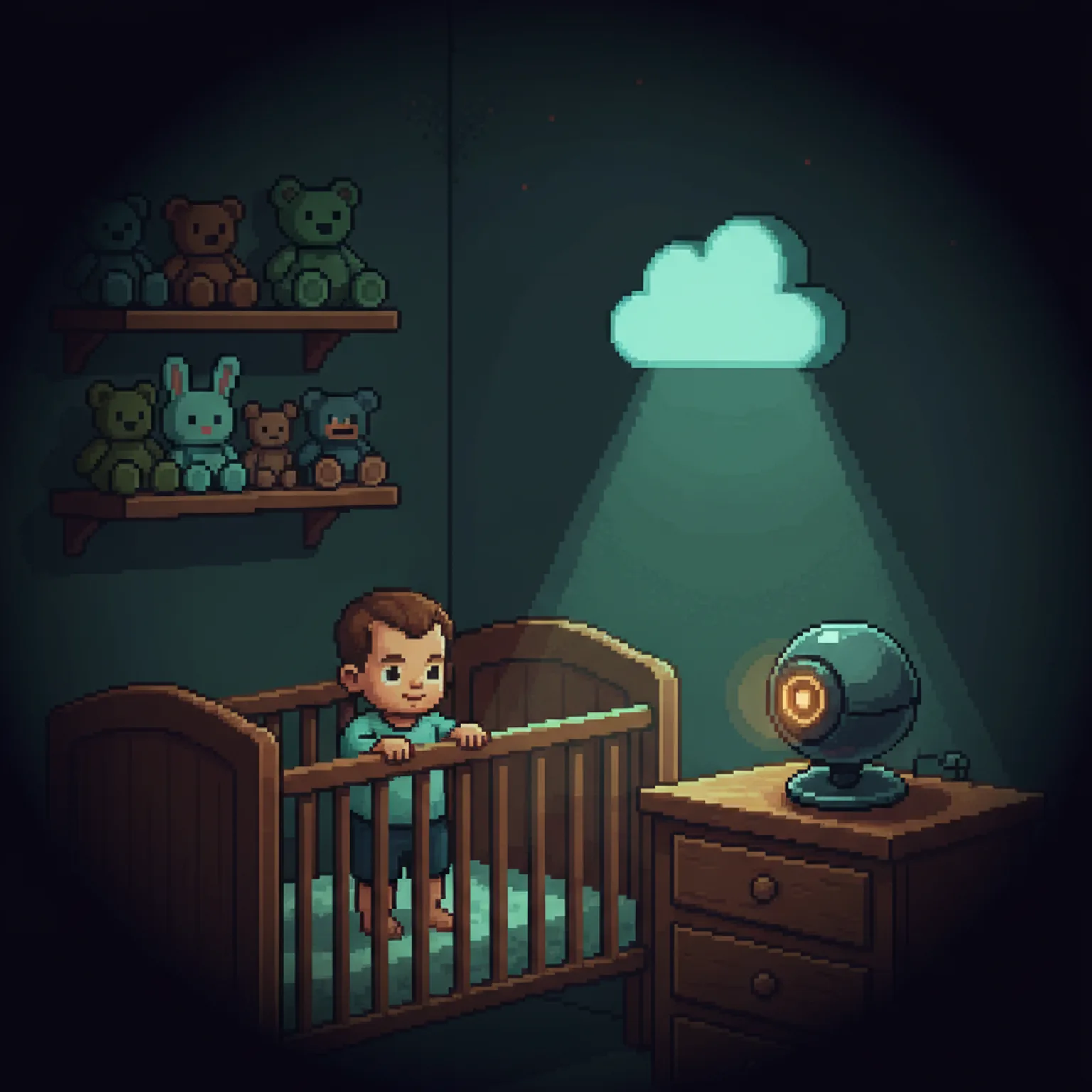
The pan-and-tilt earns its place in the kids' rooms. When one of them is moving around the crib at 2 AM, I can rotate the camera from my phone without getting out of bed. Are they standing up? Did they pitch the blanket out again? Actually crying, or just sleep-babbling? The camera answers without me walking down the hall and risking waking the other one.
Outdoor Cameras: Aqara G5 Pro on the Fence
Two Aqara G5 Pro cameras are bolted straight to the backyard fence with lag screws — no fancy brackets. One covers the swing set and sandbox, the other the patio and back door. The fence gives them height and angle without drilling into the house.
The night vision on these is absurd. It looks like daytime. I've pulled up the backyard feed at 11 PM and had to check the clock because the image was so bright and clear — the raccoons raiding the trash at 3 AM show up in vivid detail. More to the point, I can see the whole yard clearly if the kids are outside and I need to step in for thirty seconds to grab something.

Doorbells: Front and Side
Two Aqara G410 doorbell cameras face out the front, covering the porch, the driveway, and the walk up from the street. A third watches the side door and the path to the kitchen entrance.
These do a different job than the kid cameras: they tell me who's at the house. When someone actually rings, it works well — the chime plays inside on the doorbell's own unit, and Home usually throws an alert too, so I know before I'm even at the door. That matters when both kids are napping and a surprise knock would undo an hour of work.
The motion alerts are the weak spot. Aqara's detection is decent but far too trigger-happy — it'll fire fifteen notifications in a row every time my own fat ass walks in front of a door, or every time I carry a kid inside. So I've learned to trust the doorbell ring and tune the motion pings out, which is exactly backwards from how it should work.
The Nanny-Cam Setup HomeKit Should Ship by Default
At night the monitoring gets hacky, because HomeKit won't do the obvious thing on its own.
Here's my actual routine. I pull up one kid's camera in the Home app and pop it out into a picture-in-picture window. Then I open the other kid's camera in Aqara's own app and turn the volume up, so I can hear the sound machines in both rooms at once. Then my phone goes on the MagSafe charger on my nightstand. If either of them has a bad enough night to start crying or climbing out, I hear it through the audio and I'm up.
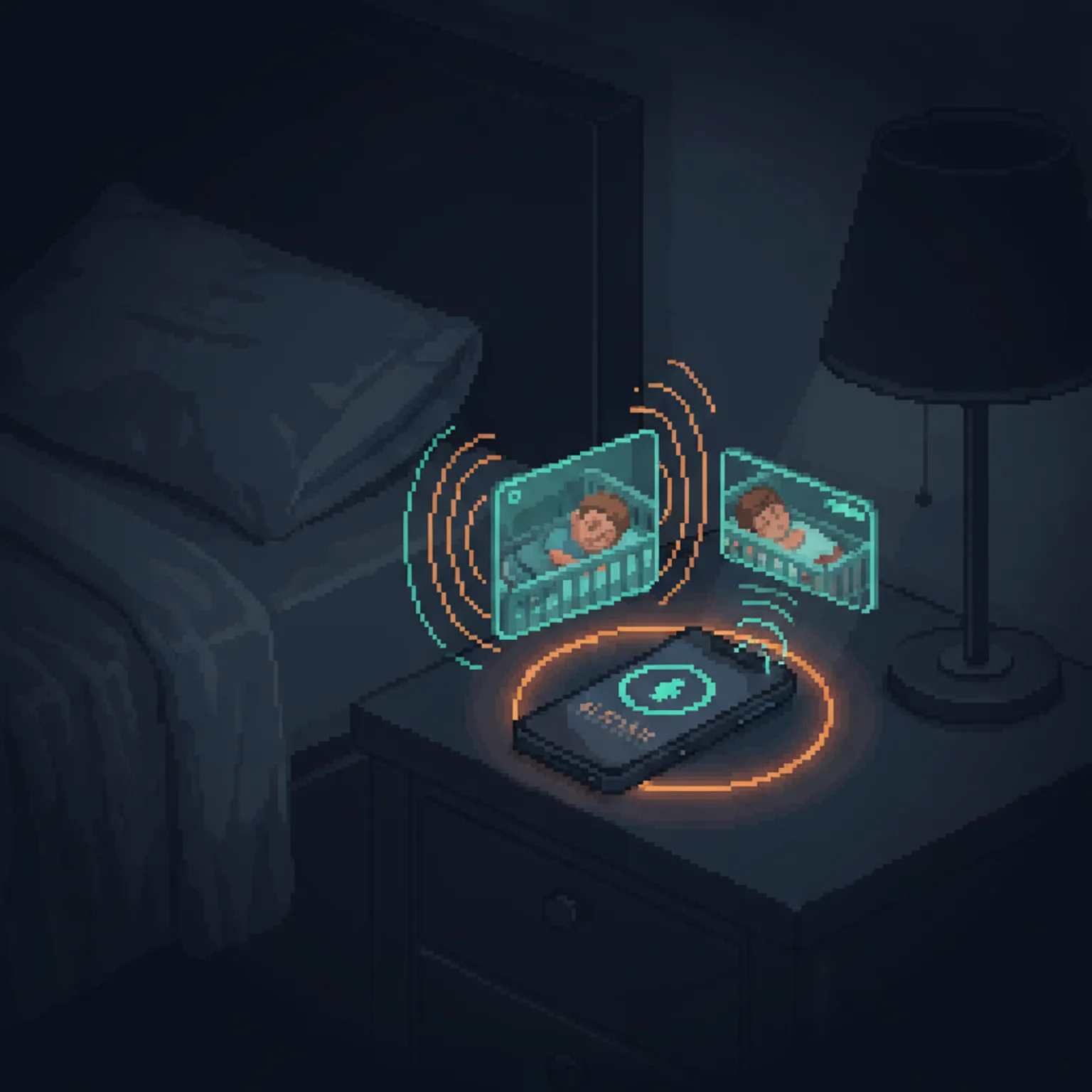
It works. It also takes three apps and a charging puck to do what a baby monitor from 1995 did with one button.
Aqara has smart alerts that are supposed to fix this — detect crying, send a notification. They work decently, but they fire wrong constantly: the outdoor cameras trip a "crying" alert when the kids are laughing or bouncing on the trampoline. So I can't trust the alert enough to actually sleep through everything except the alert itself.
What I want is a threshold I can set: if there are N genuine crying alerts between 10 PM and 6 AM within N minutes, then sound a real alarm and wake me up. A confirmed signal, not a hair trigger. The detection is already good enough that this should be trivial to expose. The software just doesn't let me near it — one more place a genuinely good sensor is held back by the layer on top of it.
One App, Every Screen
Here's the part that's almost worth the price of admission on its own.
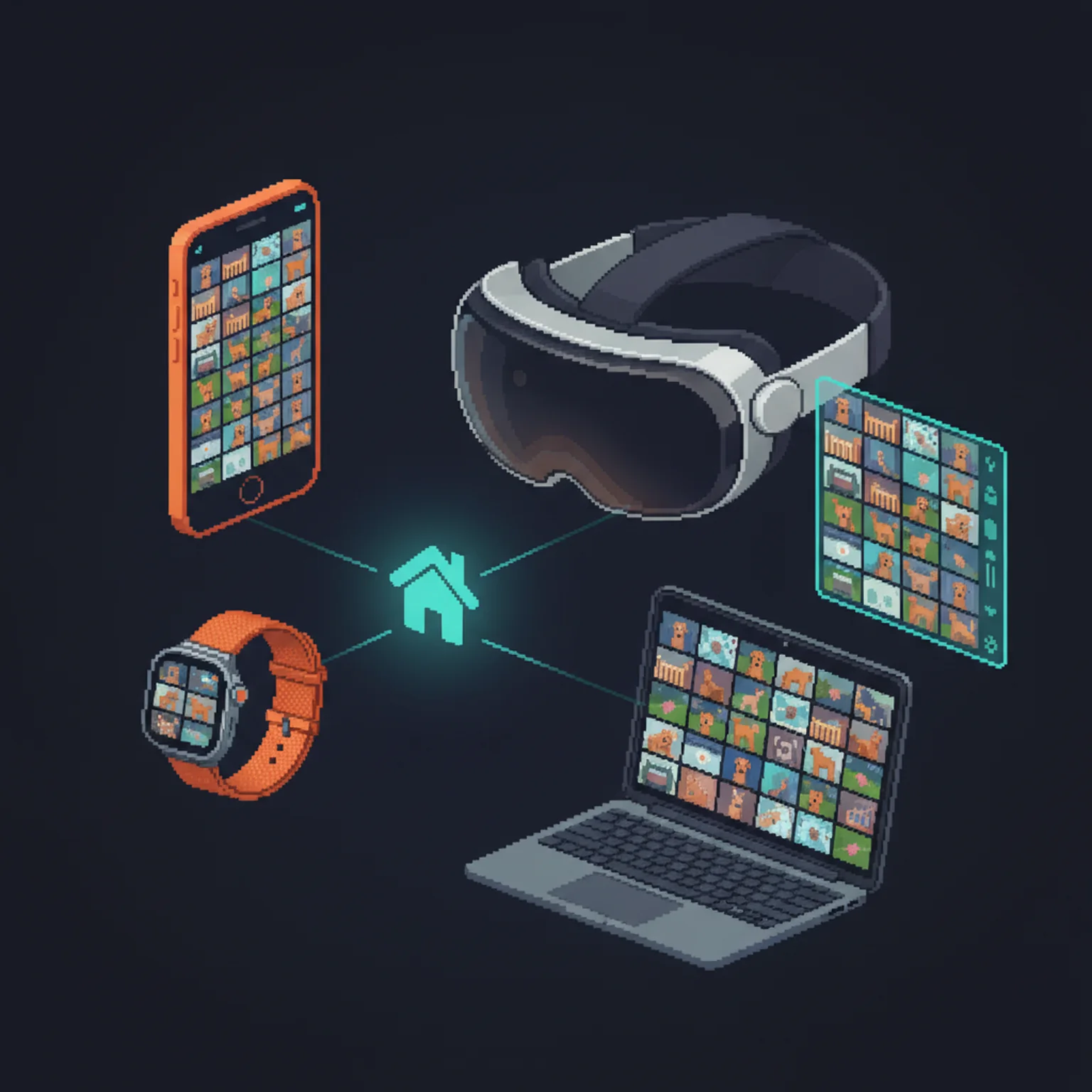
Every camera — indoor, outdoor, both doorbells — lands in one Home app, and that app is everywhere I am. On my Apple Watch when I'm in another room. On my Vision Pro, pulled up with my voice in the middle of a show or a gaming session. On my laptop when I'm working on the patio during naptime and think I hear someone stirring inside. I launch one app and see the entire house, inside and out, on a single screen.
When you're solo with two kids, that single pane of glass is the whole game. I don't care which device is in my hand. I glance, I confirm everyone is where they should be, and I get back to what I was doing.
Talking Through the Cameras
The thing I love almost as much: every Aqara camera does two-way audio, and it's instant. I tap into any camera in the house, from anywhere, and my voice is just there in the room.
In the morning I'll say into my son's camera, "Okay, Dada's coming" — and get an immediate, soothed "Okay" back. If I'm in another room and can see one of them winding up to do something unkind or questionable, I can pop in with a quick word and redirect it before it escalates, without crossing the house.
The kids have come to love it. My daughter was scared of the camera at first, until I explained it and showed her that it's only ever Dada on the other end. Now my son asks for it by name: "Dada, can you talk in my camera?"

Watching From Another Country
The first time I pulled up the cameras from overseas, I half-expected it not to work. It does, and it's worth understanding why, because the design is better than I assumed.
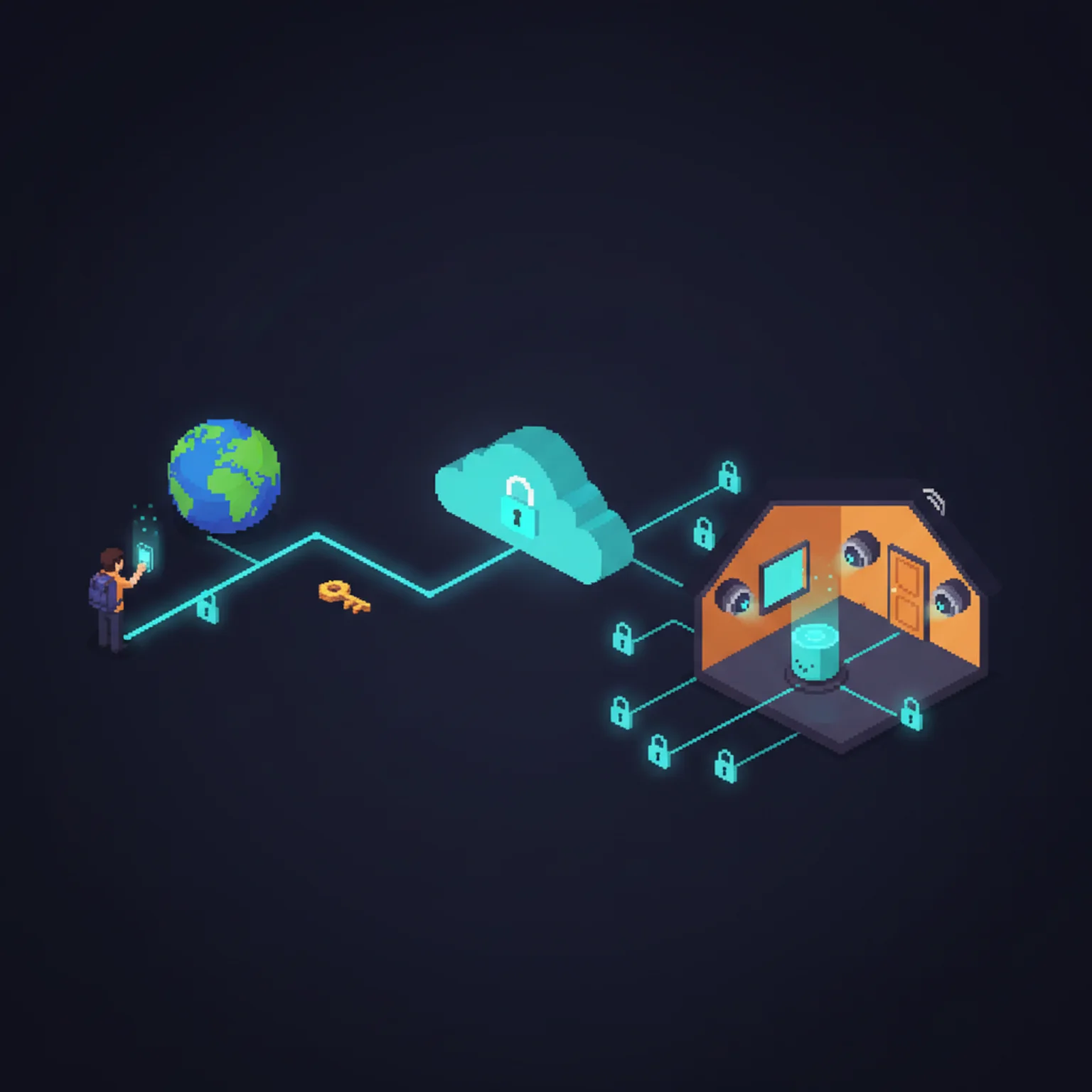
There's no special cellular link involved. When I'm away, my request goes end-to-end encrypted from my phone to a home hub sitting in the house — one of the HomePod minis or an Apple TV — through Apple's Identity Service, and the hub forwards it on to the actual cameras and accessories. For video, the hub is purely a relay: it passes the encrypted stream through without ever decrypting it, and HomeKit Secure Video routes through iCloud, also end-to-end encrypted. The keys live in my iCloud Keychain, synced across my own devices and nobody else's. (Apple documents the whole chain if you want the gory detail.)
So from a hotel on another continent, over whatever Wi-Fi or cellular I happen to be on, I open the Home app and watch my house in real time — and the only things on earth that can decrypt that feed are devices I own. This is the rare case where the software side gets it exactly right.
Apple TV: Screen Time on Purpose
The living room Apple TV 4K does more than stream — it's also a HomeKit hub. But its day job is screen time, and I'm deliberate about that.
I'm a permissive parent, but my philosophy is that kids need downtime too, and that they pick up a real amount of language and scenario-based learning from the right toddler shows. So the TV goes on with intent: while we're eating, after we've spent a whole day running around outside, as a transition between activities, or as temporary coverage so I can duck into the kitchen for ten minutes and actually make them a meal. "Hey Siri, turn on the TV and play Spidey" — when it works — is the most useful sentence in the house.
When it works. Siri on the Apple TV routinely can't find the TV it is sitting next to and actively playing media on. Which makes the physical remote essential — which is its own problem, because one of my kids walked off with it. I was without that remote for months. I finally found it crammed deep in a couch cushion. It now lives mounted to the side of the playroom table, where small hands can't repurpose it.
Smart Plugs and Automations
There's a white-noise water fountain in my bedroom that helps me sleep. Running it 24 hours a day wastes power and burns out the pump, so it's on a Linkind Matter smart plug automated through the Home app: on at 10 PM, off at 7 AM, never touched. Two more plugs run the outdoor bug zappers. I leave those running, honestly — but the point is I could knock them off on a schedule any time I want, without walking outside to unplug a thing.
The plugs come four to a pack for the price of a couple of coffees, and the Home app's automation layer is basic but reliable for timed schedules. For the fountain, that's all I need; for everything else, it's a switch I can flip from my phone.

Siri Is Infuriating Garbage
I have to be blunt here, because everything above sounds great and the daily reality is maddening.
Most of my voice commands run against two HomePod minis — one in the living room doubling as a speaker, the same setup in the bedroom — plus the Apple TVs. Siri fails most of the time. The failure modes are varied and all infuriating:
- "Sorry, I couldn't do that." No reason, no context, nothing — or "[device] isn't responding." This is the single most common thing Siri says to me, and it tells me exactly nothing about what went wrong or what to try instead.
- "I'm having trouble connecting to the network." I'm on Wi-Fi, three feet from an eero. Everything else works.
- "I couldn't find that device." It's right there in the Home app. It's in the list. Siri can't find it.
- It can't find the TV it's sitting next to and actively playing media on.
- Long pause, spinner, nothing. The request just evaporates — no error, no feedback.
- It mishears constantly. My daughter's name isn't remotely close to "Siri," and Siri trips on it all day anyway.
And the one I find hardest to forgive — because I understand exactly why it's hard and still can't accept it — is device arbitration. Say "Hey Siri" in a room that has a phone, a HomePod mini, and a Vision Pro on my face, and the wrong device answers as often as not. If I'm in the Vision Pro, that one should win, every single time: my entire attention is inside it, and it's where I want the camera feed to appear. Instead the request gets grabbed by whatever device feels like it. And when it picks wrong, it doesn't even fail gracefully — the hub that grabbed it just answers that it can't show cameras, or that the device isn't responding, rather than handing off to the screen I'm actually staring through.
When I'm alone with two toddlers — one screaming, one climbing something — and I ask Siri to show me a camera and it fails, that failure cascades. Now I have to find my phone, unlock it, open the Home app, find the room, tap the camera, and wait for the feed. That's thirty seconds I don't have. The whole point of the voice interface was to delete those thirty seconds. Siri makes the promise and breaks it most of the time.
Apple, if anyone there reads this: fix Siri. The hardware is genuinely good. The cameras work. The HomeKit protocol works. The Home app is fine. The Apple TVs and HomePod minis are solid speakers and hubs. All of it is undermined by a voice assistant that can't reliably execute a basic command. It's the weakest link in the whole all-Apple house, and it has been for years. The hardware earns trust. Siri spends it.

What's Next
The foundation is in. The next phase is letting the house do more on its own.
Govee lights. I'm a fan of Govee strips — the light quality and performance are genuinely good, and setup in Govee's own app is painless. Getting them into Apple Home is the hit-or-miss part, and it's a Matter problem more than a Govee one. Adding a Matter device to Home is a whole dance: knock the device off the network and out of the Govee app first, reinstall it, then scan a Matter QR code that only the newest generation even ships with. About a third of the time the pairing just times out and fails outright — and then the exact same attempt works fine on the second try. I've got strips going into more rooms; I've made peace with the dance. Once they're in, walking through the house at night with a toddler on my hip stops meaning fumbling for switches in the dark.
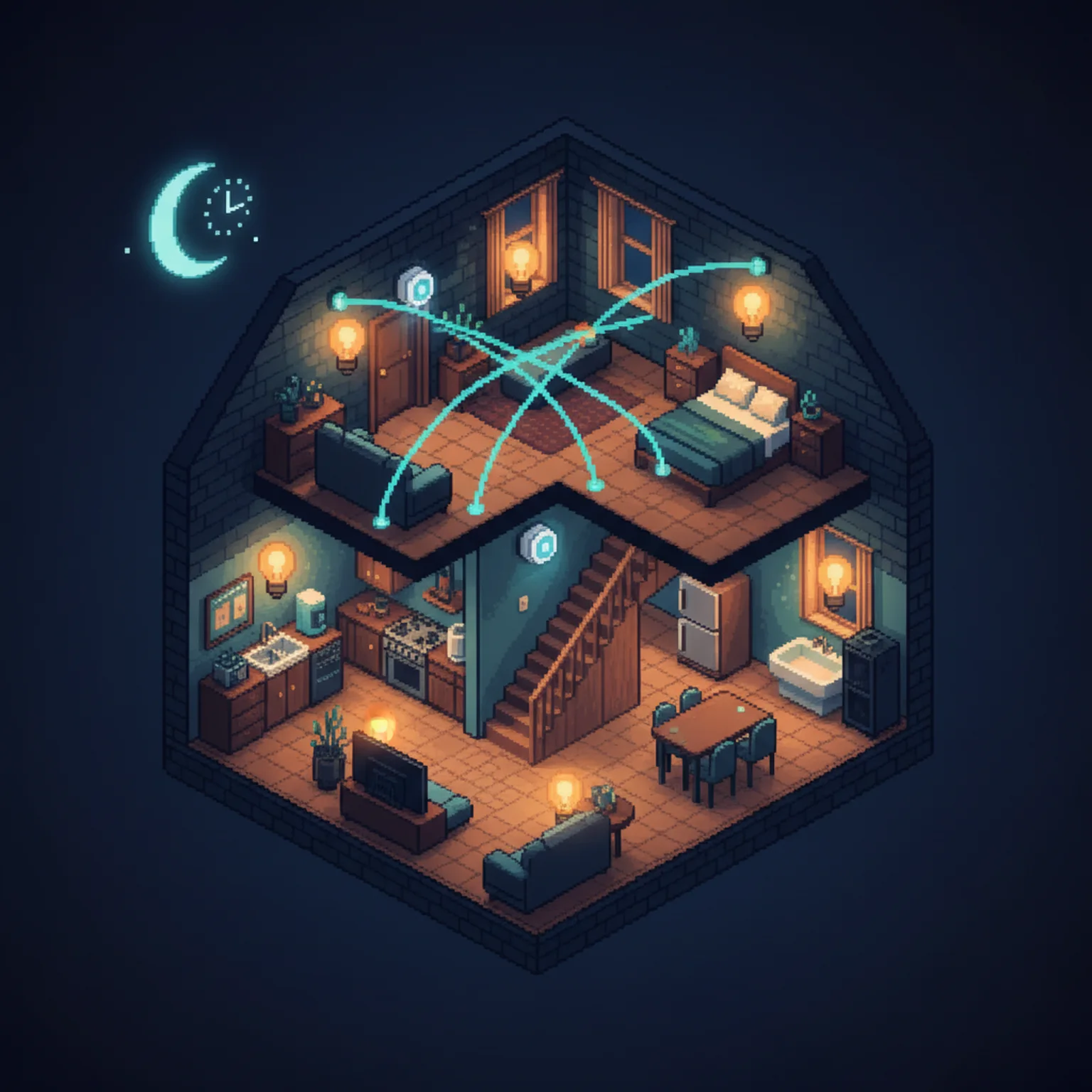
Motion sensors. I have Aqara motion sensors in a box, bound for the hallway, the stairway, and the kitchen. The plan is presence-based lighting: someone walks through at night, the light comes up soft, then drops after a timeout. No command, no switch to find — the house just responds.
Better automations. Right now everything is time-based. The next step is condition-based: motion in the hallway after 9 PM turns on the hallway light at 20%; a person at the front door turns on the porch light and pings my watch; the bedtime sequence dims the kids' rooms, starts the sound machines, and nudges the thermostat down a couple degrees on its own.
The Honest Assessment
The hardware is right. The Aqara cameras are reliable, the video is good, the night vision on the G5 Pros is exceptional, and the eero mesh holds the whole thing together. The Apple TVs and HomePod minis pull double duty as media boxes, speakers, and hubs. Every physical device I've installed does exactly what it's supposed to.
The software is the bottleneck. Siri is unreliable to the point of being a liability. The Home app occasionally forgets a device exists until I force-quit it. Secure Video sometimes takes fifteen seconds to load a feed that should be instant. The crying detection I'd most like to trust fires on laughter. The pieces are all there; the layer that's supposed to make them usable by a human with their hands full is the part that falls short.
I built the right house. I'm waiting on the software to catch up to it. In the meantime the cameras work, the network holds, the fountain turns itself on and off — and from any screen, in the house or on another continent, I can open one app and see that my kids are exactly where they should be. That's enough to make this place a paradise. It would be a better one if Siri would just do her job.

Discussion
Giscus