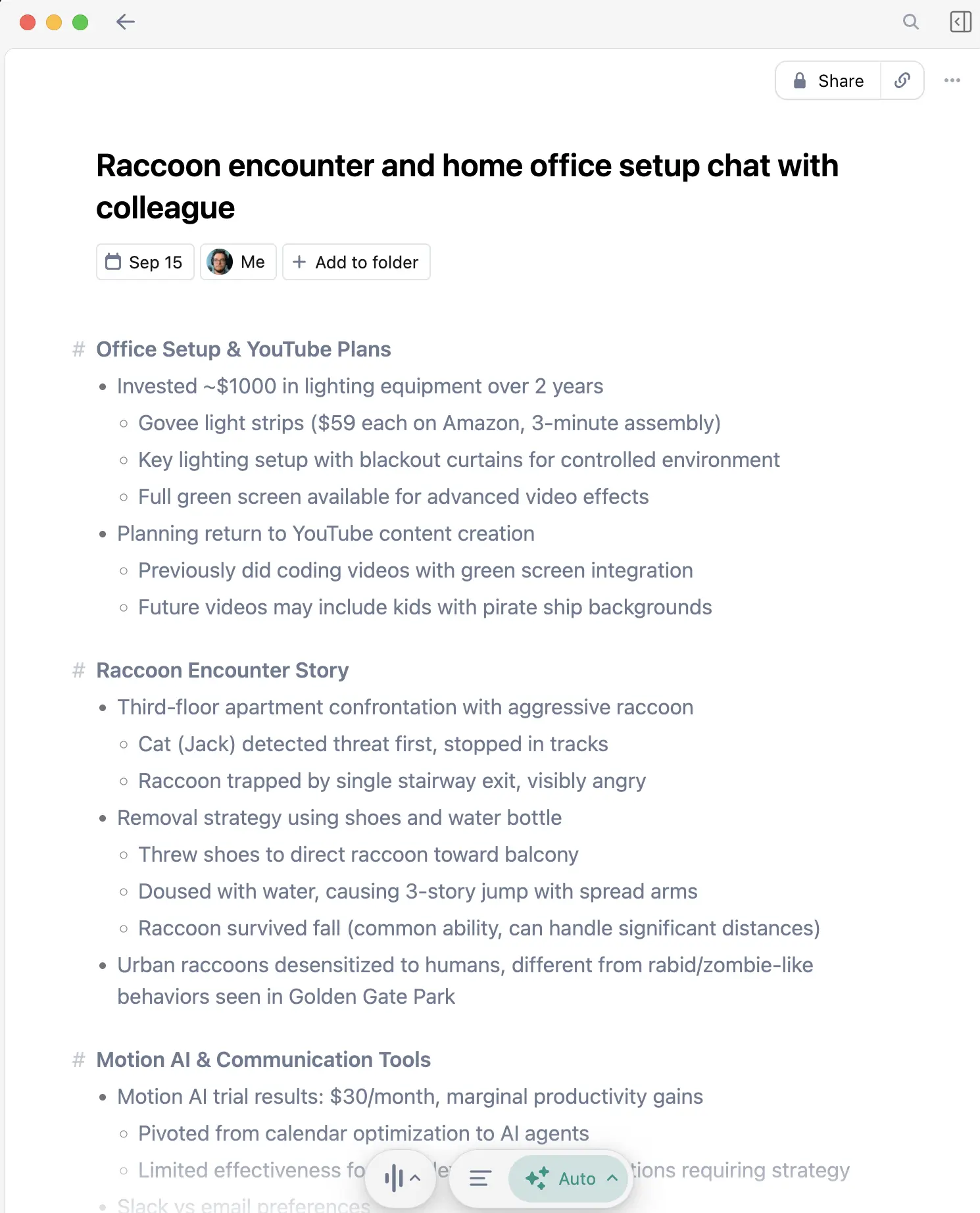
I use an AI meeting assistant almost every working day. After trying the visible-bot and bot-free approaches, my recommendation is simple: Granola is the best general meeting assistant for people who want useful notes without adding another participant to the call.
Otter is stronger when shared live captions matter. Fireflies makes more sense when automatic CRM data is required. Fathom is a compelling free choice for conventional video calls.
The shortlist
| Tool | Best for | Bot joins? | Main tradeoff |
|---|---|---|---|
| Granola | Staying present and getting structured notes afterward | No | No shared captions or saved audio |
| Otter.ai | Live transcript and captions during a call | Optional | More recording-system overhead |
| Fireflies.ai | Sales and CRM-heavy workflows | Optional | The full system can be more than an individual needs |
| Fathom | A generous free video-meeting workflow | Bot-free mode is still rolling out | Best fit stays close to supported meeting platforms |
| Zoom AI Companion | Teams already standardized on Zoom | No separate third-party bot | Tied to Zoom and account settings |
The best choice depends less on a generic feature count than on what must happen during and after the meeting.
Why I use Granola
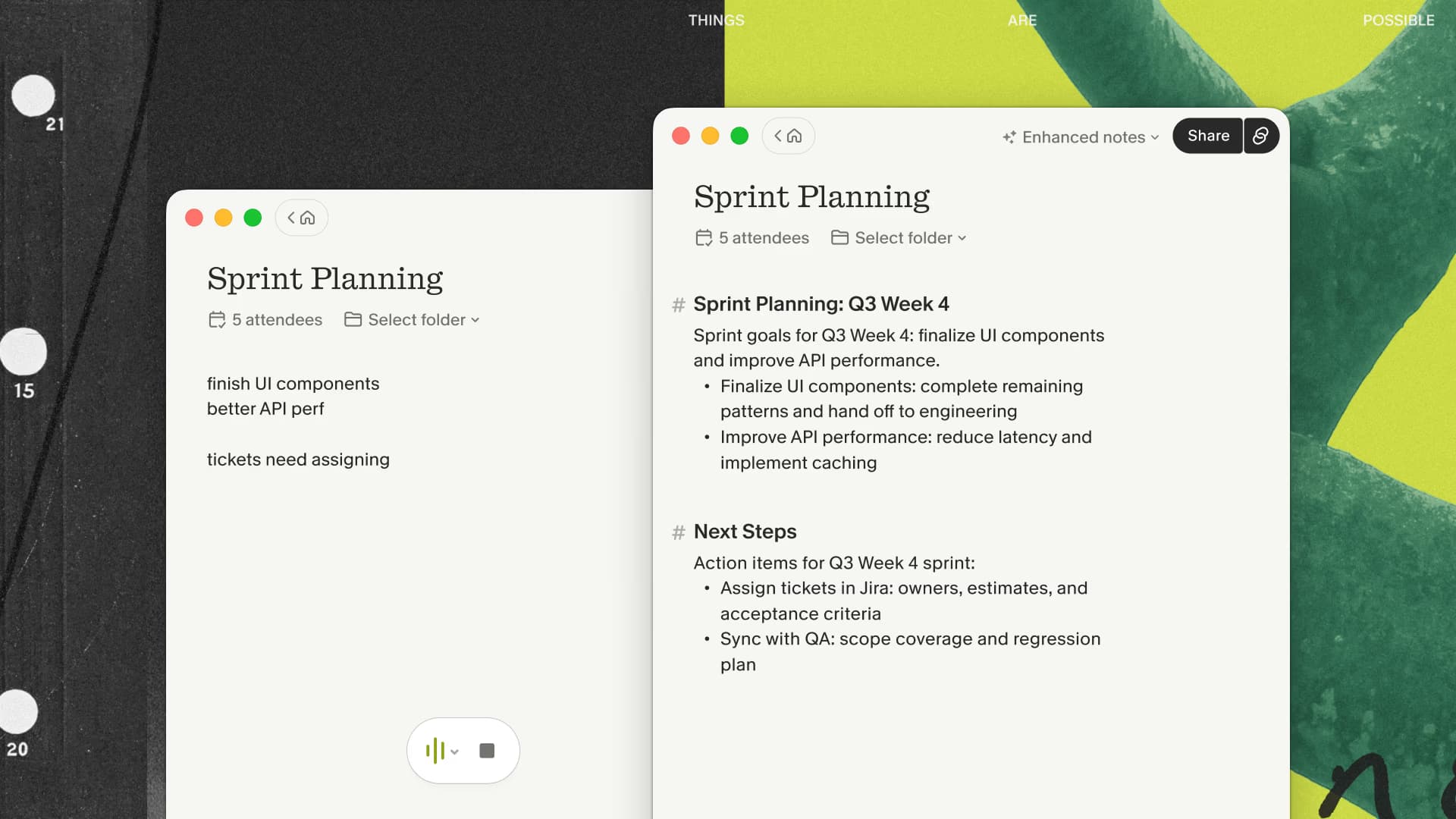
Granola captures the audio available on my device instead of requesting admission as a named bot. I can write a few rough notes while listening, then let it use the transcript to turn those cues into a clean meeting document.
That is a small interaction difference with a large human effect. On customer calls, interviews, and sensitive internal conversations, I do not want the first minute to become a negotiation over admitting “Zack’s Notetaker.”
The output is editable rather than sacred. I review names, numbers, commitments, and anything I plan to quote. The value is that I begin with a complete draft instead of a blank page and a fading memory.
If that is the result you want after a meeting, put Granola through one routine call and measure the time from call end to a follow-up you would actually send.
Read how Granola works for the full capture and privacy pipeline, or my long-term review for the failure modes.
When Otter is the better answer
Choose Otter when people need to read the transcript while the meeting is happening. Live captions are an accessibility and participation feature, not a minor checkbox.
The tradeoff is visibility: the Otter participant and recording behavior can be exactly what a formal, explicitly recorded meeting needs, but it can be awkward in an exploratory client conversation. My Granola vs Otter comparison goes deeper on that distinction.
When Fireflies is the better answer
Choose Fireflies when the meeting is part of a sales system and the important output is structured activity in a CRM. Revenue operations teams may value automatic logging, coaching, and downstream workflows more than a quiet participant list.
I would not force Granola into that role simply because I have an affiliate link. The surrounding system matters more than my personal preference.
When Fathom or Zoom is enough
Fathom is attractive when budget is the main constraint and the team is comfortable with a bot joining supported video calls. Zoom AI Companion is attractive when the organization already lives in Zoom, administrators have enabled it, and notes do not need to work across unrelated meeting platforms.
Before adding another subscription, test the assistant already included in your meeting stack. A slightly less polished tool that everyone can actually use often beats a better individual tool that policy blocks.
The decision tree I use
- Need live captions? Start with Otter or the platform’s native captions.
- Need automatic CRM sync above everything else? Start with Fireflies.
- Need a free conventional meeting bot? Test Fathom.
- Need bot-free notes across different meeting platforms? Start with Granola.
- Need enterprise controls? Start with the approved plans, security documentation, and your organization's IT policy.
Give the finalists a seven-day test instead of installing all of them indefinitely. Use the same two recurring meetings, write down the artifact you need from each one, and measure cleanup time after every call. Also record any missed starts, speaker errors, permission friction, and sharing problems. That small log makes the decision concrete and prevents one unusually good summary from deciding the entire comparison.
If the decision tree points to a bot-free personal note, use Granola for that seven-day comparison rather than evaluating it from a sample transcript.
The failure-mode test most rankings skip
A good summary from a quiet demo call proves very little. I would also test an unscheduled conversation, a meeting that runs over its calendar slot, two people speaking at once, and a call with names or numbers that must be exact. Check whether capture actually started, whether stopping it is obvious, and how quickly you can correct the result.
Then return a week later and try to find one decision without remembering which meeting contained it. That exposes whether the product is merely good at generating text or whether its history, search, and organization fit the way you work. The best assistant is the one whose mistakes are visible and recoverable.
What “bot-free” does not mean
It does not mean secret or exempt from consent rules. A tool can capture device audio without appearing as a participant, but you still need to follow applicable law, employer policy, client agreements, and normal human expectations.
I tell people when required and avoid recording situations where the consent or trust boundary is unclear. Review the meeting recording compliance guide before adopting any assistant across a team.
My 2026 recommendation
For my mix of technical discussions, customer calls, project decisions, and internal meetings, Granola is the assistant I keep open. The free Basic plan is enough to test the core workflow on real meetings; paid plans become relevant when you need longer history, integrations, stronger AI features, and team administration.
New users can start with the first three months free through my link, which gives the workflow more than one unusually good or bad week to prove itself.
Do not evaluate it on a staged demo. Run each candidate through one routine meeting, one noisy meeting, and one high-stakes conversation where you can verify the notes afterward. The tool that preserves your attention and produces the follow-up you actually need is the right one.
Affiliate disclosure: Granola links on this page are referral links. I may earn a commission if you sign up, at no additional cost to you.
Discussion
Giscus