
You want a meeting transcript without adding a named bot to the participant list. Desktop capture can do that, although disclosure, consent, company policy, and local law still apply.
Quick Answer
Granola captures microphone and system audio on Mac or Windows without joining your call. It uses cloud transcription and keeps the transcript and notes; it does not save audio. Use it for an editable recap; choose a recording tool if you need playback.
Reading on your phone? Save my referral link for your Mac or Windows computer.
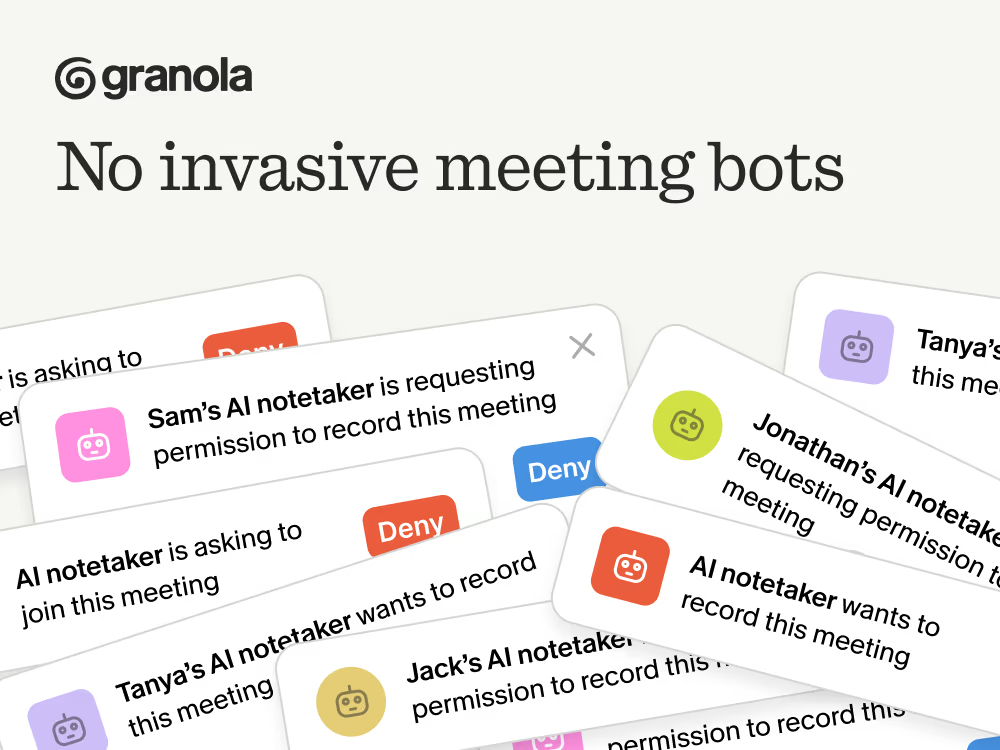
Why Meeting Bots Are Awkward
A visible bot can be useful. It makes the capture mechanism obvious, and some services can attend when you cannot. It also adds admission requests, participant names, and bot permissions to the first minute of a call. On small meetings I attend myself, I prefer telling people what I am using and keeping the participant list limited to people.
Three questions. One honest recommendation.
How Granola Works Differently
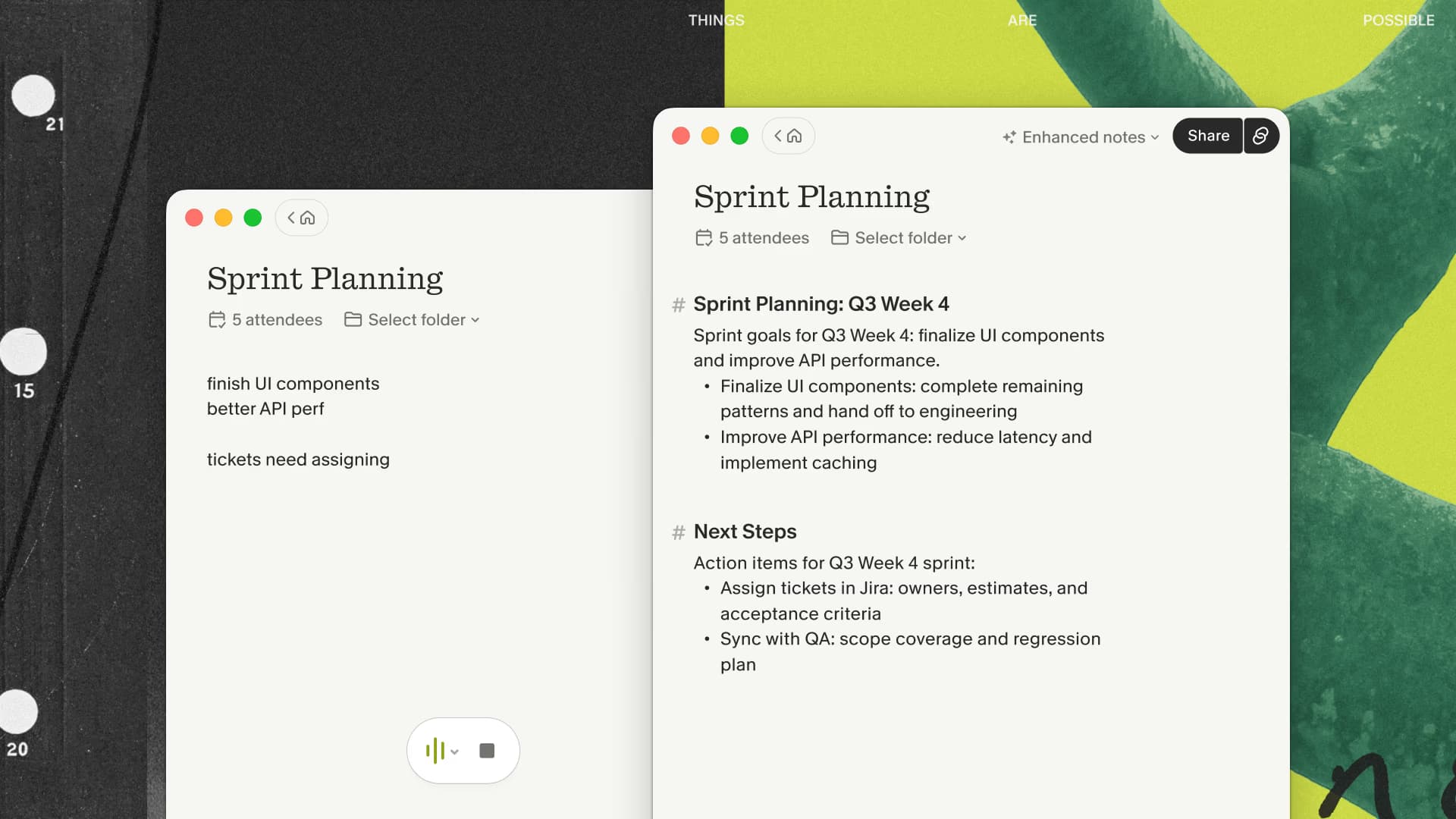
Granola captures microphone and system audio through the app. It does not join your call as a participant, and it sends the audio stream to cloud providers for transcription and note generation.
Other participants do not see a Granola account join the call. You get a transcript and an editable enhanced note after the capture starts.
The Process
- You join your meeting normally
- You open the scheduled note, click the notification, or start a new note
- Granola captures microphone and system audio from your device
- After the meeting: transcript, summary, and action items
No Granola bot or platform notification appears. Asking for consent is still on you.
A First-Meeting Test
Use an ordinary, low-stakes call for the first test. Before it begins, confirm the selected microphone and output device, tell the other participants that transcription will be active, and decide what useful output you expect. During the call, check that capture actually started and type one short cue about an important decision. Afterward, verify that both sides of the conversation appear, correct names and numbers, and inspect the note's sharing settings before sending anything.
That sequence tests the whole workflow: permission, capture, transcription, enhancement, review, and distribution. A polished summary cannot compensate for missing audio, an unnoticed start failure, or a note shared with the wrong audience.
You can run this exact first-meeting test in Granola with a low-stakes call before deciding whether bot-free capture is dependable on your setup.
For a concrete output to judge, try the design-review meeting to implementation-brief walkthrough. It includes a reusable prompt and the checks to make before turning the draft into engineering tickets.
Comparing Approaches
| Feature | Meeting-bot mode | Device capture with Granola |
|---|---|---|
| App joins the participant list | Yes | No; disclose transcription yourself |
| Online meeting capture | Supported platforms depend on the service | Computer audio through the desktop app |
| Works for in-person | No | Yes (mobile app) |
Use Cases Where This Matters
Client Calls
Bot-free capture avoids making a third-party participant part of the call. Explain the transcription and intended use before capturing discovery calls or strategy sessions.
Interviews
For hiring or research interviews, use an explicit consent process and follow the organization's retention rules. Bot-free should describe the software architecture, not a way around disclosure.
Internal Meetings
Internal meetings can still contain confidential or regulated material. Check company policy before turning on any transcription service.
Sales Calls
Granola fits sales calls when the useful output is a reviewed note or follow-up. Recording-centered products are better when coaching or replaying the original call is required.
If the reviewed follow-up is the job you need to solve, compare Granola with your current manual notes on the next permitted call.
Beyond Video Calls
Granola also works for:
- In-person meetings through its iPhone or Android app
- Online meetings on Mac or Windows through microphone and system audio
The mobile apps cannot capture other apps' call audio. Use the desktop app for Zoom, Teams, or Meet calls. Granola's iOS app separately supports outbound phone calls through its built-in dialer.
What Bot-Free Capture Does Not Solve
Removing a participant from the roster only changes the capture mechanism. It does not guarantee a clean transcript, correct speaker names, automatic start and stop behavior, or permission to use the resulting text. It also does not create a replayable audio record in Granola.
Before relying on any bot-free app, run a low-stakes test with the exact headset, meeting platform, and computer you normally use. Confirm that both sides of the call appear in the transcript. Then check how the app behaves when the meeting starts late, runs past its calendar slot, or is followed immediately by another call. Those mundane edges matter more than a polished summary demo.
What About Consent?
No bot joins and no platform notice appears. You're still responsible for disclosure, consent, company policy, and recording laws in your jurisdiction.
Consent rules depend on every participant's location, the context, and applicable company or professional policy. The meeting transcription consent guide explains the questions to resolve before a team adopts the workflow.
Getting Started
Try Granola through my link. New users get their first three months free, which is enough time to test several real meeting types. I may earn a commission when someone signs up.
FAQ
Is this the same as secretly recording people?
You're responsible for disclosure and consent. The bot is gone; asking is still on you, along with following company policy and local law.
Does it work with Zoom, Teams, and Meet?
Granola captures microphone and system audio through its desktop app without joining the call, so no Granola bot appears in Zoom, Teams, or Meet. Transcription and note generation use cloud providers.
What about audio quality?
Granola uses the microphone and system-audio stream available to the app. Device selection, background sound, overlapping speakers, and platform support can all affect the transcript, so verify names, numbers, and commitments.
How is this different from just recording on my phone?
Granola provides a transcript, summary, and action items after the meeting rather than a raw audio file alone.
Can I use this for webinars or presentations I'm attending?
Check the event's terms and obtain the required permission. Technical capability is not permission to transcribe a webinar or presentation.
The practical test is simple: use the tool on one ordinary, permitted meeting, type two or three cues while you listen, and inspect whether the resulting note saves useful cleanup.

Discussion
Giscus