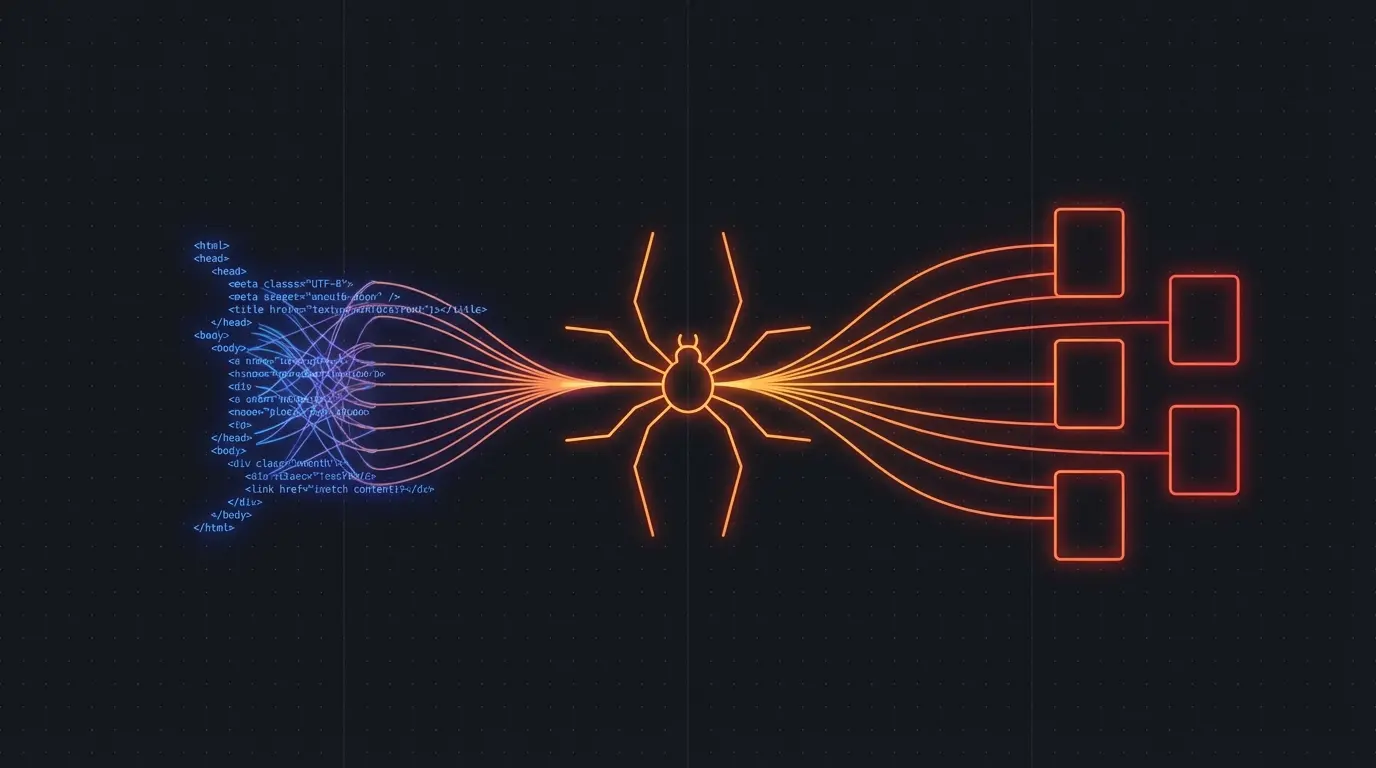
Firecrawl and Playwright overlap at the browser, but they solve different layers of the problem.
Use Playwright when the browser interaction itself is your product logic: sign in, click a precise control, test a checkout, or automate one known workflow. Use Firecrawl when your application needs clean web data: scrape arbitrary pages, crawl a site, search the web, or feed Markdown and structured JSON into an AI system.
They are complements more often than substitutes.
Firecrawl vs Playwright at a glance
| Question | Firecrawl | Playwright |
|---|---|---|
| Primary abstraction | Hosted web-data API | Browser automation library |
| Best output | Clean Markdown, JSON, HTML, metadata, screenshots | Whatever you extract from page state |
| Browser infrastructure | Managed | You run and maintain it |
| Interaction control | Actions, Interact API, browser sessions | Precise locators, events, contexts, and page APIs |
| Multi-page crawling | Built-in crawl, map, search, and filters | You design the queue, discovery, dedupe, and persistence |
| Anti-bot and proxy work | Managed features | Your implementation and providers |
| Testing a web app | Not the main job | Excellent fit |
| Feeding a RAG pipeline | Direct fit | Requires extraction and cleanup code |
What Playwright gives you
Playwright controls Chromium, Firefox, and WebKit from code. Locators and auto-waiting make it particularly good at deterministic actions in an interface you understand.
import { chromium } from 'playwright'

const browser = await chromium.launch()
const page = await browser.newPage()

await page.goto('https://example.com/products')
const names = await page.getByRole('heading', { level: 2 }).allTextContents()

await browser.close()
console.log(names)
That code is explicit. You choose the browser, navigation lifecycle, locator, extraction, retry behavior, storage, and deployment environment. This is a strength when the target workflow is stable and every click matters.
It becomes maintenance when the assignment is “ingest useful content from ten thousand pages across five hundred unrelated sites.” Then you also need URL discovery, queues, rate limits, robots handling, proxies, content cleaning, Markdown conversion, deduplication, and job status.
What Firecrawl gives you
Firecrawl moves those web-data concerns behind an API. Its current v2 surface includes scrape, crawl, map, search, parse, browser, and agentic features. The scrape endpoint can return Markdown, HTML, structured JSON, links, screenshots, and other formats.
import Firecrawl from '@mendable/firecrawl-js'

const firecrawl = new Firecrawl({
  apiKey: process.env.FIRECRAWL_API_KEY,
})

const page = await firecrawl.scrape('https://example.com/products', {
  formats: ['markdown'],
  onlyMainContent: true,
})

console.log(page.markdown)
For an AI pipeline, the important line is not the HTTP call. It is that the returned body is already shaped as main-content Markdown rather than a DOM full of navigation, cookie prompts, and layout markup.
The real tradeoff: control versus owned maintenance
Playwright is open-source code you can run wherever a supported browser runs. Your marginal software-license cost can be zero, and you can inspect every part of the interaction. You also own every operational failure.
Firecrawl charges for a managed service. In exchange, you write less crawler infrastructure and can move from URL to AI-ready content faster. That is valuable when engineering time and reliability cost more than raw browser compute.
The decision is not “free versus paid.” It is which layer your team wants to own.
Choose Playwright when
- You are testing your own web application
- The workflow requires exact clicks, forms, downloads, or authenticated state
- You know the target DOM and can maintain locators
- Data extraction is small and tightly scoped
- Browser behavior itself is the thing you need to verify
Playwright’s official locator and auto-waiting model is designed for that precision. It is a browser tool first; scraping is one use you can build with it.
Choose Firecrawl when
- You are building RAG, search, research, or agent data pipelines
- Targets span many unrelated sites
- Clean Markdown or structured JSON is the desired product
- You need crawl discovery, URL maps, search, or batch jobs
- You do not want to operate browser pools and proxy infrastructure
Use both when interaction precedes ingestion
A common hybrid is:
- Use browser interaction for a login, search, filter, or dynamic state.
- Extract the resulting page or URLs as clean documents.
- Store those documents with source metadata for retrieval or analysis.
Firecrawl now has its own Interact endpoint and browser sessions, including the ability to run Playwright-style code against a scrape session. That narrows the gap. I would still reach for standalone Playwright when deterministic browser automation is the core system, and Firecrawl when web content is an input to the core system.
A practical decision test
Describe the output in one sentence.
- “The user successfully checked out in Safari” → Playwright.
- “Every documentation page is clean Markdown in my vector index” → Firecrawl.
- “Log in, apply a filter, then ingest every result” → probably both, or Firecrawl Interact if it meets the workflow.
Before committing, prototype the hardest target—not example.com. A JavaScript-heavy page, a site with rate limits, or an authenticated workflow will expose the actual maintenance boundary.
My recommendation
For web data going into an LLM, I start with Firecrawl because extraction quality and operational maintenance are part of the product. For end-to-end testing and exact automation against an app I control, I use Playwright.
See the website-to-Markdown guide for a Firecrawl-first implementation and my web scraping API comparison for the broader field.
Affiliate disclosure: this page contains Firecrawl referral links. I may earn a commission if you sign up, without changing your price.
Discussion
Giscus