
The interesting part of my Granola affiliate plan is not a generic download button. New users who start through my link get their first three months free—long enough to see whether the app survives an ordinary quarter of calls.
Do not spend that window manufacturing demo meetings. Start on a desktop computer, use a business email, and use Granola in at least one genuine meeting. Those are the steps Granola lists for a verified affiliate referral, and the real meeting is also where you learn whether the workflow helps.
Granola's Three-Free-Month Offer
The benefit is three free months for a new user who comes through my affiliate link. Product features still depend on the plan Granola makes available to the account, so verify the checkout screen rather than assuming every paid feature is included.
Use the free period to test the features included in the plan you are considering. Feature availability can differ by plan, so focus your evaluation on the workflows you expect to keep using.
Reading on your phone? Save my referral link for your Mac or Windows computer.
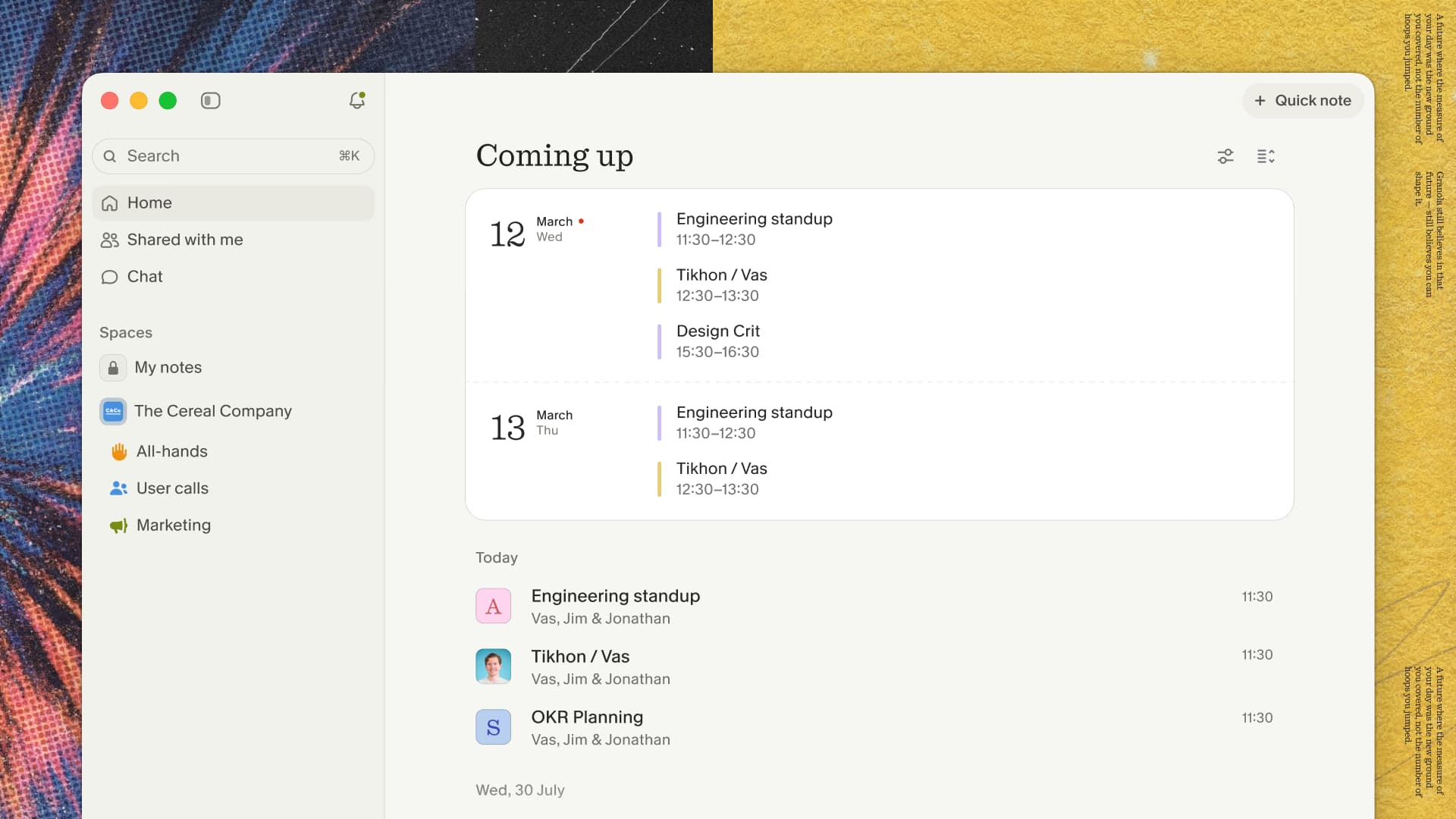
Check that the offer is applied
Keep the referral link and offer code ZACKPROSER with your signup details. Granola confirmed the three-month offer on September 30, 2026, and clarified on October 1 that the code applies the offer; referral tracking requires my link. Using the code alone does not credit my referral.
Open my referral link on the computer where you sign up, including when you first find this guide on your phone. Check the duration shown in your account before paying. If it shows a shorter free period or the code does not apply, contact Granola support with the link and code so they can check your eligibility and offer. Granola has not yet confirmed the exact code-entry screen for this guide.
Prepare Before You Start
Choose Meetings to Test
Plan to use Granola across several kinds of conversations:
- Daily standups and recurring team meetings
- Client consultations and external calls
- Project planning and strategy sessions
- One-on-ones and performance conversations
- Training sessions and all-hands meetings
A varied meeting set shows how Granola handles different speakers, audio conditions, topics, and levels of complexity.
Technical Setup Checklist
Before starting your three free months, make sure you have:
- A stable internet connection for cloud processing
- A microphone that produces clear audio
- Calendar access for meeting detection and context
- Permission to transcribe the meetings you choose
When that checklist is ready, start Granola with the first genuine meeting on your test plan instead of spending the offer window on staged demos.
A Three-Month Evaluation Plan
Month 1: Setup and Daily Use
Start by building Granola into your normal meeting routine:
- Create your account and connect your calendar
- Use Granola in several recurring meetings
- Review transcription accuracy and note organization
- Test search, exports, and basic integrations
- Compare Granola's output with your current note-taking process
The goal for the first month is consistency. You need enough repeated use to see whether Granola fits without adding friction.
Month 2: Range and Collaboration
Expand the test once the basic workflow feels familiar:
- Use Granola in longer meetings with several speakers
- Test technical language and industry-specific terminology
- Review action items, decisions, and follow-up notes
- Invite teammates to assess sharing and collaboration
- Try the integrations that matter to your team
- Try permitted meetings in less predictable audio environments
This month shows whether the product holds up beyond your easiest, most routine meetings.
Month 3: Measurement and Decision
Use the final month to measure the practical value:
- Review notes and transcripts from the full quarter
- Calculate time saved compared with manual note-taking
- Check whether follow-ups and action-item completion improved
- Assess how often you search or share past meeting records
- Identify the features your workflow now depends on
- Compare the ongoing subscription cost with the time and context Granola saves
Three months gives you enough history to judge patterns rather than relying on a handful of early meetings.
Use the final month to decide from your own evidence. If the weekly notes are saving time, keep testing Granola through the full three-month window before choosing the paid plan that matches the features you used.
Key Features to Evaluate
Transcription Quality
Test Granola with clear audio, overlapping speakers, background noise, technical terminology, and different accents. Review accuracy, speaker identification, formatting, and processing time.
Notes and Summaries
Look at how well Granola identifies topics, preserves context, captures decisions, and separates action items from general discussion. The output should reduce cleanup work and remain useful weeks later.
Search and Recall
Return to older meetings during the free period. Search for decisions, commitments, names, and technical details. A meeting archive becomes valuable when you can recover the right context quickly.
Collaboration and Sharing
If you work with a team, test permissions, shared notes, external sharing, and the way Granola fits into existing communication tools. Ask teammates whether the notes are clear enough to use without attending the original meeting.
Common Evaluation Mistakes
Testing Too Few Meetings
One or two meetings will not show how Granola performs across your workflow. Use it consistently throughout the three free months and include several meeting formats.
Ignoring Team Workflows
Solo testing can miss the value or friction of sharing meeting records. Include the people who will read, search, or act on the notes.
Skipping Integrations
Calendar, CRM, project management, and export workflows can determine whether a meeting tool becomes part of daily work. Test the connections you would rely on after the free period.
Waiting Until the End to Review Value
Track saved time and useful outcomes as you go. A simple weekly note makes the final subscription decision more concrete.
Making the Subscription Decision
Calculate the Return
Compare the time you previously spent taking and organizing notes with the time you spend reviewing Granola's output. Then consider improvements in follow-up consistency, meeting participation, and information recall.
Choose the Right Plan
Individuals should focus on personal time savings and their core meeting workflows. Teams should also evaluate shared workspaces, permissions, and integrations. Larger organizations may need to assess security, compliance, administration, and support requirements.
Keep or Leave
If Granola proves useful, choose the plan that matches the features you used during the free period. If it does not fit, export any meeting records you need and compare alternatives using the same evaluation criteria.
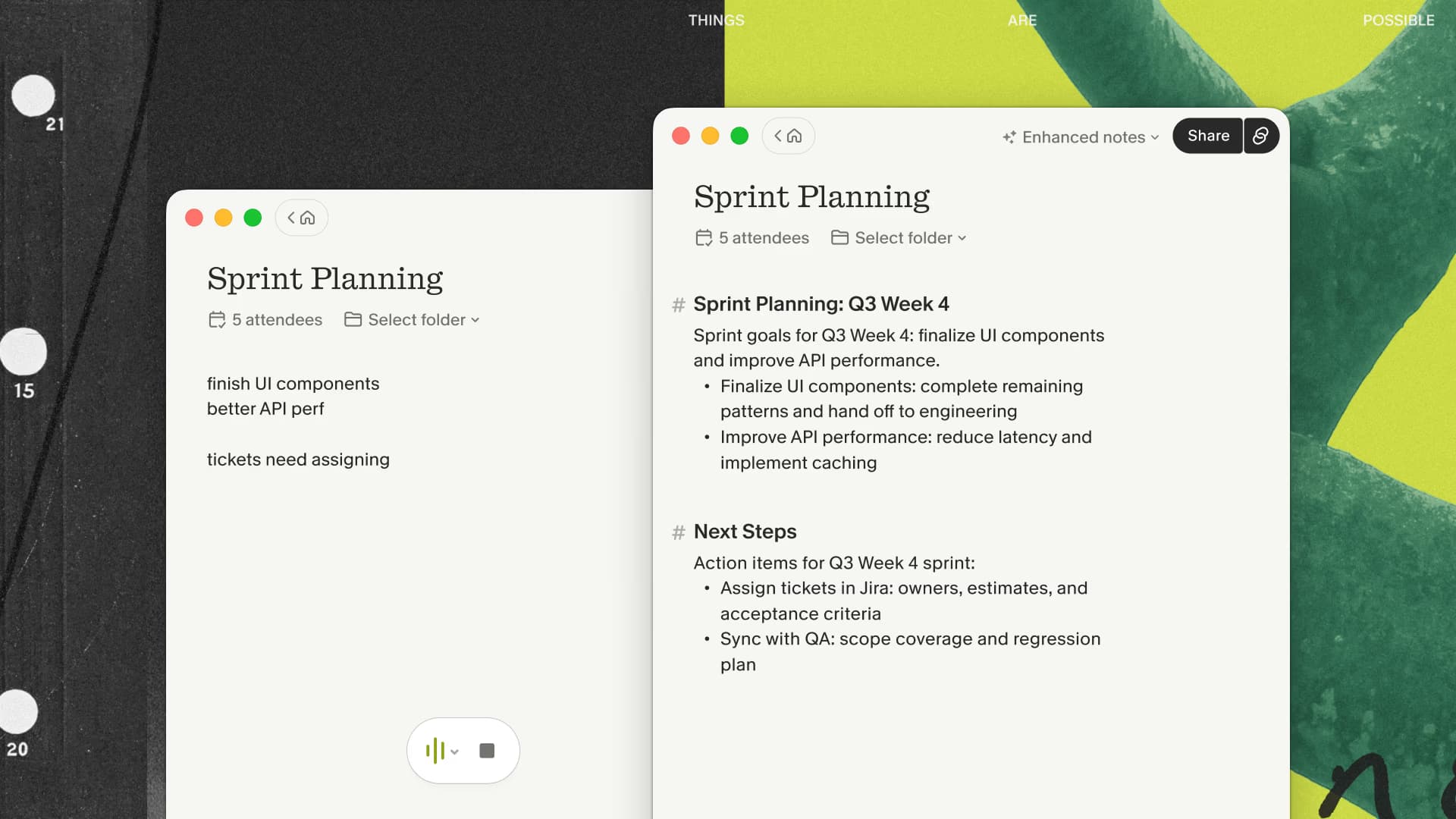
A full quarter of real meetings gives you a stronger basis for a subscription decision than a staged demo. The useful scorecard is whether you stayed present, trusted the reviewed note, and actually used it for follow-up.
Keep the scorecard small enough to update every Friday. Record the number of meetings captured, missed or partial captures, minutes spent correcting notes, follow-ups produced, and old decisions successfully recovered through search. Add one sentence about the week's most useful result and one about the most frustrating failure. At the end of three months, you will have evidence from your own calendar instead of a vague impression.
The cancellation decision should be equally concrete. Keep Granola when the reviewed notes save more effort than the subscription costs and the failure rate is acceptable for your meetings. Leave when manual cleanup stays high, capture is unreliable on your setup, or the archive rarely helps you complete later work.
If you are ready to run that measured evaluation, start with the three free months available through my link and keep the scorecard beside your normal calendar.

Discussion
Giscus