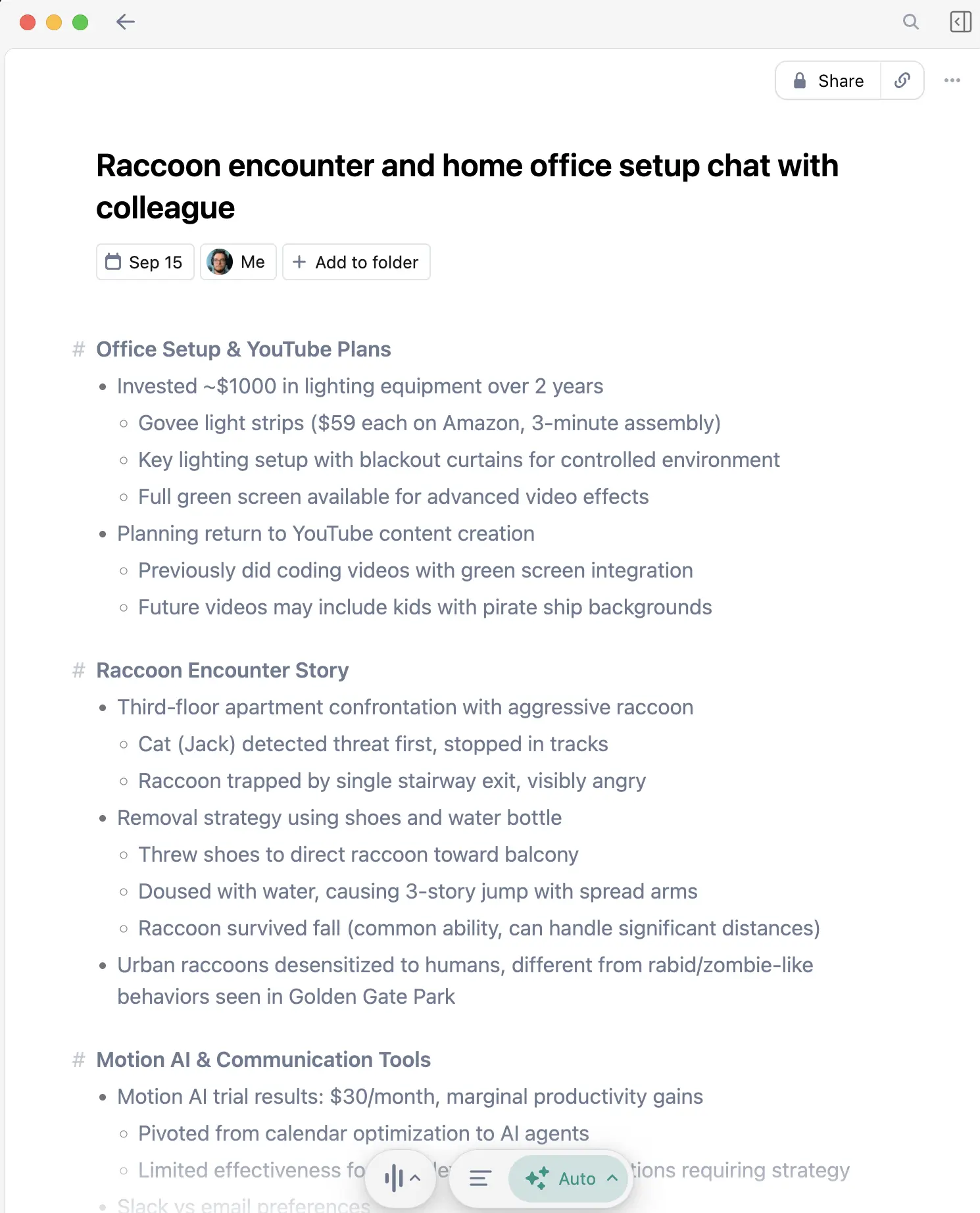
Zoom and Granola can both turn a meeting into text, but they solve different jobs. Zoom keeps the record inside the meeting platform. Granola runs alongside Zoom, Google Meet, or Teams and turns the conversation into an editable working note.
I use Granola when I need decisions, open questions, and follow-ups after a call. I would use Zoom's own tools when the recording itself, a shared transcript, or live captions are the artifact people need.
The short answer
Choose Granola when you attend the meeting and want a bot-free note you can shape with your own typed observations. Its app captures microphone and system audio, sends that audio to cloud transcription providers, and does not save meeting audio.
Choose Zoom when you need a recording tied to the Zoom meeting, live captions for participants, or a transcript managed by the host or account administrator. Zoom's feature set and retention controls depend on the organization's plan and settings.
New Granola users get their first three months free through my Granola link. That gives you enough time to compare the two workflows on recurring meetings instead of judging one transcript.
Granola vs Zoom at a glance
| Question | Granola | Zoom |
|---|---|---|
| Main result | Editable transcript-enhanced note | Live captions, retained transcript, recording, or AI summary depending on settings |
| Visible bot | No | No third-party bot; Zoom is the meeting platform |
| Saved audio or video | No | Yes when local or cloud recording is enabled |
| Live text | Transcript inside Granola | Automated captions; retained meeting transcripts are a separate setting |
| Works outside Zoom | Yes, with common meeting platforms and in-person capture on iPhone | Zoom features center on Zoom meetings; Voice Recorder covers eligible mobile in-person use |
| Who controls the record | The Granola user or workspace | The Zoom host and account settings control recording and transcript access |
| Best fit | Personal working notes and follow-up artifacts | Shared meeting records, playback, accessibility, and platform administration |
The difference that matters: note or record
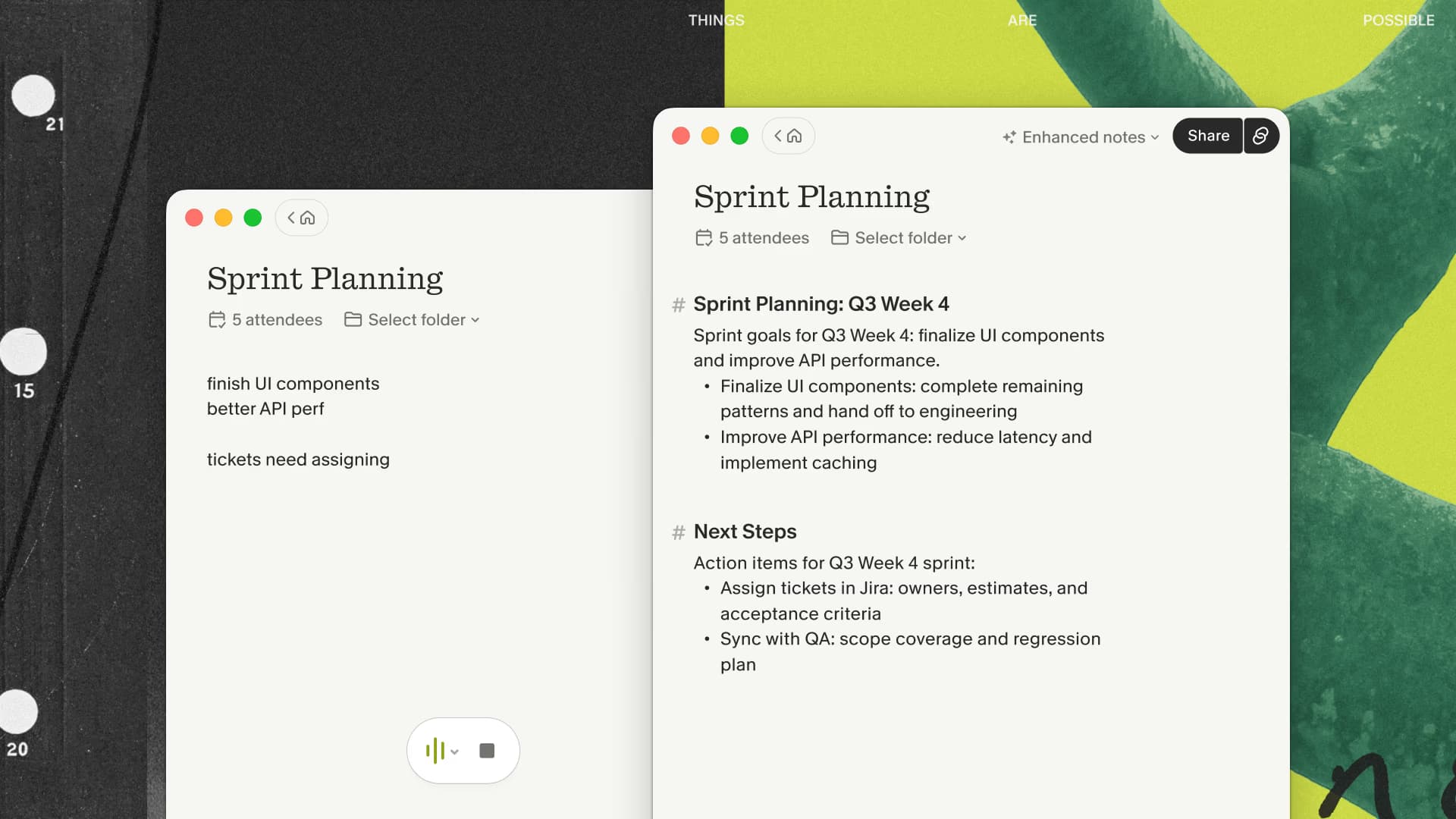
Granola is organized around the note I need to use after the meeting. I can type a reminder during the call, choose a template, then edit the generated result into a customer follow-up or internal decision record.
Zoom is organized around the meeting and its retained assets. Cloud recordings can include video, audio, chat, and an editable transcript. Smart Recording can add chapters, highlights, takeaways, and next steps when the required recording, transcript, plan, and account settings are enabled.
Zoom's broader record is more useful when someone needs to replay what happened. Granola's smaller artifact is more useful to me when the next job is writing.
Live captions and retained transcripts are separate in Zoom
Zoom's automated captions are a live accessibility feature. Since its May 2026 update, captions remain available during the meeting but are no longer the saved post-meeting record. Organizations that need retained speech-to-text must enable meeting transcripts or use a compatible recording workflow.
That administrative distinction matters. A host or admin controls whether meeting transcripts are generated, retained, downloadable, and visible to participants. Granola's transcript belongs to the person running the app or their Granola workspace.
Capture, cloud processing, and consent
Granola runs as a desktop or iPhone app, which is why no participant bot appears. Its documentation says the app passes captured audio directly to cloud transcription providers and keeps the transcript and notes rather than the audio recording.
Zoom can process audio for captions, transcripts, recordings, and AI features through different paths. Cloud recording stores the meeting's video, audio, and chat in Zoom's cloud. Some eligible devices can process automated captions locally, but retained transcripts and recordings follow the host's configured Zoom workflow.
Neither product removes your responsibility to disclose capture, follow company policy, and comply with applicable law. Zoom's recording interface supplies participant notices in recording workflows; Granola's lack of a visible bot means you need to handle that conversation yourself.
When Granola is the better fit
- You attend the meetings yourself.
- You want an editable note rather than a replayable recording.
- Your typed observations should influence the generated note.
- You meet across Zoom, Google Meet, Teams, and in person.
- You want templates for different meeting shapes.
When Zoom is the better fit
- Participants need live captions inside the meeting.
- The host needs a governed, retained transcript.
- Someone needs to replay the original audio or video.
- Your organization already manages recording retention and access in Zoom.
- The meeting record needs to stay attached to the Zoom event.
Run a fair same-meeting comparison
Choose one permitted recurring meeting and use both workflows on the same call. Tell participants what is being captured, enable the Zoom artifact your organization normally retains, and start Granola from the same computer. After the meeting, compare five things: whether capture started reliably, how accurately each transcript handled names and numbers, how much editing the result required, how easily another person could access it, and whether the original recording was needed.
Repeat the test one week later. The second pass reveals whether the process fits your routine and whether you can recover an old decision without remembering where it was discussed. Judge Zoom on the quality of the governed meeting record and Granola on the usefulness of the editable working note.
My recommendation
Start with the artifact you need ten minutes after the call. If it is an email, decision note, CRM update, or task list, Granola is the workflow I prefer. If it is a recording, shared transcript, or accessibility layer inside Zoom, use Zoom's own controls.
For a fair test, run both on the same recurring meeting and review the outputs. My Granola link gives new users three months free, so there is room to test ordinary weeks rather than one polished demo.

Discussion
Giscus