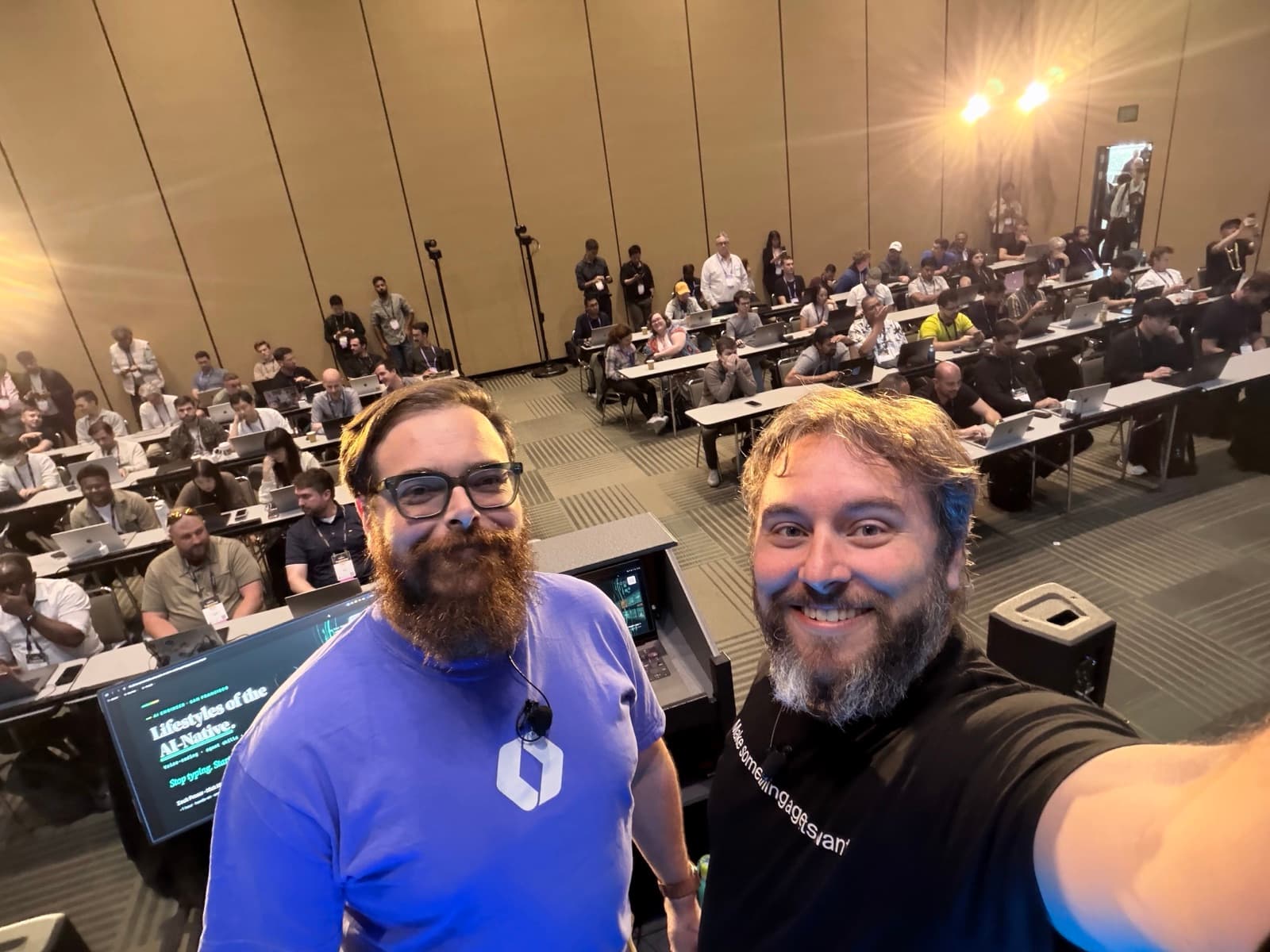
 The view from the stage right before kickoff — laptops open, title slide up.
This week, Nick Nisi and I taught "Lifestyles of the AI-Native" at the AI Engineer World's Fair at Moscone West in San Francisco — an hour of hands-on work in front of a room full of engineers with laptops open. The tagline was the whole thesis: stop typing, start operating.
Every attendee left with voice coding working on their machine, a repo wired with hooks and verification gates, and a scheduled task that will still be running Monday morning without them.
One more thing made this one special. swyx, who founded and runs the AI Engineer conferences, told us our workshops are the gold standard for AI Engineer content — and asked for our help raising the bar so other presenters can deliver workshops that land this well. That's the kind of feedback that makes the prep worth it, and it's a bar we intend to keep raising.
The slides
The full deck is embedded below — it's the same one we drove on stage, animations and all.
Click the deck, then use ← and → to navigate. On tablet or mobile, open full screen and use the nav controls that appear at the bottom-left on tap.
Full screenWant to run the whole thing yourself? The workshop repo is public — the curriculum, the playground exercises, the skills, even the live board and glossary apps:
The premise: most engineers babysit a single session
Here's the frame we opened with. Most engineers using AI coding tools today nurse one agent along — typing a prompt, watching it work, nudging it forward, typing again. Operators run a fleet.
The workshop exists to close that gap in one hour, with four moves that build on each other in the same repo:
Voice removes the bottleneck. Loops do the work. Gates make it trustworthy. Schedules make it run without you.
Block 1 — Voice coding: your mouth is faster than your hands
The bandwidth gap is real and measurable. Typing runs around 90 words per minute; speaking runs 184 or more. Same brain, roughly double the throughput to the agent.
But raw speed is the smaller half of the story. The move we taught is driving three agents at once: one tab refactoring the auth client, one tab reproducing a UTC date bug with a failing test, one tab drafting release notes from the week's merges. You brief the next tab while the last one runs. You stop being the typist and become the director.
Good driving has a sound to it. You say the outcome, never the keystrokes:
- ✗ "select… cut… paste… rename across 14 files…"
- ✓ "Extract the auth client into its own module and fix every call site."
For the voice layer itself we picked Handy — free, open source, and fully on-device (Whisper/Parakeet), so nothing routes to a cloud service and it works offline. Cloud dictation tools are polished and have their place, but for a room of a hundred laptops, private + free + no sign-up wins. Setup was the first hands-on moment: attendees told Claude Code "set up Handy for me" and were talking to their repos five minutes later — and everything after that point happened by voice.
Block 2 — Loops & goals: stop babysitting prompts
Once you can talk fast, you hit the next ceiling: you're still pinned to the chair, supervising one agent in real time. The way past it is handing off whole jobs and walking away.
The mental model we anchored on is the atom of all of this: an agent is a model in a loop. It thinks, acts, observes the result, and decides the next step — until it decides it's done.
Two commands run that loop unattended, and the distinction matters:
/goalis bounded: iterate until a condition holds, then stop. No timer./goal the test suite is green./goal every file in src/ is under 200 lines./loopis recurring: repeat a task on a timer —/loop 1m bun test,/loop 5m check the deploy and ping me when it's healthy— or omit the interval and it paces itself:/loop process the next item in the backlog.
A goal stops on green; a loop keeps repeating until you stop it.
The other half of the block was what "done" means. Done is a checklist, never a vibe. Agents declare victory early — left vague, an agent stops at "looks done." A definition of done makes that unskippable. The worked example we used had four boxes, none optional: reproduce the bug with a failing test, implement the smallest fix, get lint/typecheck/tests green, open a PR with the plan in the body. The agent decomposes the work and can't stop until every box is checked.
Attendees then ran it for real in the workshop playground: /goal bun playground/loops/check.ts passes hands the agent six failing cases in a slugify function, and it reads each failure, fixes, re-runs, and stops on its own at six green. We told people to literally walk away from the laptop and come back to a passing suite. Then the same exercise with /loop 1m — watching the checks re-run every minute and hold green — made the goal/loop distinction land in muscle memory.
For scale: parallel agents on git worktrees. Each agent gets its own isolated checkout, so many jobs run at once with zero collisions.
And when a loop fails? A failure never means "try harder." It means a gate, a gotcha, or a step is missing from the system — fix the system and the next run inherits the fix. Which set up the next block.
Block 3 — Verification gates: trust the gates, never the model's confidence
"Done" isn't the same as done. An agent will tell you it finished — but belief is no substitute for a build. Operators wrap the agent in checks it cannot skip.
The cheapest gate is a hook that runs lint, typecheck, and tests on every change. A red check fails the step, so the agent sees the failure and fixes itself before the change ever reaches you. It cannot hand you broken code, because broken code never makes it out the gate.
The hooks we told the room to steal:
- Lint + typecheck + test on every edit
- Block commits that don't build
- Auto-format on save
- Run the security linter pre-push
The second gate is adversarial: fan the diff out to a second model for review. Attendees ran /codex:adversarial-review (or codex exec "adversarially review this diff" as the fallback) and then fixed everything it found. The reasoning: one model rationalizes, two argue. A fresh model with no stake in the author's choices catches the bugs the author talked itself past. Two models disagreeing is cheaper than one model being confidently wrong.
The line we let sit on screen: operators trust the gates — never the model's confidence.
Block 4 — Scheduled tasks: the work runs without you
Everything to this point — voice, loops, gates — ran because you were there in the chair. The last move cuts that cord.
We gave the room a decision table: four ways work runs without you, separated by what fires them.
| Trigger | What fires it | Use it for |
|---|---|---|
| Hook | Every change, automatically | The check that never sleeps: lint, typecheck, tests |
/goal | Runs until a condition holds, then stops | One bounded job: a check passes, a checklist completes |
/loop | An interval (or self-paced), while you're at the machine | Poll, watch, repeat during your session |
/schedule | A cron cadence in the cloud, even with your laptop closed | Nightly and weekly work: real automation |
What belongs on a schedule is the toil that comes back every week: dependency bumps, status reports, eval runs — and the thing you just built. If it recurs, it shouldn't need you.
The capstone had everyone schedule their own work from the session:
/schedule every Monday 6am, pull, fix, run the gates, and draft the write-up
That's 0 6 * * 1 — every Monday at 6am, while you sleep: sync the repo, run the loop you built, pass the gates, and have the write-up waiting in your inbox by morning. And you stay in control: /schedule list shows every cloud routine, cancellation is one ask away, and a local /loop stops with Esc. Nothing runs that you didn't choose to keep.
The empty chair is the point.
The live board: watching a room migrate from toil to automation
The part of this workshop I'm proudest of as a piece of craft: the room's own data drove the finale.
An opt-in coach — a local MCP server that ships in the repo — interviewed each attendee at the open, scored how AI-native their actual setup is from a local scan (hooks? a CLAUDE.md? worktrees?), and put their toil on a live board that the whole room watched. Privacy handled plainly: only the score numbers and the answers each person confirmed ever left their machine. Never files, git logs, or transcripts.
At the open, the board showed the room seeing itself: everyone drowning in the same five recurring time-sinks. At the close, everyone ran a closing check-in, and we watched the dots migrate from "manual" to "automated" — with the total engineering hours per week reclaimed counting up live, and every attendee's AI-Native score shown before and after.
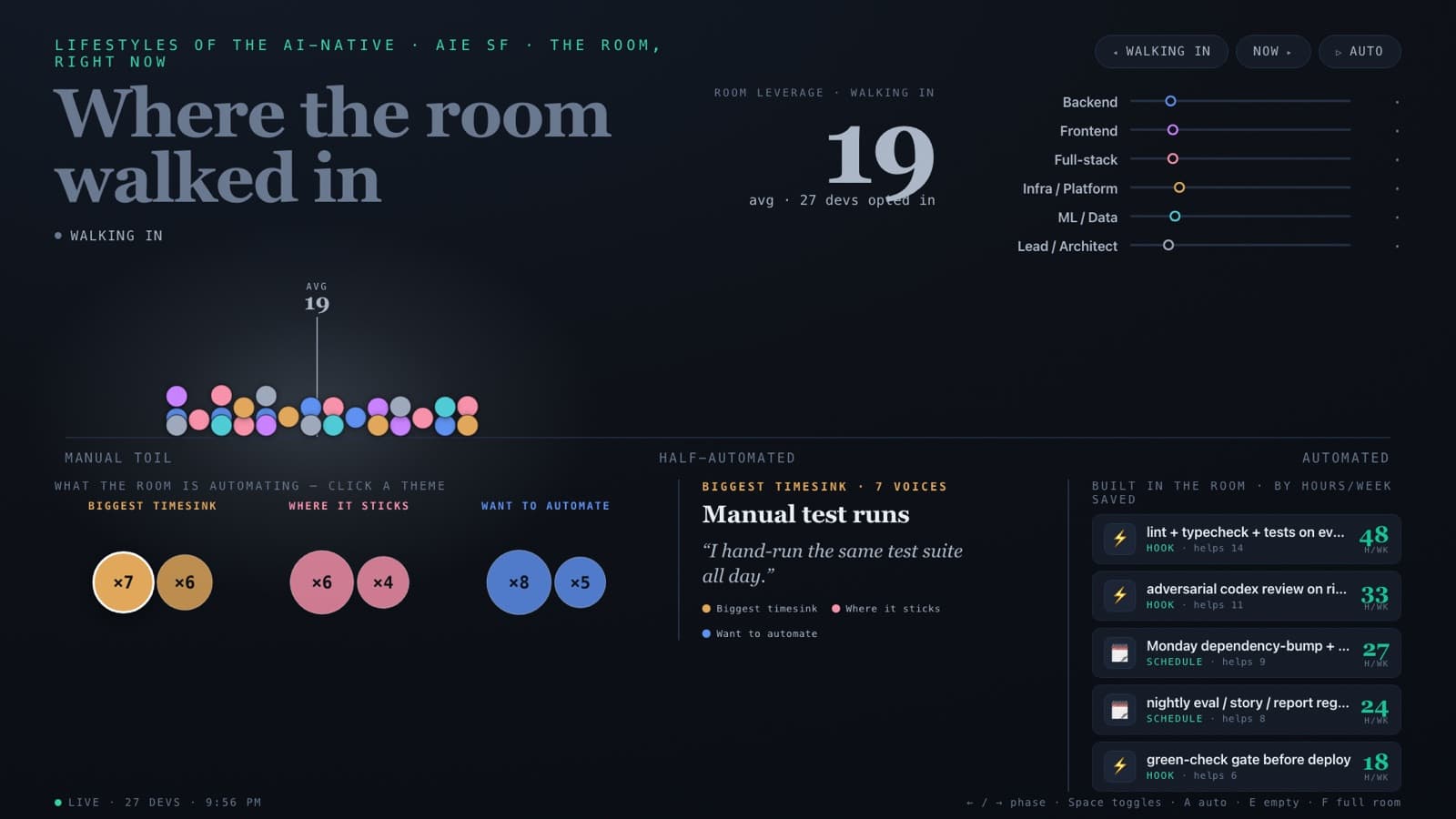 The board — every panel driven by the room's own check-ins.
Telling a room "automation reclaims hours" is a claim. Showing them their own number, computed from their own answers, on the projector — that's evidence.
What everyone kept
The handoff at the close, verbatim from the deck — you keep all of it:
- The repo and the skills
- Your scheduled task — still running Monday
- The glossary — an AI-native reference with an ask-anything chat, still answering
- Your before→after on the board
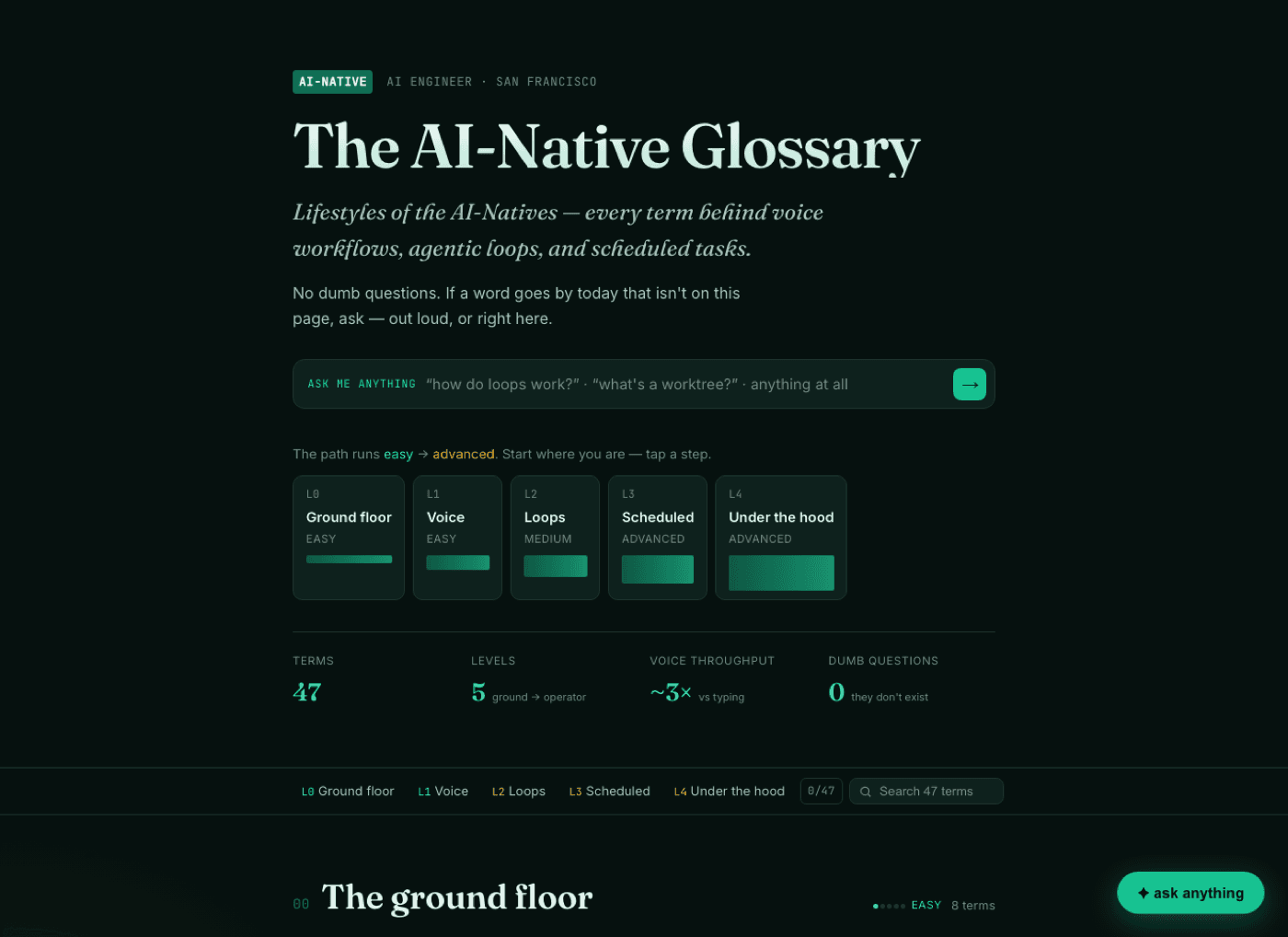 The glossary — every term from the deck, plus a chat that answers questions about any of them.
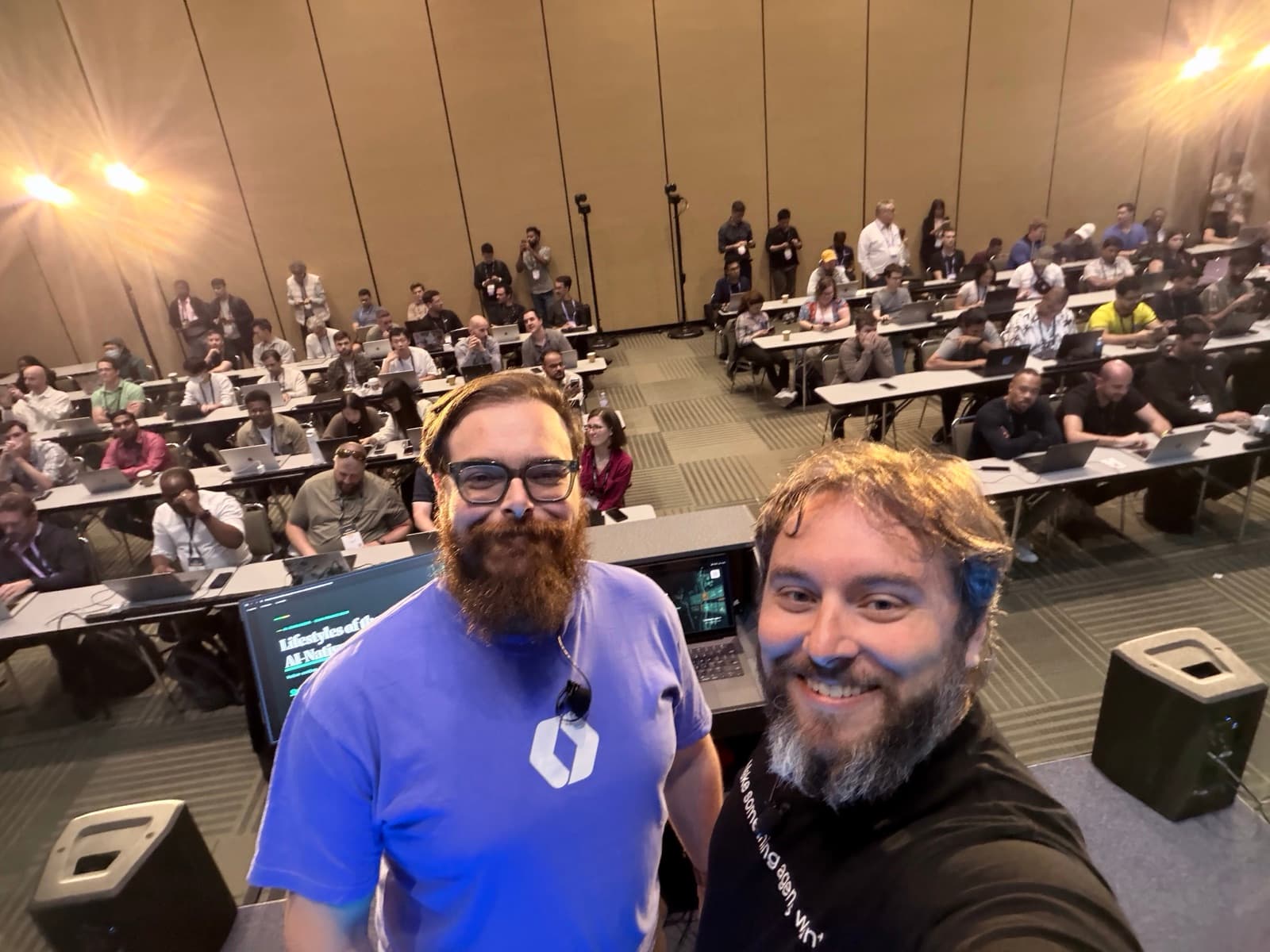
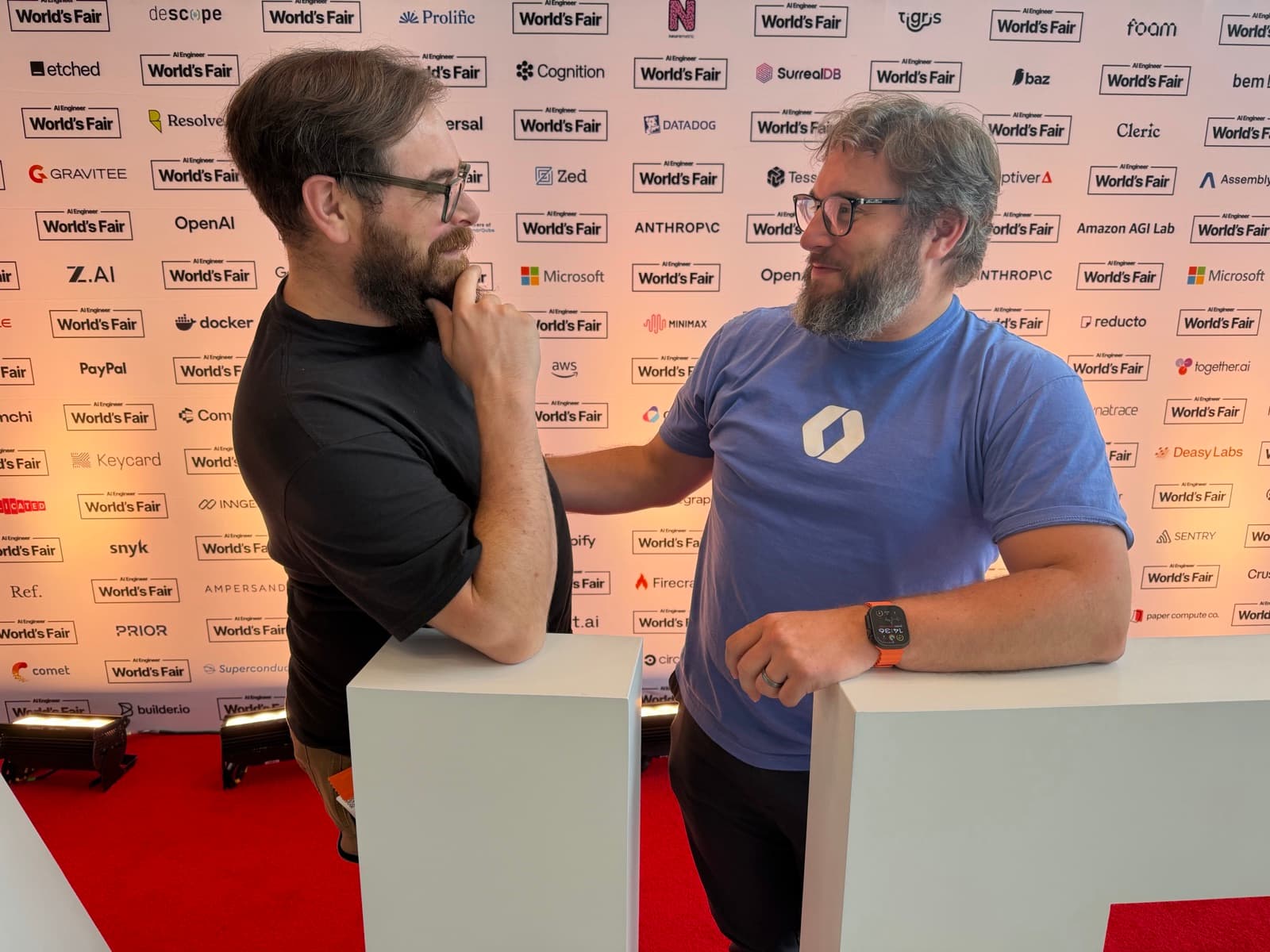 Nick and me, extremely serious workshop professionals.
Bring this to your team
This is the second workshop Nick and I have delivered together at an AI Engineer event, after Skills at Scale in London — and the format keeps proving itself: an hour of hands-on operating beats any amount of slideware about AI capabilities. The room doesn't watch a demo; they leave changed, with running automation as the receipt.
If you want this hour — or a deeper version — for your engineering org, get in touch. And if you want to study the format first, the entire thing is open source: deck, curriculum, playground, board, coach, and glossary.
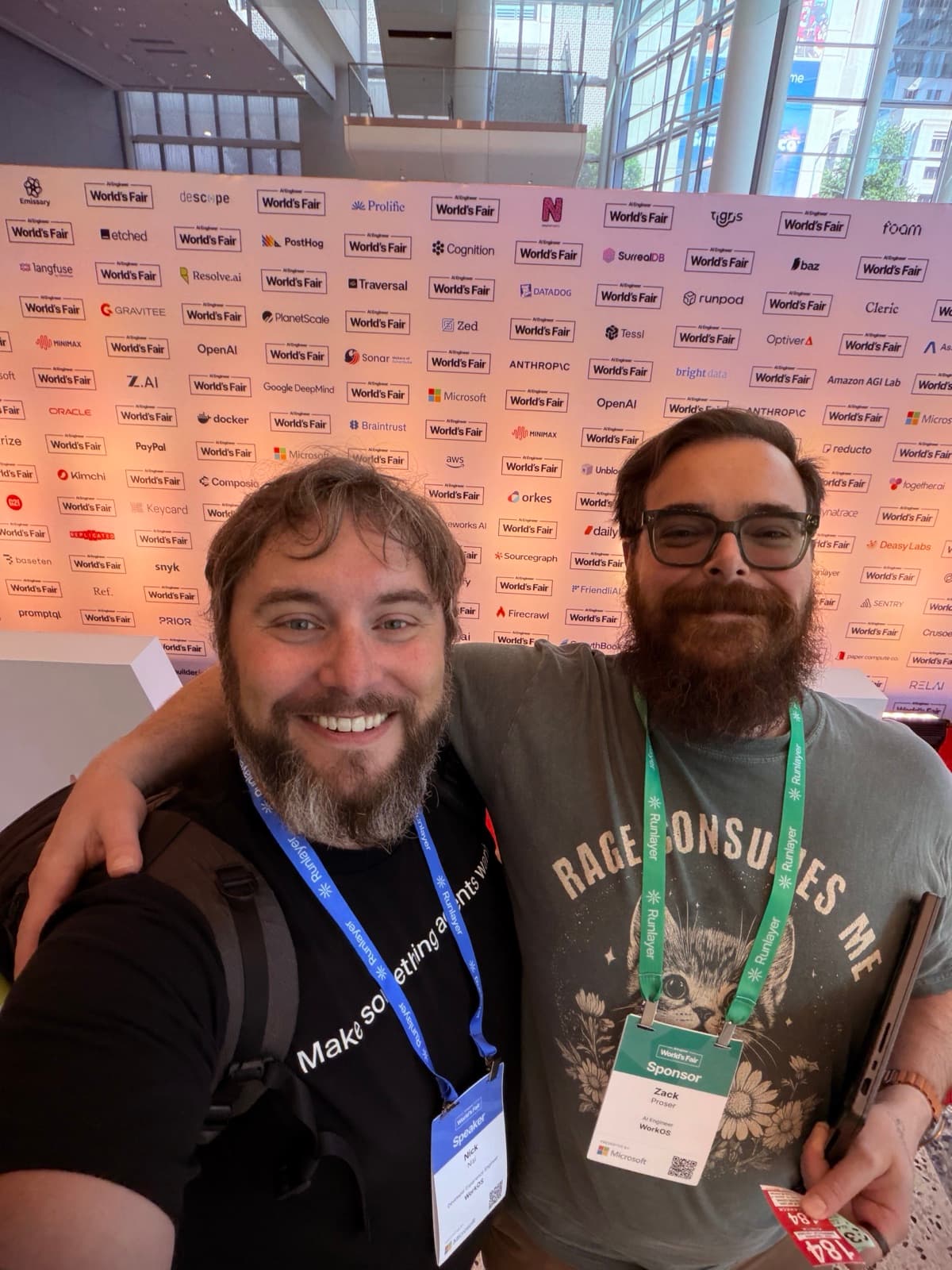 See you at the next one.

Discussion
Giscus