
Research is about capturing insights—from interviews, literature, experiments, and your own thinking. But the mechanical work of transcription and documentation steals time from actual analysis.
Voice AI tools handle the tedious capture so you can focus on what matters: understanding.
The Tools
Granola for Research Interviews
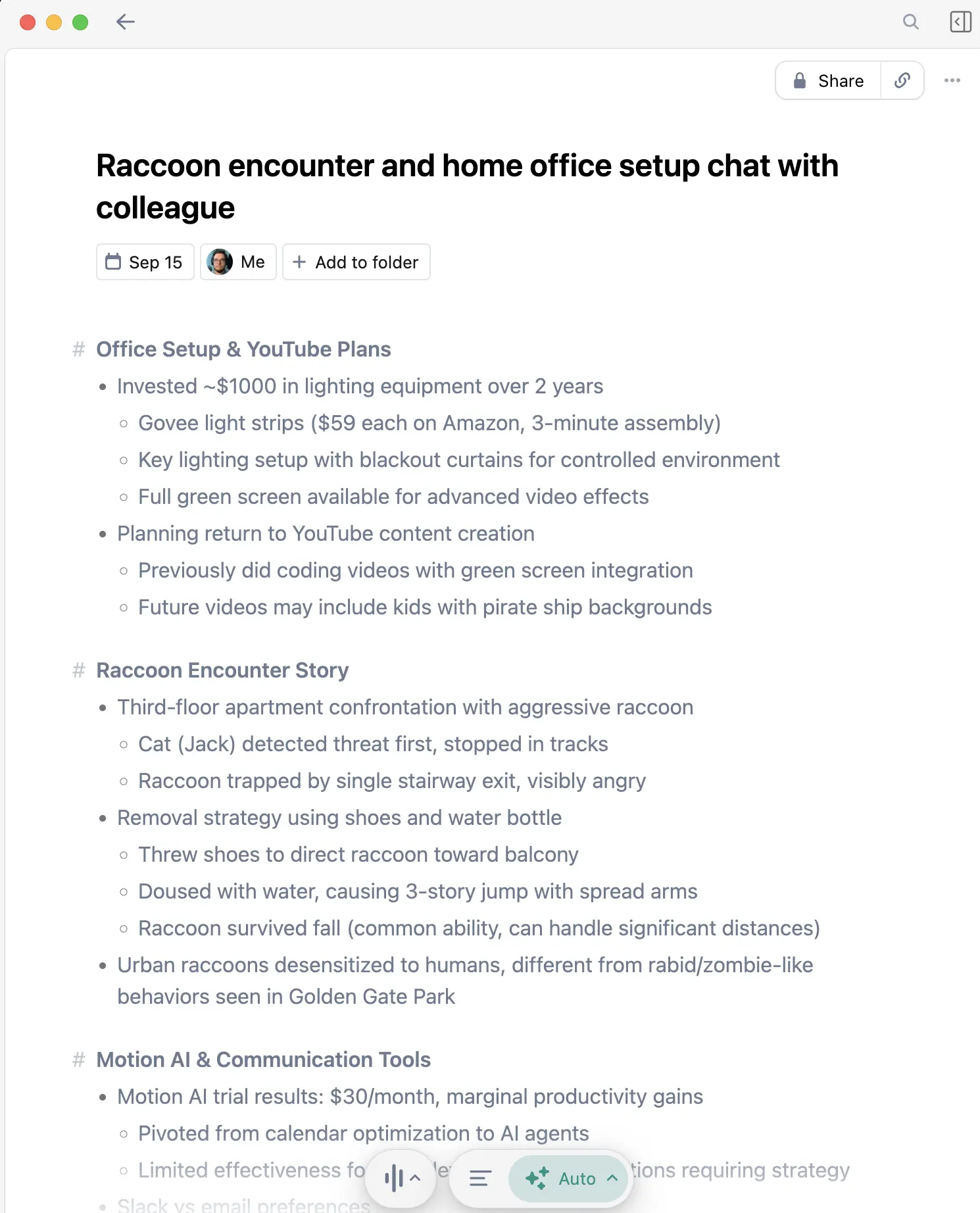
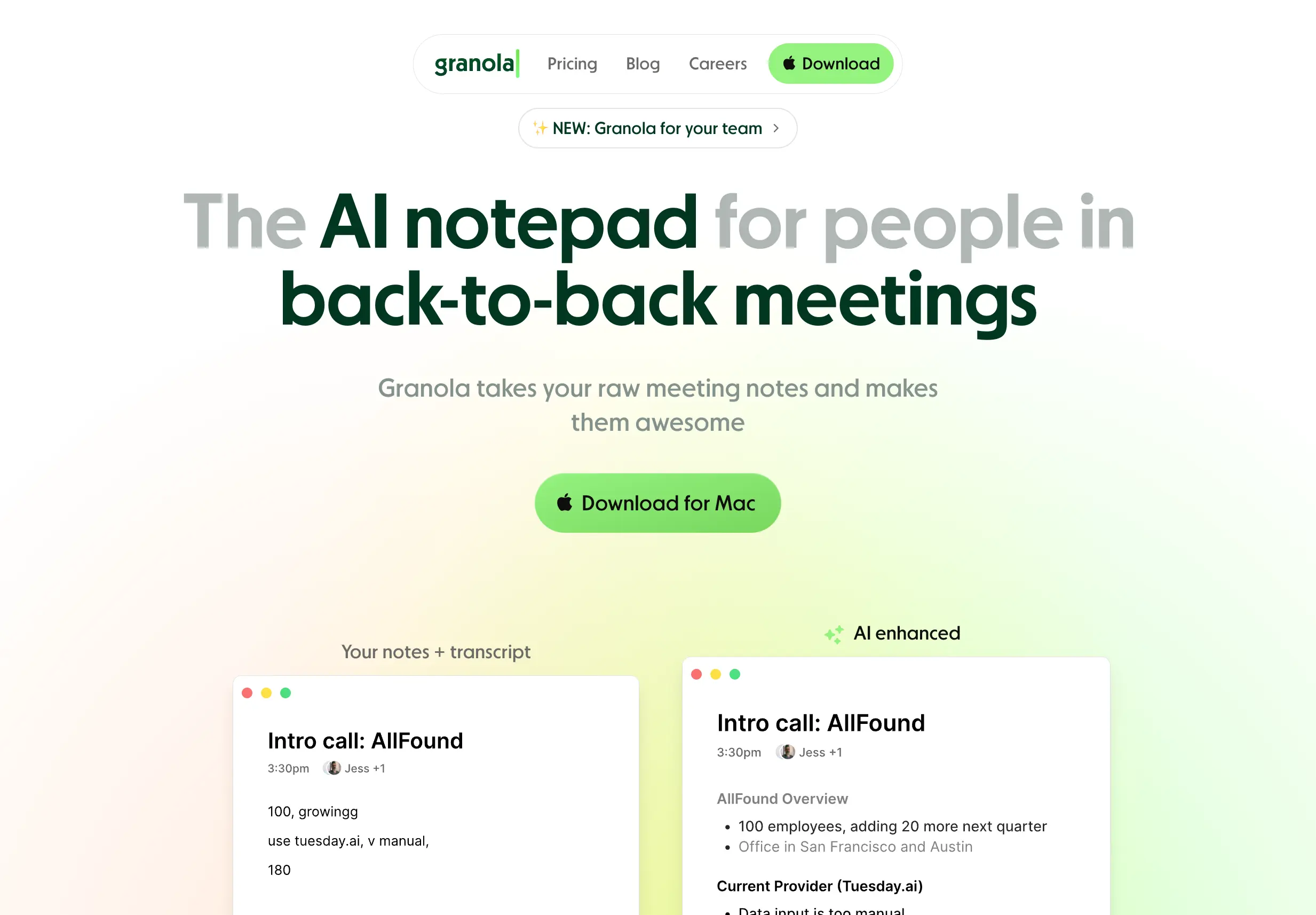
Granola captures your interviews and creates searchable transcripts—essential for qualitative research.
For Qualitative Research
Participant interviews: Focus on the conversation, not transcription. Capture nuances you'd miss while writing.
No visible recording: Participants may speak more freely without obvious recording. Granola runs invisibly.
Searchable transcripts: Find that quote you remember but can't locate. Search across all your interviews.
Research Use Cases
- Semi-structured interviews: Follow the conversation naturally
- Focus groups: Capture multiple voices
- Field observations: Mobile app for in-person research
- Advisor meetings: Record feedback for later review
WisprFlow for Writing and Notes

WisprFlow lets you dictate literature notes, paper sections, and research documentation at speaking speed.
Academic Writing
Literature notes: Dictate summaries and reactions while reading papers. Capture thoughts immediately.
First drafts: Speak your arguments before committing to text. Many researchers find this clarifies thinking.
Grant writing: Get words on paper faster. Edit later.
Email correspondence: Quick responses to collaborators and advisors.
Researcher Workflow
During Data Collection
- Granola captures participant interviews
- Dictate field notes via WisprFlow
- Voice memos for observations
During Analysis
- Search interview transcripts for themes
- Dictate coding notes and memos
- Speak through emerging interpretations
During Writing
- Dictate sections while ideas are fresh
- Literature review summaries by voice
- Quick revision passes
Time Savings
| Task | Traditional | With Voice AI | Savings |
|---|---|---|---|
| Interview transcription | 4 hrs/hr audio | 0 (auto) | 4 hrs |
| Literature notes | 2 hrs/day | 45 min/day | 75 min |
| First draft writing | 500 words/hr | 1500 words/hr | 3x faster |
Getting Started
- For interviews: Try Granola - automatic transcription
- For writing: Try WisprFlow - 3x faster drafts
FAQ
Is this IRB compliant?
Consult your IRB. Recording requirements vary by protocol. Many researchers use these tools with appropriate consent procedures.
What about confidential participant data?
Both tools use encryption. Evaluate their security documentation against your data management plan requirements.
Does dictation work for technical writing?
Yes, though equations and citations need manual entry. Prose sections benefit most.
Research time is too valuable for transcription. Let AI handle the mechanical work.
How each tool turns speech into text
The useful difference is where the text appears and how much work remains afterward.
Traditional typing stays precise and familiar for short edits.
WisprFlow dictates into any app with AI formatting, and it is free to try.

Discussion
Giscus