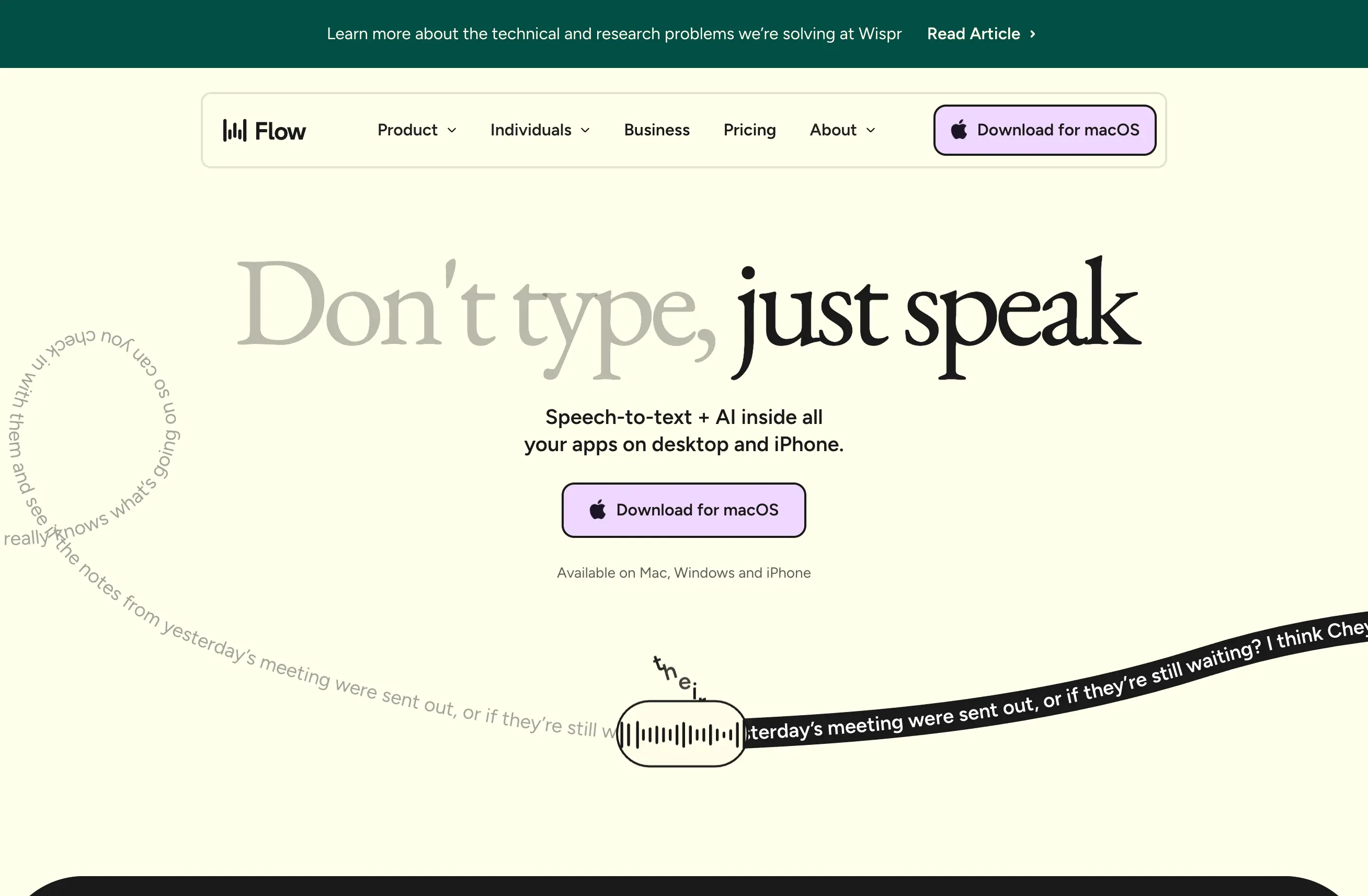
Wispr Flow has a genuinely useful free tier, a 14-day Pro trial, and one paid self-serve plan. The old $19/month pricing you may still see in search results is stale.
As of August 1, 2026, Flow Pro is $15 per user monthly or $12 per user per month when billed annually. I pay for it because I dictate into code editors, terminals, docs, email, and Slack every day. Someone who dictates occasionally may be perfectly fine on Basic.
Wispr Flow pricing at a glance
| Plan | Current price | The practical limit | Best fit |
|---|---|---|---|
| Flow Basic | Free | 2,000 words/week on Mac or Windows; 1,000 on iPhone; Android is currently unlimited for a limited time | Trying voice input or light weekly use |
| Flow Pro monthly | $15/user/month | Unlimited words across Mac, Windows, iPhone, and Android | Regular individual use or a small team |
| Flow Pro annual | $12/user/month | Same Pro features, billed annually | Daily users who know they will keep it |
| Enterprise | Contact sales | Custom security, administration, support, and volume terms | Organizations with formal IT requirements |
Every new account starts with 14 days of Flow Pro at no charge and no credit card required. If you do not upgrade, the account moves to Flow Basic.
Pricing and limits can change. I checked the official Wispr Flow pricing page on August 1, 2026; use that page as the final word before buying.
What Pro adds over Basic
Basic is not a crippled demo. It includes the custom dictionary, snippets, more than 100 languages, Privacy Mode, and the core experience of speaking into text fields across your device.
Pro primarily removes the word cap and adds the features that matter once voice becomes part of your daily workflow:
- Unlimited words on every supported platform
- Command mode for editing by voice
- Team collaboration features
- Shared dictionary and snippets
- Prioritized support and feature requests
- Early access to new features
Wispr Flow now supports Mac, Windows, iPhone, and Android. That matters because several older reviews—including an earlier version of this page—still describe it as Mac-only.
The honest break-even calculation
Do not justify the subscription with an imaginary four-figure ROI. Use your own observed time.
I type around 90 words per minute and regularly dictate around 180. If Flow saves only 10 minutes on each working day, that is roughly 3.5 hours a month. At the annual rate, the software needs to return less than four dollars of value per saved hour to break even.
That calculation changes if you spend most of your day reading, drawing, meeting, or doing work that does not end in a text field. The free plan is enough to measure your actual weekly word count before you decide.
Monthly or annual?
Choose monthly when you are still testing whether dictation will stick. The extra $3 buys flexibility.
Choose annual after you have used the trial and can point to recurring workflows where it helps. Mine are:
- Giving detailed instructions to Claude Code
- Drafting pull requests, commit messages, and technical docs
- Turning a rambling idea into a clean Slack message
- Writing first drafts while walking instead of sitting at a keyboard
My long-term Wispr Flow review covers the parts that work well and the failure modes. The Claude Code setup guide shows the workflow that currently attracts the most search traffic on this site.
Discounts worth checking
Wispr Flow documents discounts for students, educators, nonprofit members, military members, seniors, and people with accessibility needs. Availability and verification differ by group.
Students currently get three months free and 50% off Pro, according to the official pricing page. If you qualify for any group discount, check it before paying the public rate.
When I would not pay for Pro
Stay on Basic if you:
- Dictate fewer than 2,000 desktop words most weeks
- Only need occasional short messages
- Are still uncomfortable speaking drafts aloud
- Mainly need meeting transcription rather than text entry
That last distinction matters. Wispr Flow puts polished text wherever your cursor is. It is not the same product as Granola, which creates notes and transcripts from meetings. See Granola vs Wispr Flow if that is the choice you are making.
My recommendation
Start with the 14-day Pro trial. Use Flow in three real places—your most-used writing app, your messaging app, and your AI coding or chat tool. At the end, look at the words dictated and ask whether you missed it on the days you did not use it.
If it became muscle memory, annual Pro is the sensible price. If it did not, Basic remains useful and costs nothing.
Affiliate disclosure: this page contains referral links. I may earn a commission if you subscribe, without increasing your price.How each tool turns speech into text
The useful difference is where the text appears and how much work remains afterward.
Traditional typing stays precise and familiar for short edits.
WisprFlow dictates into any app with AI formatting, and it is free to try.

Discussion
Giscus