
tl;dv (Too Long; Didn't View) made its name with a simple promise: searchable video recordings with timestamped clips you can share in seconds. Granola focuses on editable notes built from a live transcript and the cues you type during the meeting.
The useful distinction is the output you need: a replayable video and clips, or a reviewed text note.
Quick Verdict
Granola wins for: Professionals who want bot-free capture and editable meeting notes, accept cloud processing, and do not need video playback.
tl;dv wins for: Teams that want to build a searchable video library of meetings and share timestamped clips as asynchronous communication.
How Each Tool Works
tl;dv's Model
tl;dv joins your Google Meet, Zoom, or Teams call as a bot participant and records video. After the meeting, it generates a transcript, AI summary, and lets you clip specific moments. The useful feature is timestamped sharing: you can send a colleague a link that opens the recording at the exact moment a decision was made.
Their "Ask tl;dv" lets you query across all your meeting recordings — "What did we decide about the Q3 roadmap?" will surface relevant clips from any meeting.
Granola's Model
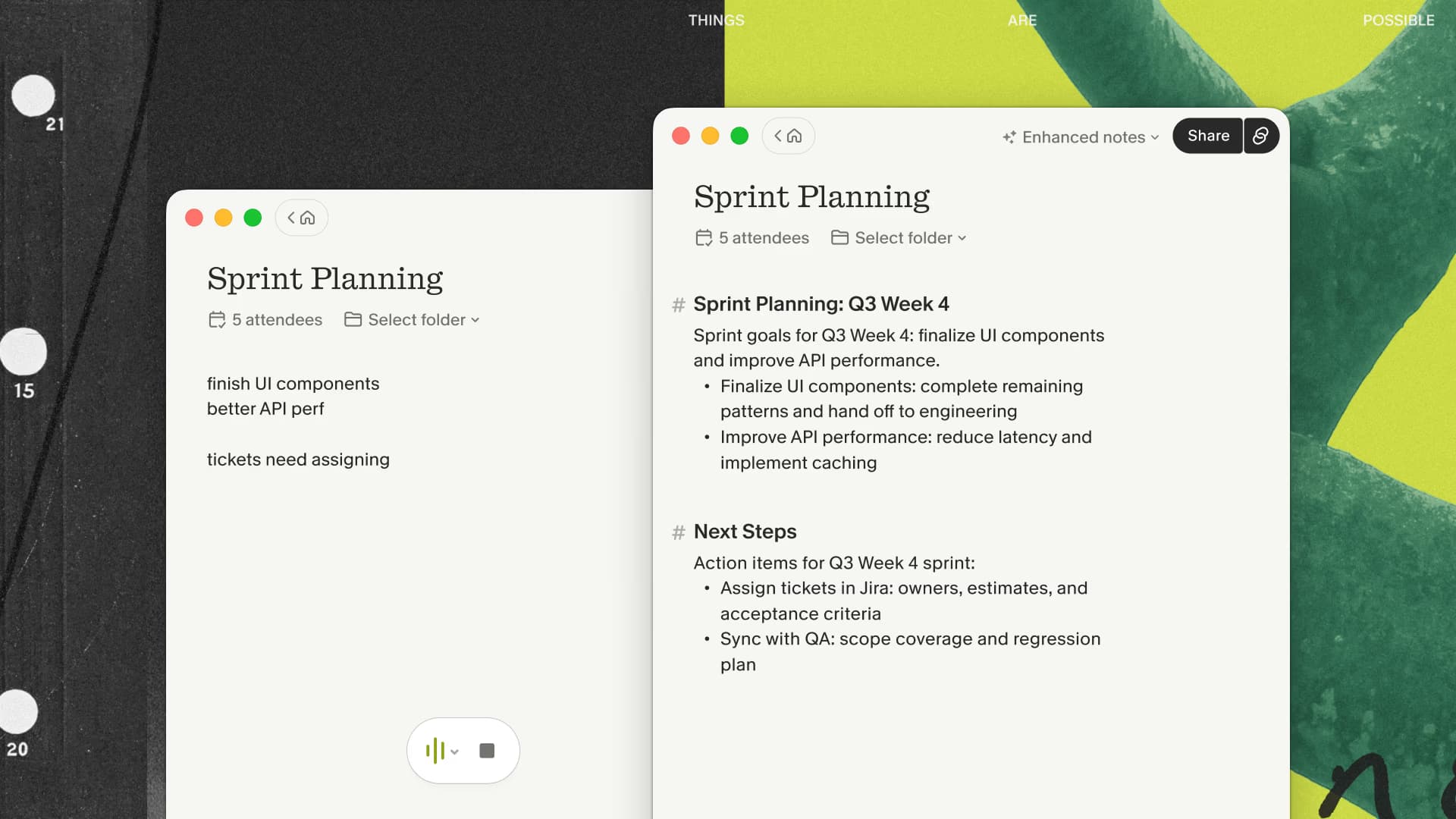
Granola's desktop app supports macOS and Windows. It captures microphone and system audio without a bot and passes audio to a transcription provider. Cloud AI processing turns the transcript and your typed cues into enhanced notes. Granola says it does not record or save audio or video; you cannot replay the meeting afterward.
For the device permissions and test-call workflow, see how to transcribe meetings without a bot.
Feature Comparison
| Feature | Granola | tl;dv |
|---|---|---|
| Main output | Transcript and editable notes; no saved audio/video | Video recording, transcript, and clips |
| Bot Participant | No (device capture; disclose transcription) | Yes (joins as attendee) |
| Timestamped Clips | No | Yes (core feature) |
| AI Summaries | Yes | Yes |
| Local-only processing | No; cloud transcription and AI processing | No; cloud recording workflow |
| Meeting capture | Microphone and system audio through the desktop app | Zoom, Meet, Teams |
| Free Offer | First 3 months free | Yes (unlimited recordings) |
| Paid Plans | Business: $14/user/month (checked September 8, 2026) | Paid tiers; check current plan details and billing cadence |
| Windows Support | Yes (desktop app) | Yes (web-based) |
The Bot Problem
tl;dv joins your meetings as a visible bot participant. This has practical implications:
- Meeting attendees can see a bot is recording
- Some participants may be uncomfortable or decline to speak freely
- External clients may flag it as unexpected
- Some enterprise meeting policies block bots
Granola uses your computer's audio without joining the participant list. Tell participants that transcription is active, explain the cloud processing and intended use, and obtain the consent required by applicable law and policy. A missing bot is not permission to capture a sensitive conversation. If participants decline or policy prohibits the tool, use manual notes.
tl;dv's Standout Feature: Clip Sharing
Where tl;dv genuinely outshines Granola is in async video communication. The ability to clip 90 seconds from a meeting and send it to a colleague who wasn't there — showing exactly who said what, with all the visual context and body language — is a qualitatively different thing from sharing a text summary.
For teams that use short video clips as a primary communication format (popular in product and design teams), tl;dv's clip sharing is a significant workflow advantage.
Privacy and Compliance Considerations
If your meetings involve patient information, legal discussions, financial advice, or any other regulated content, the choice between these tools has real compliance implications.
Granola uses cloud processing. Its security FAQs describe US AWS storage, encryption in transit and at rest, and retention of notes and transcripts unless a retention policy is configured. Local capture and the absence of saved audio do not keep the transcript off cloud services.
Do not use Granola to capture patient or therapy sessions; this guide does not recommend Granola for clinical capture. Granola documents HIPAA support for Enterprise customers with HIPAA enabled and a signed Business Associate Agreement (BAA). Its security FAQs limit current BAA coverage to desktop and laptop apps. Free, Personal, and Business accounts must not store or process protected health information (PHI). Keep PHI out of the standard referral evaluation discussed here; an Enterprise clinical deployment requires separate organizational review. Neither a bot-free design nor a security certification establishes suitability for legal, financial, or other regulated conversations. Have the responsible team review each vendor's current contract, subprocessors, retention, and sharing controls before use.
Pricing Reality
tl;dv offers free and paid tiers. Check its current plan details, usage limits, and billing cadence before subscribing.
As checked on September 8, 2026, Granola's official pricing lists Business at $14 per user per month. New users who start through my affiliate link get their first three months free to evaluate the note-taking workflow.
The practical tradeoff is replayable video and clips versus an editable note without retained meeting audio. Test transcript quality on your own permitted calls; this comparison does not establish an accuracy winner.
Which Tool Should You Choose?
Choose Granola if you:
- Want to combine your typed cues with a meeting transcript
- Have approval for cloud processing and meetings that exclude PHI
- Don't want a bot joining your meetings
- Need device capture across different meeting platforms
- Want AI summaries that adapt to different meeting types
Choose tl;dv if you:
- Want to build a searchable library of recorded meetings
- Frequently share short video clips as async communication
- Work in a team that values "show, don't tell" communication
- Need cross-meeting search across all your recorded conversations
- Need video playback rather than a text-only meeting record
The Bottom Line
tl;dv is a compelling video-first product for teams that communicate heavily through short clips and need a searchable meeting archive. Granola is a candidate when editable notes matter more than playback and its cloud data flow meets your requirements.
If your deliverable is a reviewed note, try Granola's transcript-first approach on a permitted, low-risk call. If your team needs shareable video evidence, evaluate tl;dv's clip workflow instead.
If you have already ruled out video and are comparing bot-free note-takers, the Granola vs Jamie comparison addresses that narrower choice.

Discussion
Giscus