
I use Granola, but recommending it to everyone would make this page useless. Granola is an AI notepad for people who attend their own meetings and want an editable note afterward. Its sharp edges point directly to the best alternatives.
If you need a replayable recording, imported audio, an unattended meeting bot, live shared captions, deep CRM automation, or notes that never leave an existing workspace, another product can be the better answer.
The shortlist by missing capability
| If Granola is missing... | Start with | Why |
|---|---|---|
| Saved audio, imports, or a shared live transcript | Otter.ai | The conversation record is the product |
| Sales coaching and CRM automation | Fireflies.ai | More capture modes and revenue-workflow integrations |
| Notes inside an existing Notion system | Notion AI Meeting Notes | The transcript begins on a normal Notion page |
| Video review, clips, and a generous meeting workflow | Fathom | Strong recording-centered experience |
| Native governance inside Zoom | Zoom AI Companion | Keeps capture inside the platform your organization already controls |
Before switching, be clear about Granola's actual tradeoff. It captures microphone and system audio through its app without joining as a participant, then relies on cloud transcription and AI providers. It keeps the transcript and note, but Granola says it does not save the meeting audio.
1. Otter.ai: best when the conversation record matters
Otter is the most direct alternative when Granola's lack of saved audio or file imports is the deal-breaker. Otter can create a live transcript, preserve the recorded conversation, import existing files, and make the result available for sharing and collaboration.
It is no longer accurate to say Otter always requires a bot. Otter Notetaker can join supported meetings, while its desktop app can capture supported calls without adding that participant. Browser and mobile recording cover other conversations.
Choose Otter when somebody will replay the call, read captions during it, import an old recording, or treat the transcript as a shared record. Choose Granola when you will attend the call, edit the result down, and have little use for the original audio.
The detailed Granola vs Otter comparison covers those capture modes and their tradeoffs.
2. Fireflies.ai: best for sales and CRM workflows
Fireflies is a better candidate when a meeting is one event inside a larger revenue system. It supports meeting-bot capture, bot-free desktop capture, mobile recording, and uploaded files. Its integrations and sales features can move meeting context into CRM records, coaching, and follow-up workflows.
That flexibility creates more surface area than an individual needs. A consultant who mainly sends a reviewed recap may find Granola quieter. A revenue organization that measures calls, syncs activity to Salesforce or HubSpot, and needs several capture paths should evaluate Fireflies first.
Do not reduce this choice to “bot versus no bot.” Both products can keep a bot out of the participant list in supported desktop workflows. The meaningful distinction is what happens to the conversation after capture.
See Granola vs Fireflies for the focused comparison.
3. Notion AI Meeting Notes: best when the workspace is the product
Notion AI Meeting Notes can capture microphone and system audio through the desktop app and place the transcript, summary, agenda, and typed notes on a normal Notion page. Audio-file upload is another advantage over Granola.
Its strongest feature is proximity. The meeting can sit beside the project brief, task database, decision log, and documents it changes. Existing permissions and database conventions determine where the artifact belongs.
That is excellent when the team already maintains a coherent Notion workspace. It is less attractive when meetings span many clients or the workspace has become a maze. Granola's dedicated meeting history, folders, and cross-meeting chat require fewer information-architecture decisions.
Read Granola vs Notion AI Meeting Notes for the current capture and organization details.
4. Fathom: best when video review matters
Fathom is centered on the call recording. Its established workflow covers supported video-meeting platforms with summaries, clips, and a meeting library designed for reviewing what happened.
That is a better fit than Granola when a teammate needs to watch a moment, share a clip, or preserve the original video. Fathom has also been developing bot-free capture paths, although platform support and availability vary, so check the current app before choosing it for that reason alone.
Granola remains simpler for a private working note that will be corrected, condensed, and sent. Fathom is stronger when the recording itself continues to carry value.
5. Zoom AI Companion: best for a Zoom-governed organization
The best Granola alternative may already be included in the meeting platform. Zoom's native recording, transcription, and AI features avoid creating a second repository and can follow the organization's existing account, administrator, and retention settings.
The limitation is the boundary: the workflow is tied to Zoom and to the features enabled for the account. Granola is useful when the same person moves among Zoom, Google Meet, Microsoft Teams, and unscheduled conversations but still wants one meeting notebook.
Start with the native option when governance and deployment matter more than individual preference. A slightly less elegant note inside the approved system beats a separate tool the team cannot use.
Where Granola is still unusually good
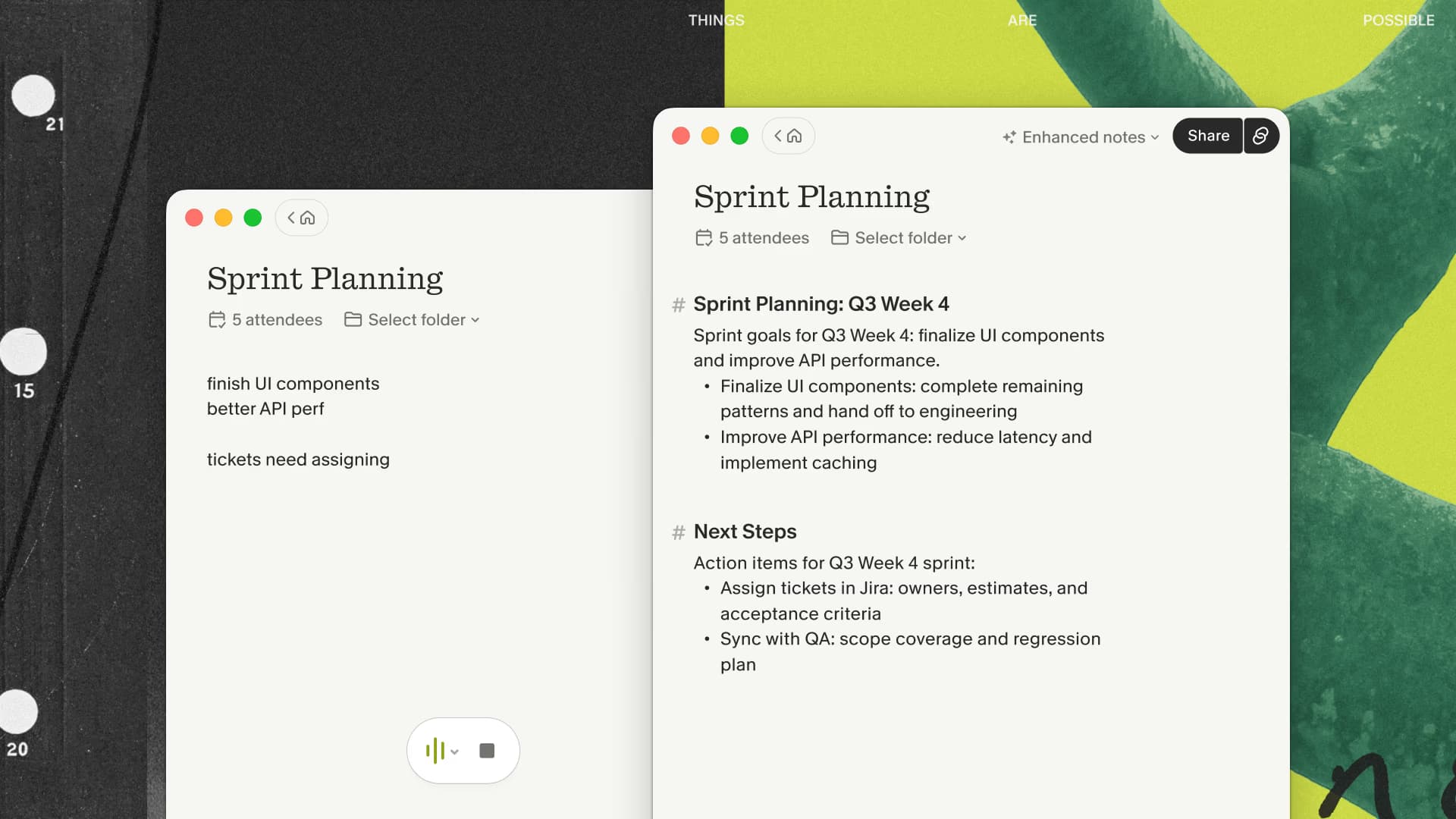
Granola's differentiator is not a claim of universal transcription superiority. It is the relationship between the note you type and the note the system enhances. A short cue such as “verify this date” or “actual customer objection” can guide the final draft.
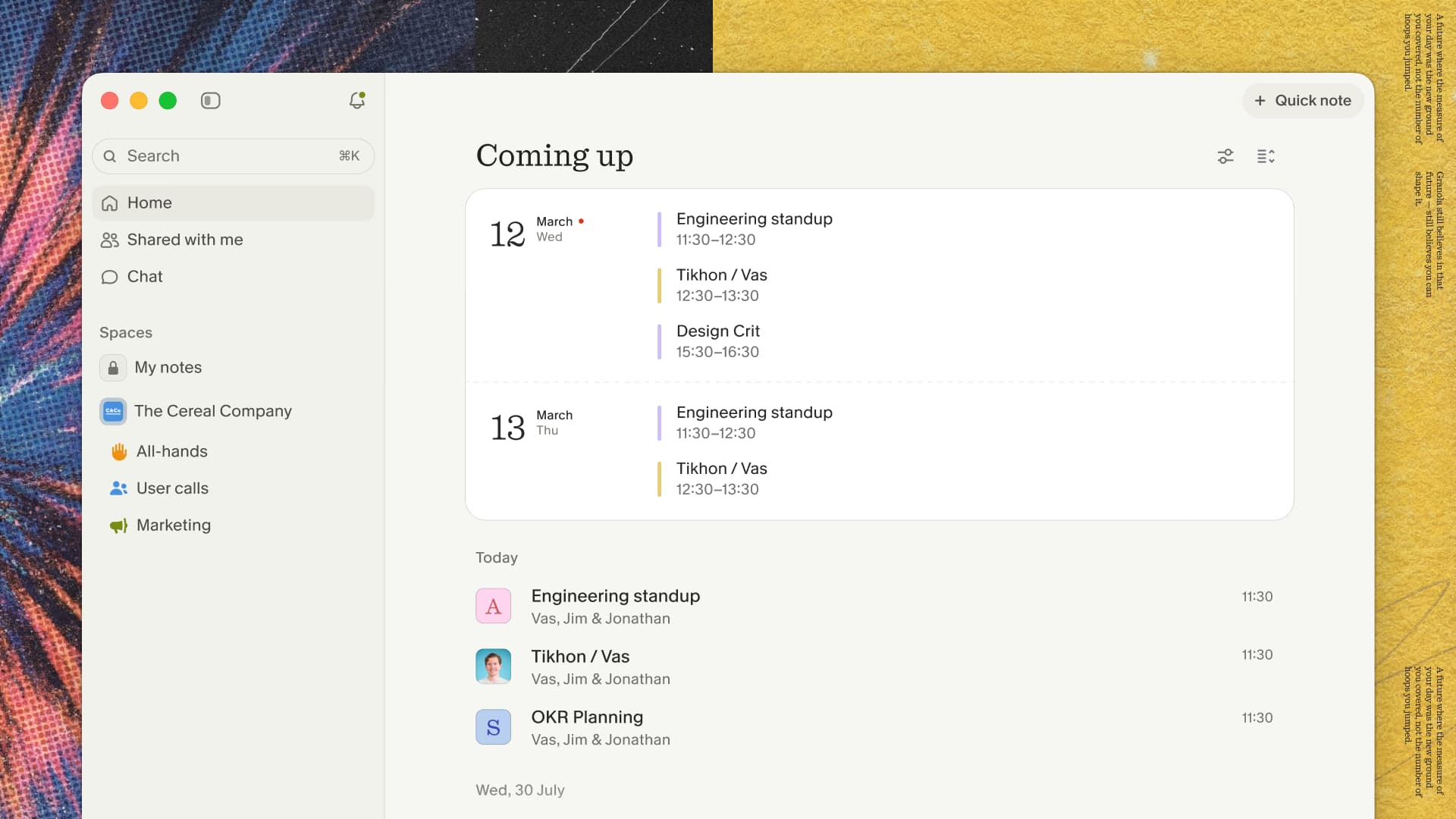
The product also avoids turning every meeting into a media archive. That is a limitation if audio playback matters and a relief if it does not. The meeting ends as a document I expect to edit, not a recording I expect to revisit.
Its current folders, Spaces, Chat, Recipes, and connectors extend that note-first model. They matter after the core workflow has proved itself; none can rescue a product that produces the wrong artifact for your team.
If a personal editable note still sounds better than the alternatives above, run Granola through one ordinary meeting before paying for a larger recording or CRM system.
How to choose without falling for a demo
Run each candidate through the same ordinary, permitted meeting. Do not use a staged monologue with perfect audio. During and after the call, score six things:
- Did capture start when you expected, and was its status clear?
- Could you stay present without losing the details you cared about?
- How much correction did names, numbers, and commitments need?
- Could the right person find the result a week later?
- Did the follow-up reach the system where work happens?
- Did the product create a recording, transcript, or note you did not actually need?
The winner should be obvious from that workflow. Use Otter for the conversation record, Fireflies for revenue automation, Notion for workspace-native notes, Fathom for video review, or Zoom for native governance.
If the result you want is a personal editable note, I would still begin with Granola. New users who start through my Granola link get their first three months free, which is long enough to test recurring meetings rather than judging one polished output.

Discussion
Giscus